Prompt sanity checks
See whether a concept, subject, or visual instruction works before committing credits to more polished generations.

Open the free GPT Image 2 route when you want to test an idea before buying credits. Write a prompt, add up to three reference images, and get one generated result through a lightweight trial flow.
Independent product. Not affiliated with Google.
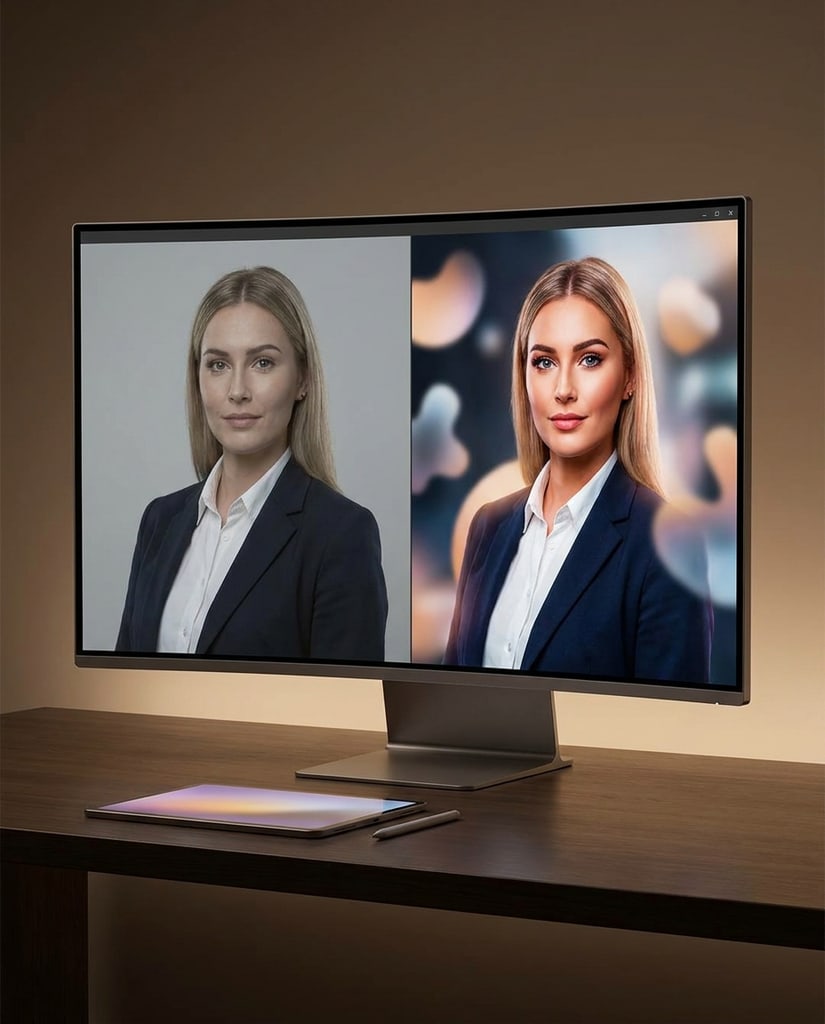
Use the free route for low-risk image tests before you spend credits on larger batches, higher-control models, or final production assets.
See whether a concept, subject, or visual instruction works before committing credits to more polished generations.
Drop in a product photo, sketch, or style sample and test whether the model understands the direction you want.
Use one free image to decide if a campaign, thumbnail, or design angle deserves a deeper paid iteration.
The free route gives you up to five generations per day, one image per request, optional references, and no paid credits consumed. Advanced output settings are not selectable.
Describe the image you want, including subject, mood, composition, and any text or product details that matter.
Use image-to-image mode when a rough sketch, product shot, character, or style sample should guide the result.
Each request creates one image and does not subtract from your paid credit balance. You can make up to five free generations per day.
If the free result proves the direction, switch to paid models for faster iteration, more output choices, and production work.
GPT Image 2 Free is a simple free option for checking ideas before using paid credits. Its output settings are fixed so the experience stays straightforward and predictable.
Each account can generate up to five times per day with the free option. It is intended for prompt checks, early concepts, and small experiments rather than high-volume production.
Each free request produces one image. This lets you focus on one direction at a time and decide whether it is worth developing in a paid workflow.
The free option does not let you choose the resolution, aspect ratio, number of images, or quality. The service applies its default settings automatically, so you can focus on the prompt instead of configuration.
Image-to-image mode accepts up to three reference images for a person, product, sketch, or visual direction. For a quick concept check, a text prompt alone may be enough.
Free generations do not consume paid credits. They help you decide whether a prompt, composition, or editing direction is worth developing further.
Move to a paid model when you need more output options, control over resolution or quality, multiple variations, or images for final use rather than initial validation.
The free option is designed as a first-pass checkpoint: use it to test whether a subject, mood, or visual direction is clear enough before moving into a more controlled production setup.
It can help preview short headlines, labels, and simple annotations inside a concept image. Review every word and number before publishing, especially when the text is part of a final design.
Describe the subject, setting, composition, and key constraints in plain language. The model uses that brief to build a visual starting point, while the fixed settings keep the experiment focused on the idea itself.
GPT Image 2 Free is not meant to replace a full production workflow. It exists so you can check ideas cheaply, learn prompt behavior, and decide what deserves credits.
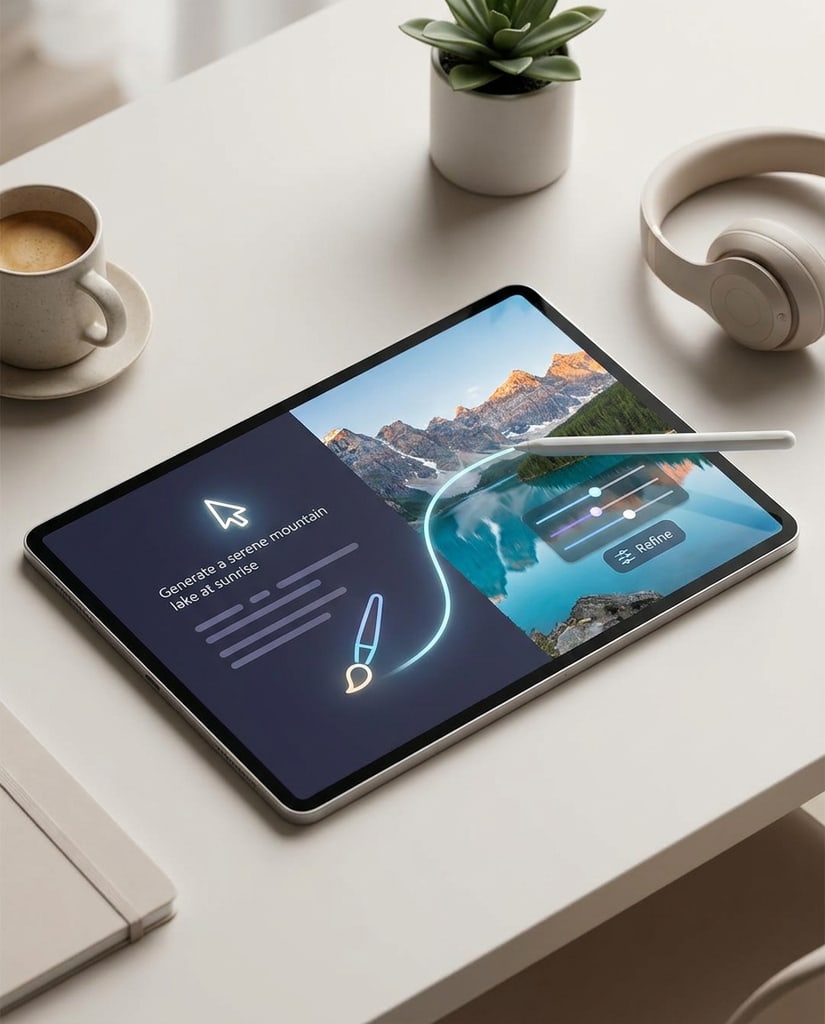
0 Credits
Keep paid credits for serious work while using the free route for rough concepts, wording tests, and first-pass image ideas.
Clear Limits
The free model is intentionally simple: one image, daily allowance, and a waiting period before results are visible.
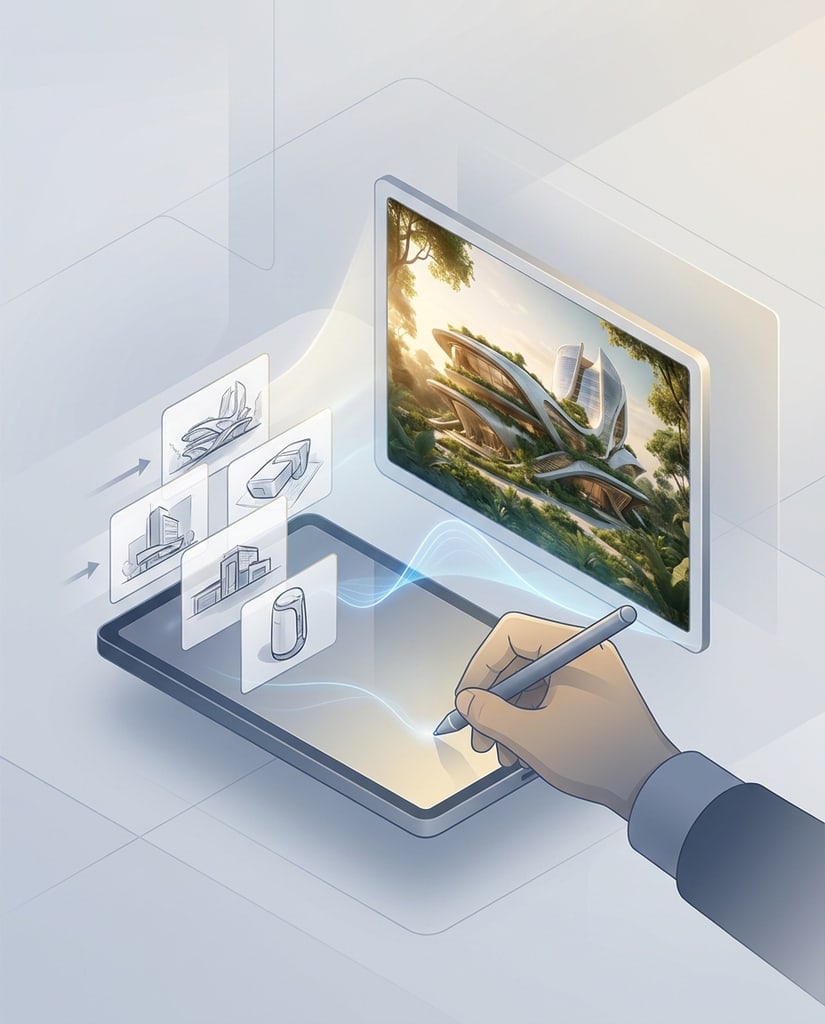
References
Use visual references even in the free flow, so your test can stay connected to a real product, sketch, or style direction.

Upgrade Path
When a free result shows promise, continue with paid models for more speed, control, and iteration depth.
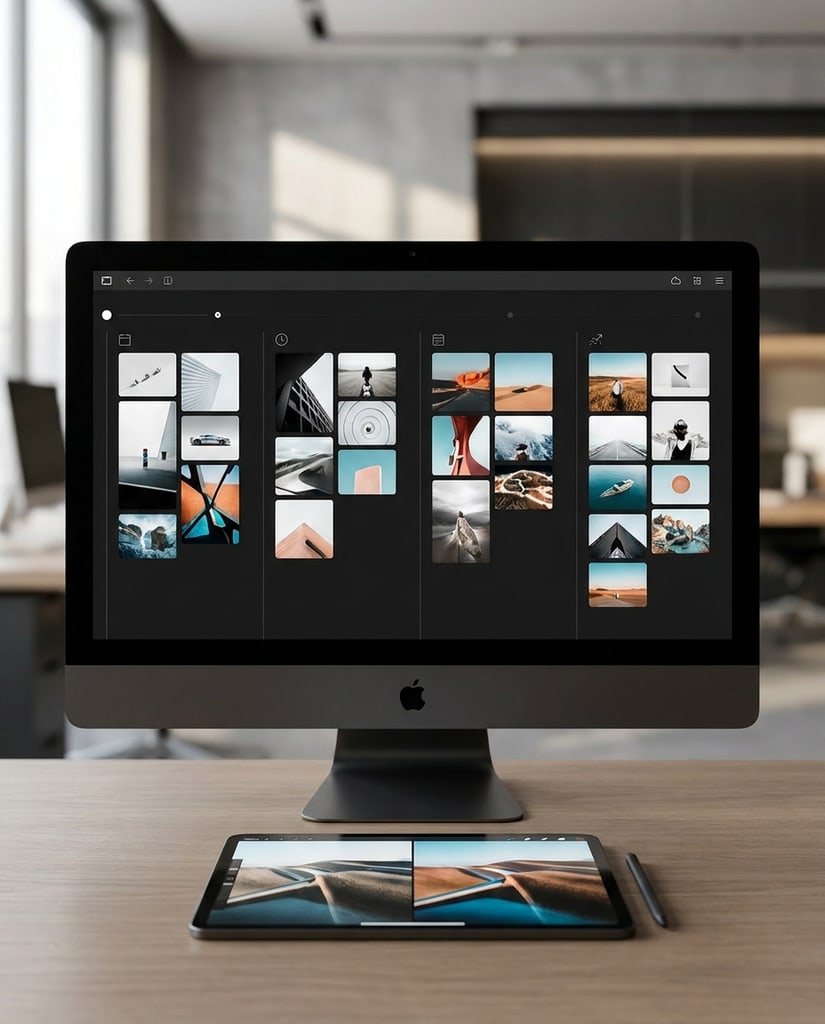
Learning
New users can learn how prompts, references, and model choice affect output before spending money on larger projects.
Use the free page when you need a safe first look rather than a finished asset pipeline.
Try a real generation flow before deciding whether paid credits fit your workflow.
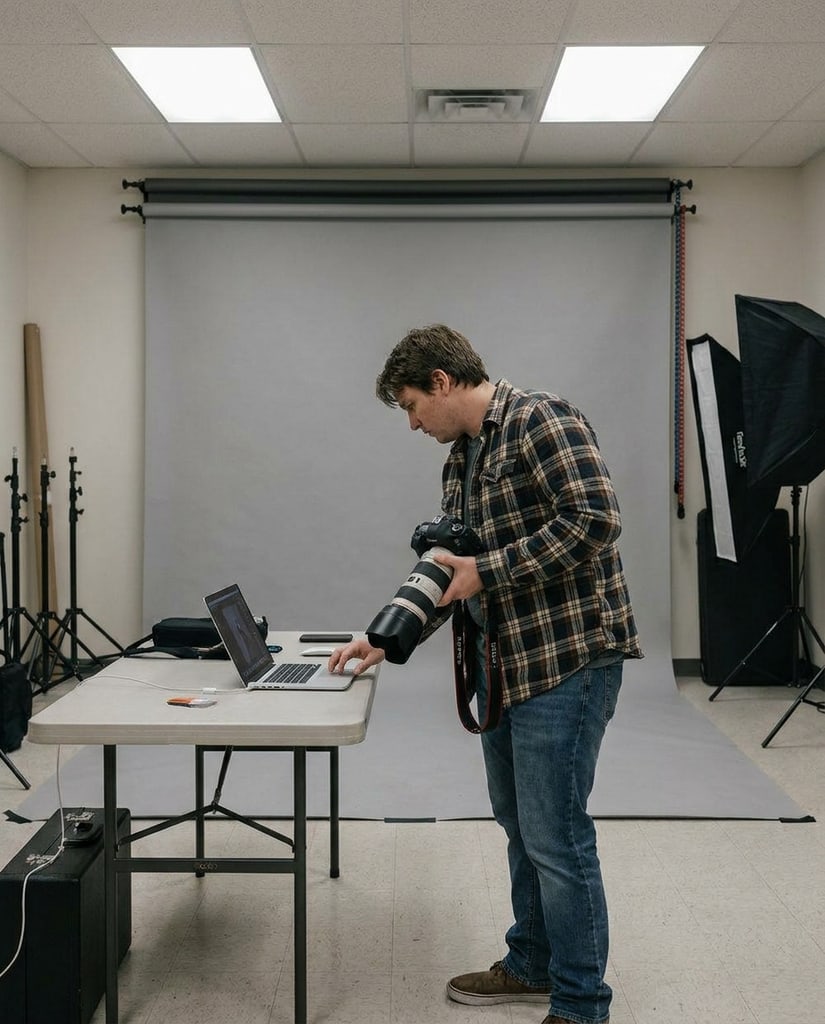
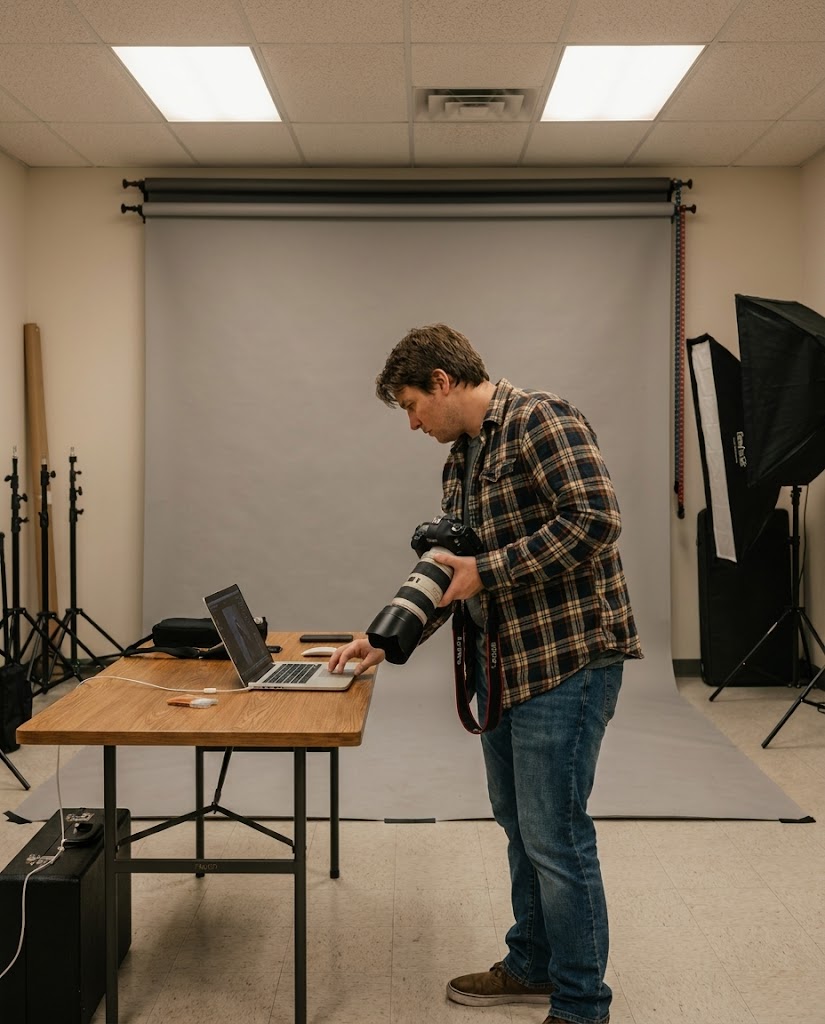
Check a hero image direction, product scene, or thumbnail idea before commissioning or generating multiple versions.
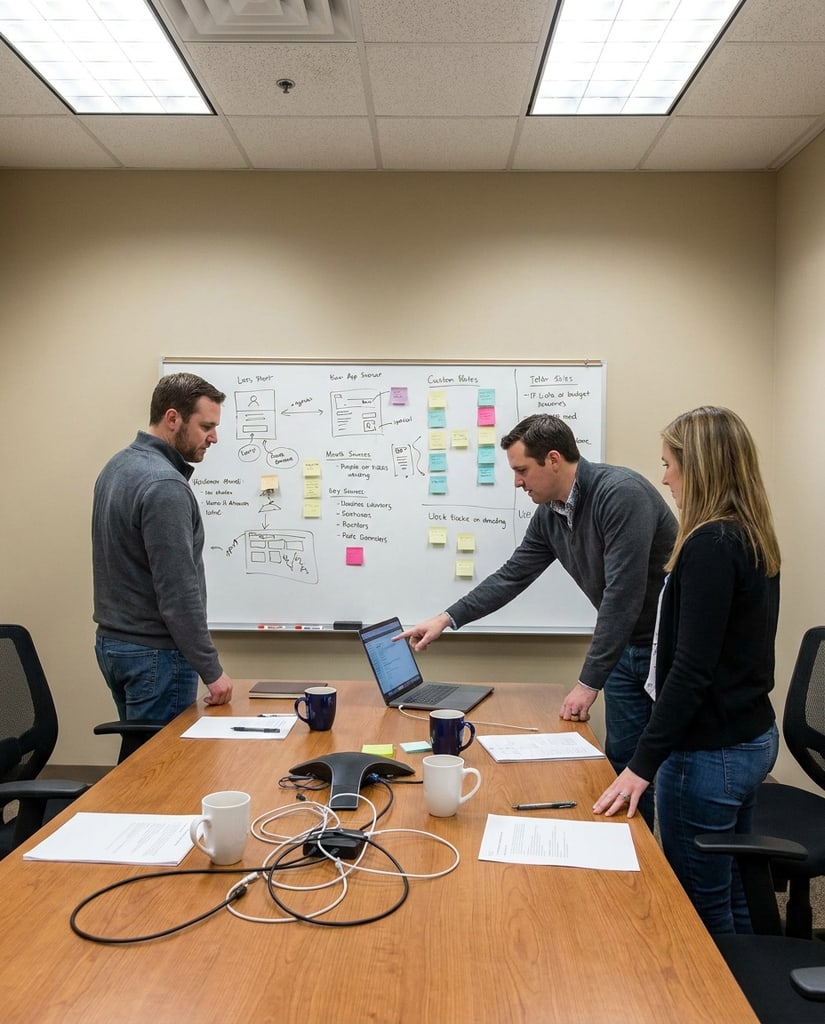
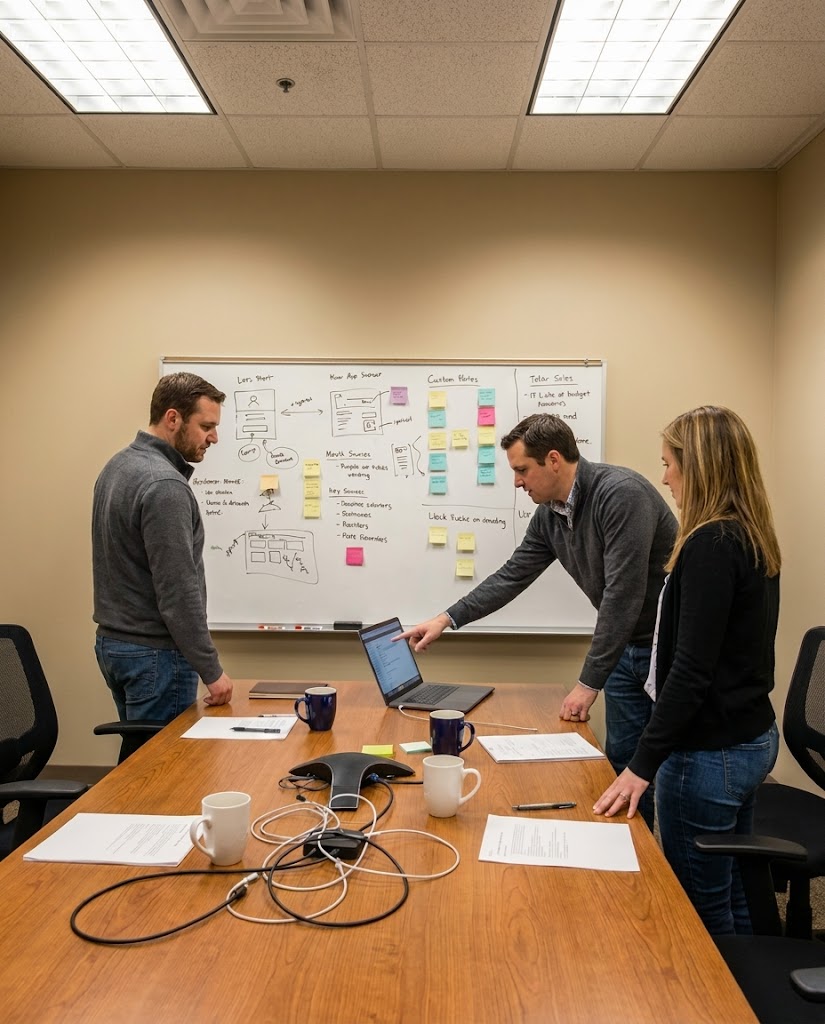
Use a free single-image result to decide if the message and visual angle are worth deeper creative work.
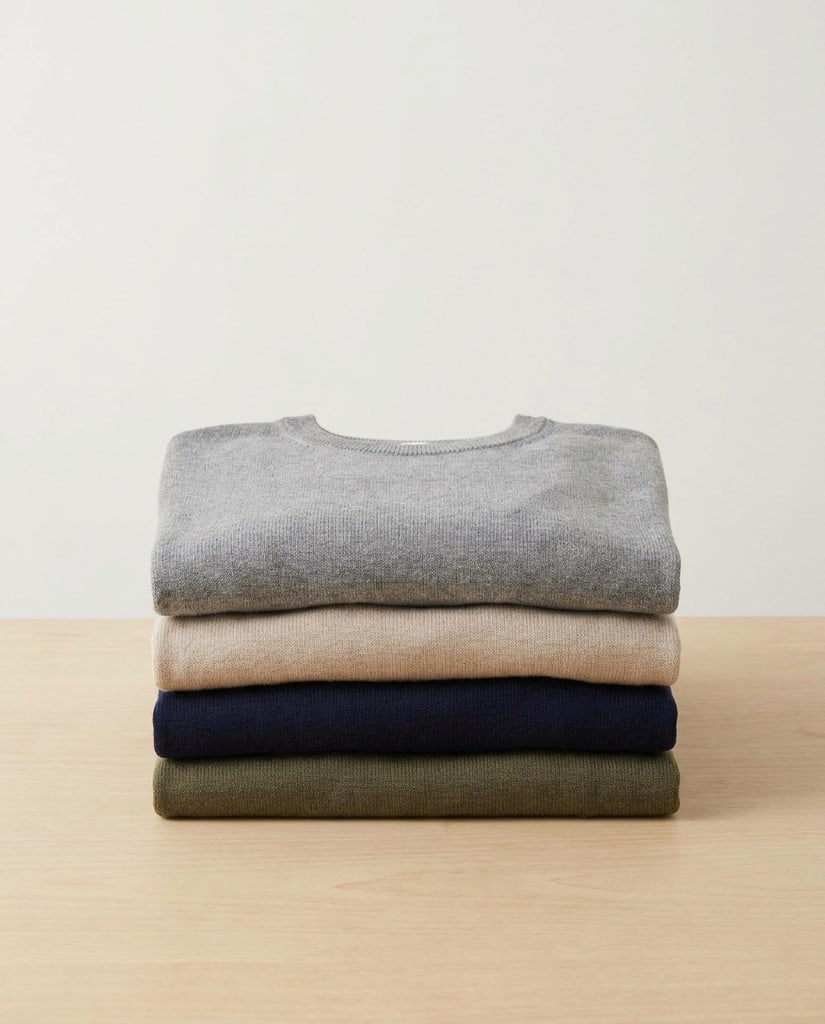
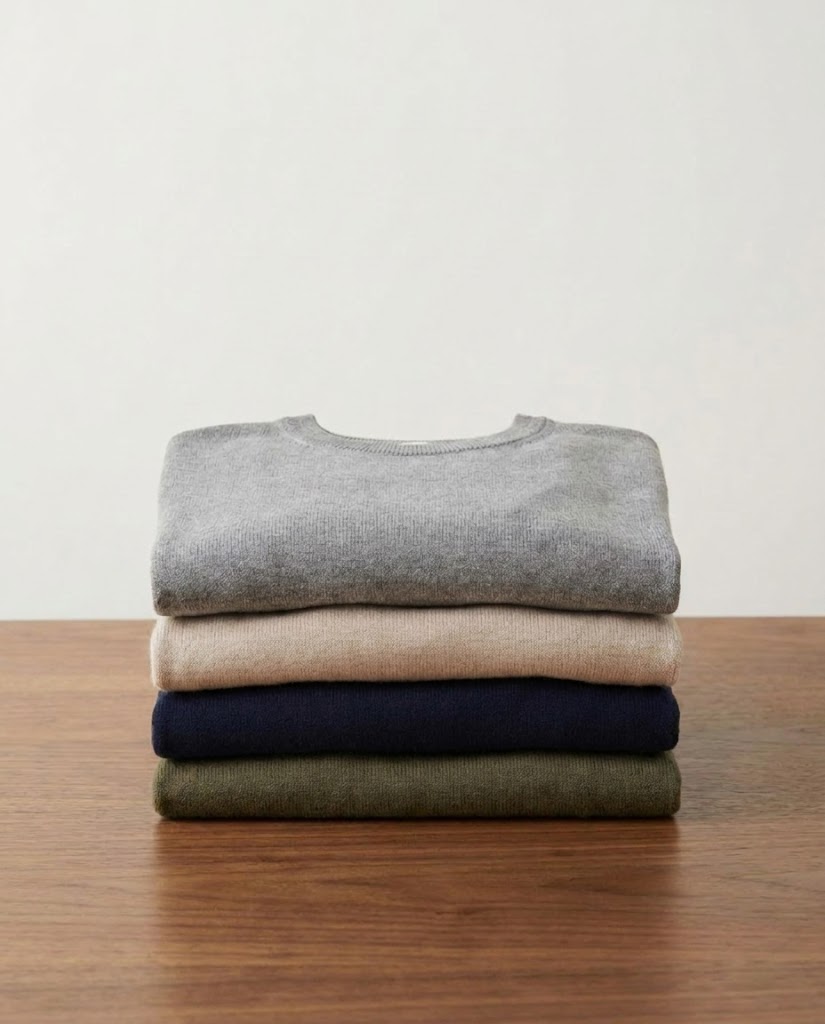
Upload a rough reference and see whether the model follows the intended subject, composition, or style direction.
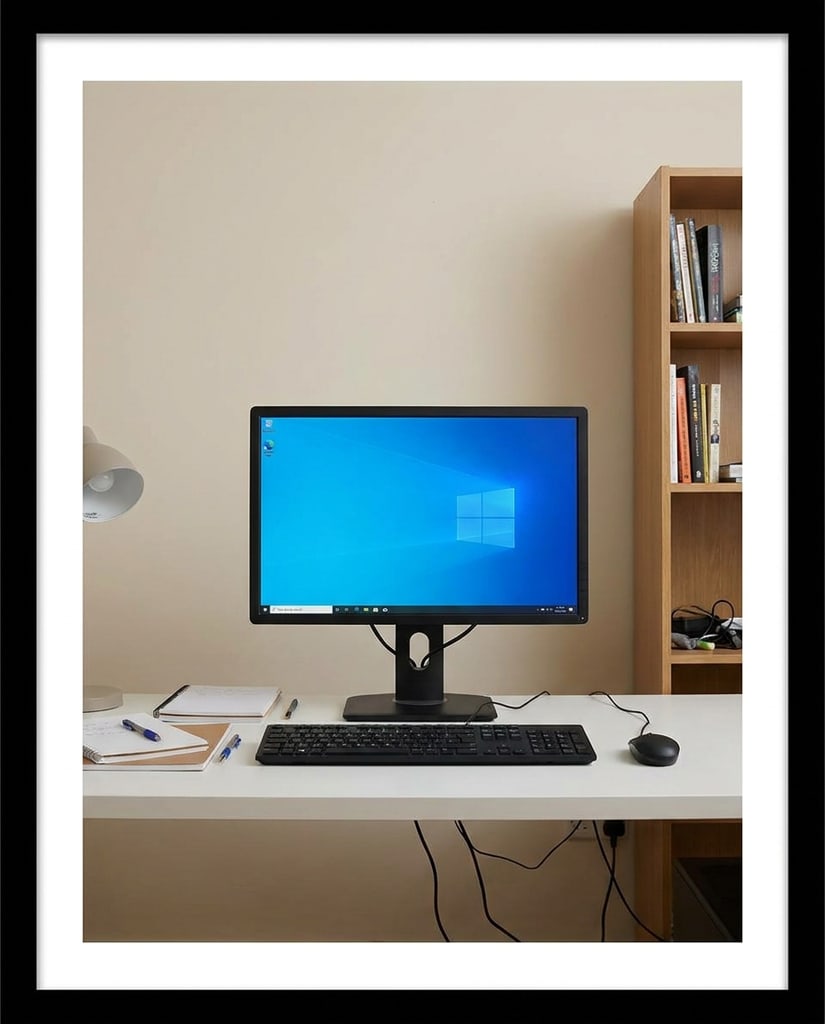
Use five free generations per day to rehearse prompts, inspect reference-image edits, and decide whether an idea deserves a paid workflow. The free route stays simple: resolution, size, quality, and similar advanced output controls are not selectable.
Creators learning which prompt wording works.
Try a compact prompt around one subject, mood, or message.
You learn whether the model understands the core idea before spending credits on refined output.
Sellers and designers testing an existing photo, sketch, or style sample.
Add up to three references and explain what should stay visible or be reinterpreted.
You see whether the reference direction is usable before moving into a paid edit.
Marketers checking whether a visual idea communicates quickly.
Use one request to test the subject, message, layout cue, or campaign angle.
You can keep, rewrite, or abandon the direction with almost no production cost.
Teams comparing early layout options before committing budget.
Use the daily free quota on a few focused variations instead of unrelated prompts.
The team gets clearer feedback about framing, hierarchy, and visual direction.
Users who want a small, repeatable testing habit.
Use the five daily generations to compare wording, references, and composition choices.
You build a stronger prompt before paying for faster speed or more control.
Users who need more control after validation.
Move to a paid model when you need selectable resolution, size, quality, or repeated production output.
Credits are spent after the idea is proven, not while you are still guessing.
Questions about free usage, credits, waiting time, and when to switch to paid generation. Use five free generations per day to rehearse prompts, inspect reference-image edits, and decide whether an idea deserves a paid workflow. The free route stays simple: resolution, size, quality, and similar advanced output controls are not selectable.
Yes. The free model is designed for 0-credit trial generations. You still need to follow the five free generations per day and sign in before submitting a generation.
Free results use a delayed visibility window. The task can finish earlier in the background, but the result is shown after the waiting period.
Yes. GPT Image 2 Free supports image-to-image tests with up to three reference images, which is useful for product shots, sketches, and style samples.
Switch when you need selectable resolution, size, quality, faster iteration, or a repeatable production workflow.
Try a compact prompt around one subject, mood, or message. You learn whether the model understands the core idea before spending credits on refined output.
Add up to three references and explain what should stay visible or be reinterpreted. You see whether the reference direction is usable before moving into a paid edit.
Use one request to test the subject, message, layout cue, or campaign angle. You can keep, rewrite, or abandon the direction with almost no production cost.
Use the daily free quota on a few focused variations instead of unrelated prompts. The team gets clearer feedback about framing, hierarchy, and visual direction.
Use the five daily generations to compare wording, references, and composition choices. You build a stronger prompt before paying for faster speed or more control.
Move to a paid model when you need selectable resolution, size, quality, or repeated production output. Credits are spent after the idea is proven, not while you are still guessing.
Free GPT Image 2 Trial
Use up to five free generations each day to test a direction, then move to paid generation when you need more control.
Privacy Choices
We use cookies and similar technologies to keep Pikvee working, measure product usage, and control advertising-related preferences. Necessary cookies stay on. You can reject non-essential use or review detailed settings.