AI portraits and profile visuals
Generate stylized portraits, avatar concepts, creator headshots, and polished personal images from prompts or reference photos.
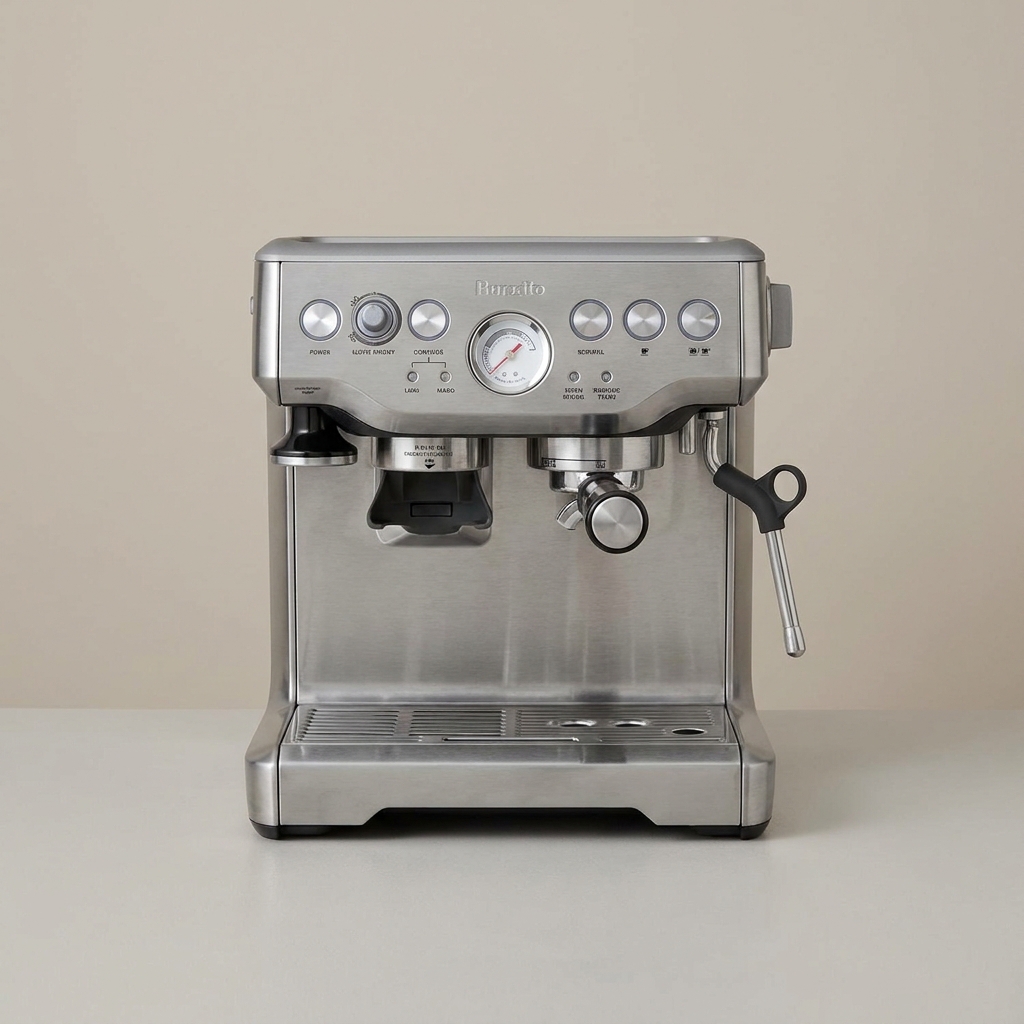
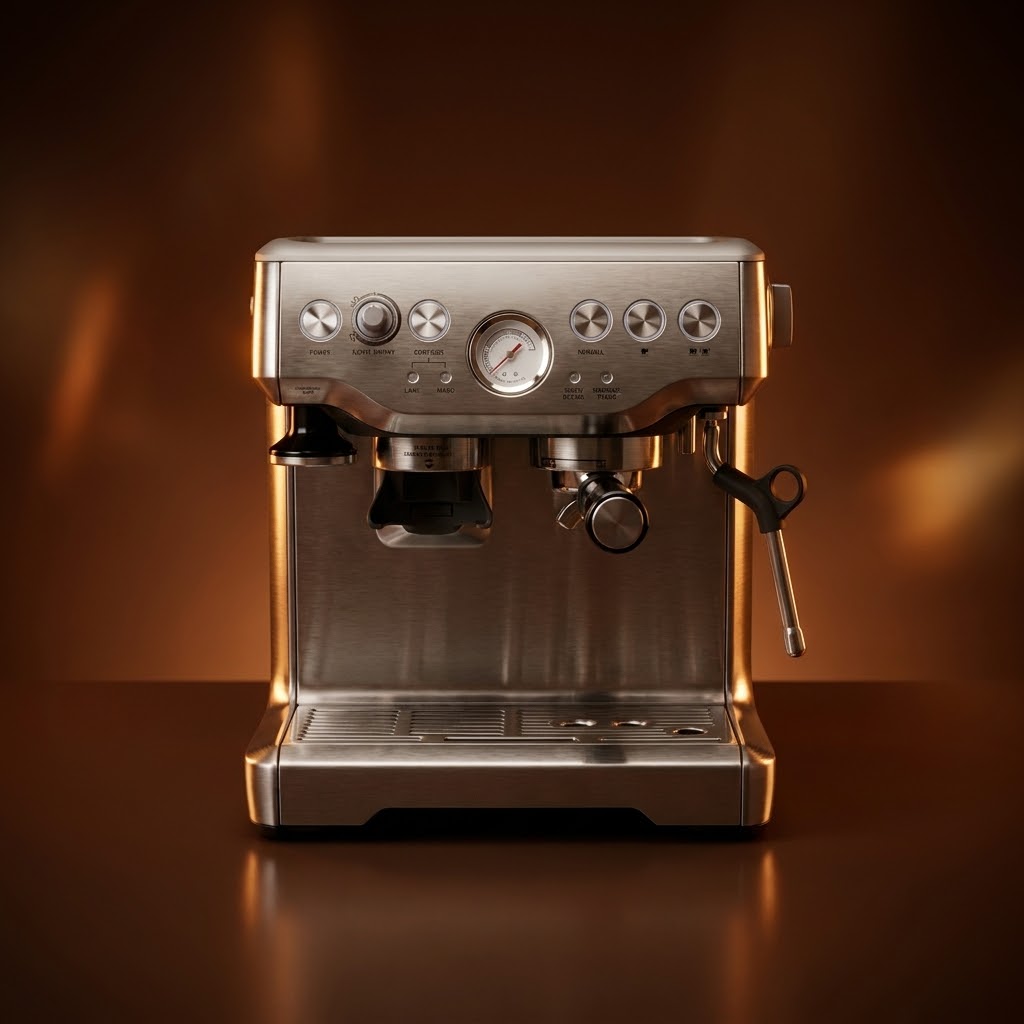
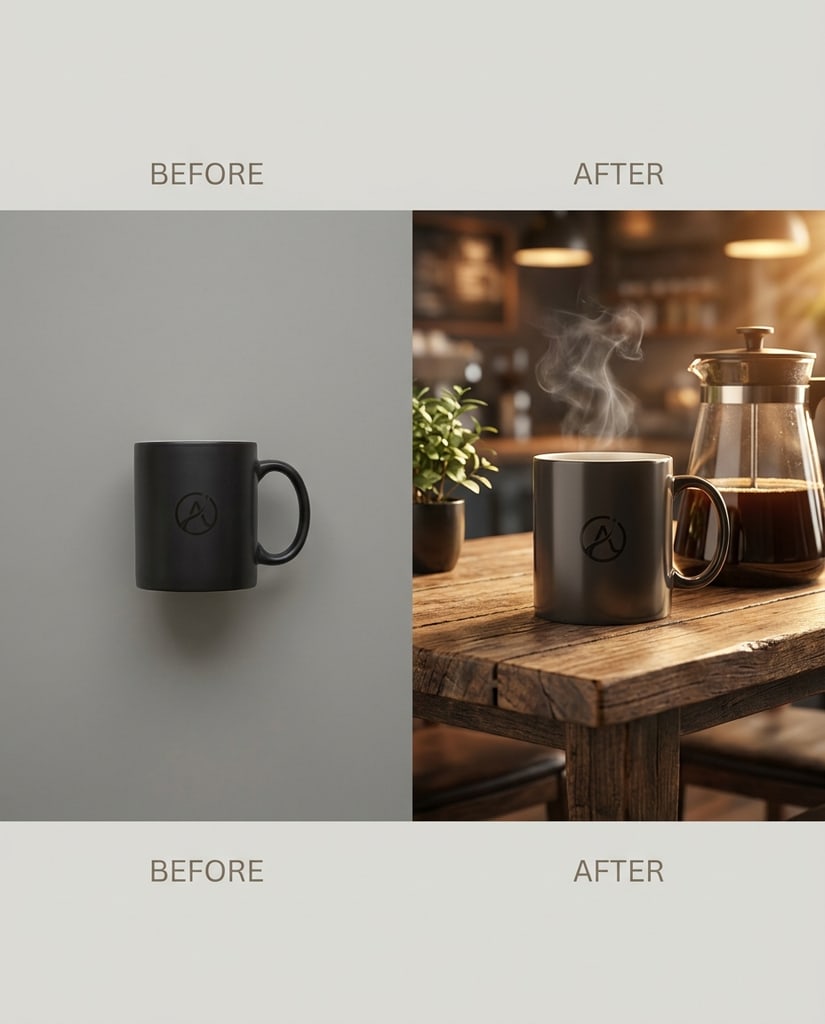
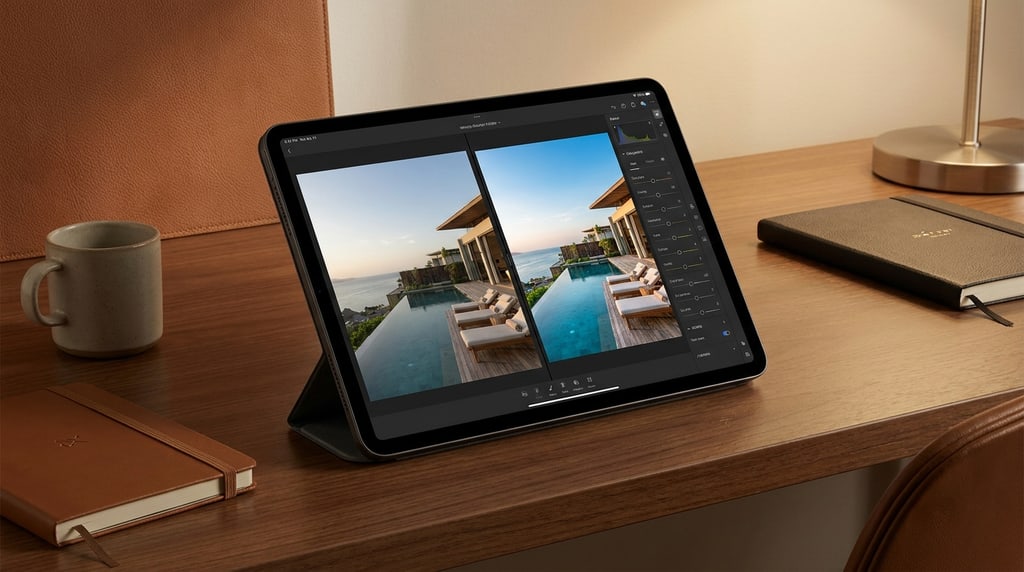
Refine a flat product image into a cleaner brand-ready visual with controlled reflections, warmer key light, and a more elevated studio finish.
Use Nano Banana Pro to turn text prompts or reference images into high-quality portraits, art photos, social posts, product visuals, brand mockups, and creative edits with stronger text rendering and composition control.
Independent product. Not affiliated with Google.
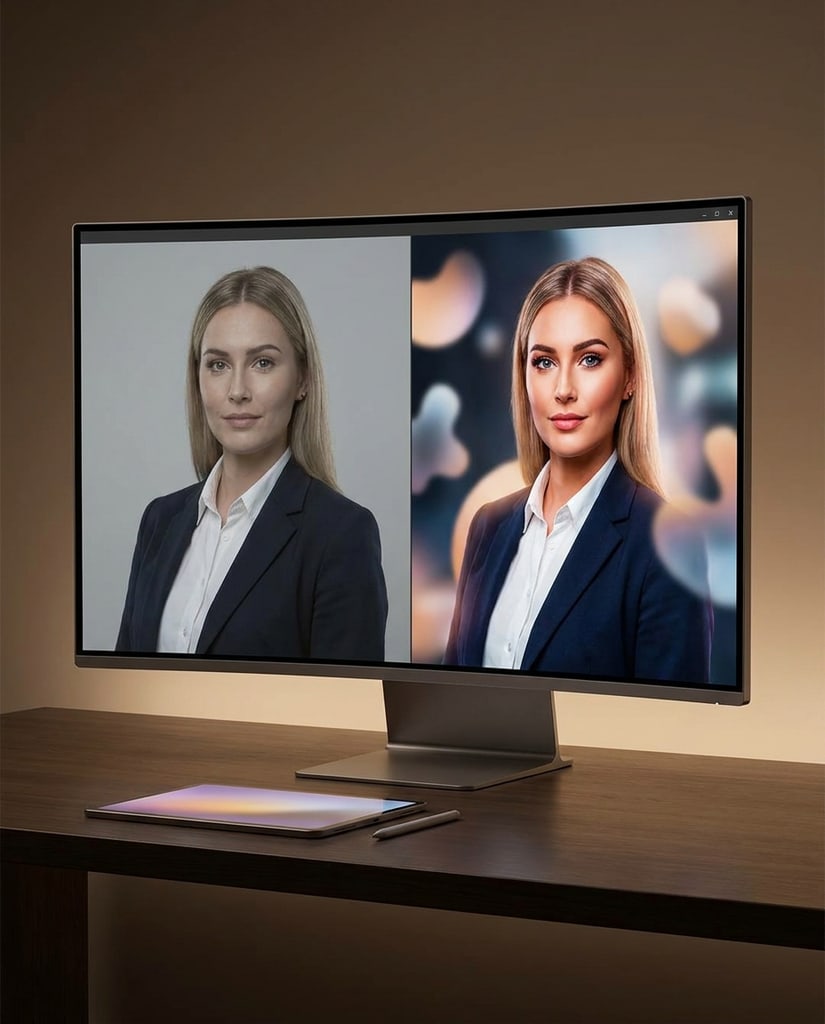
Nano Banana Pro is built for high-intent image generation: personal creative work, social visuals, product scenes, and marketing assets that need polish instead of random exploration.
Generate stylized portraits, avatar concepts, creator headshots, and polished personal images from prompts or reference photos.
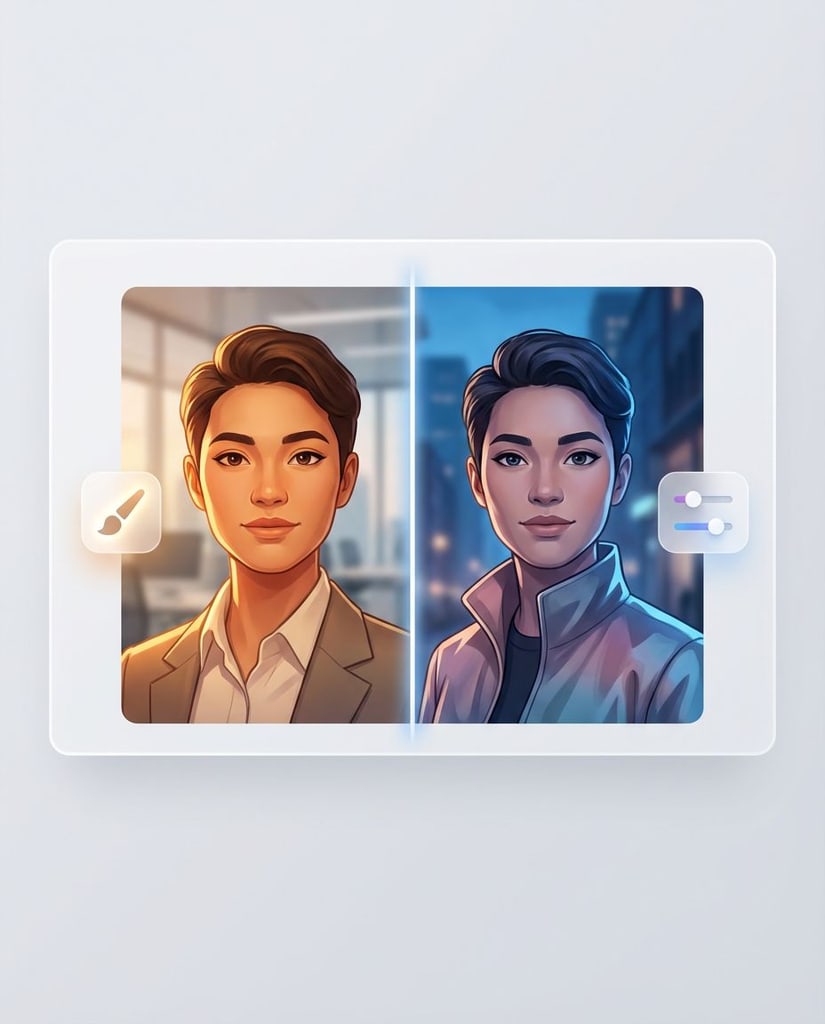
Create scroll-stopping posts, story graphics, video thumbnails, and campaign teasers with clear subject focus and readable visual hierarchy.

Turn rough product ideas or source images into cleaner product visuals, packaging scenes, launch mockups, and merchandising concepts.
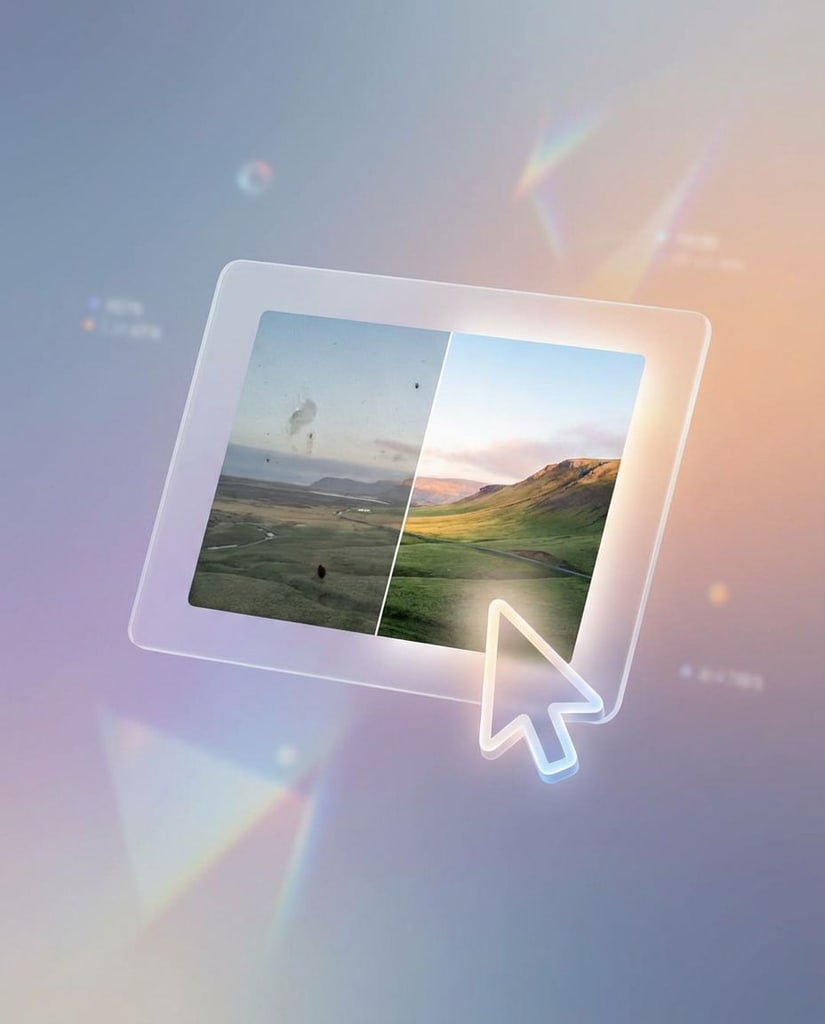
Explore posters, sale graphics, feature callouts, and display ad directions where text placement and composition matter.
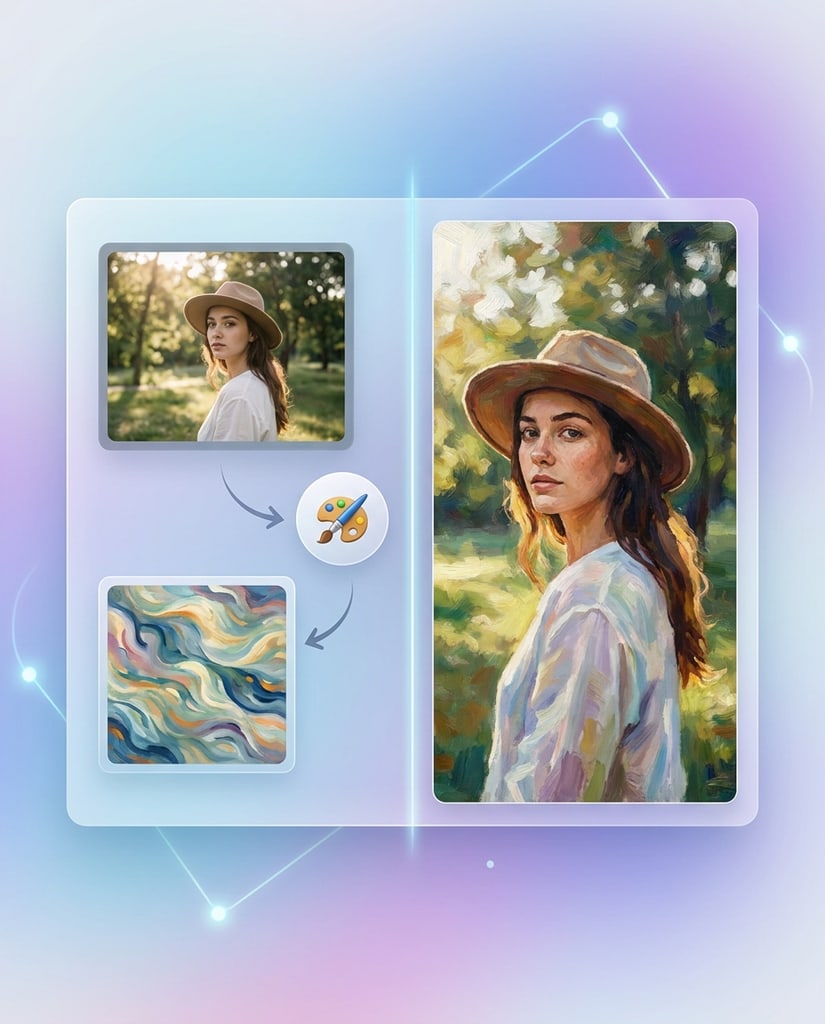
Upload images to preserve a person, product, pose, or layout while changing lighting, background, material, mood, or message.
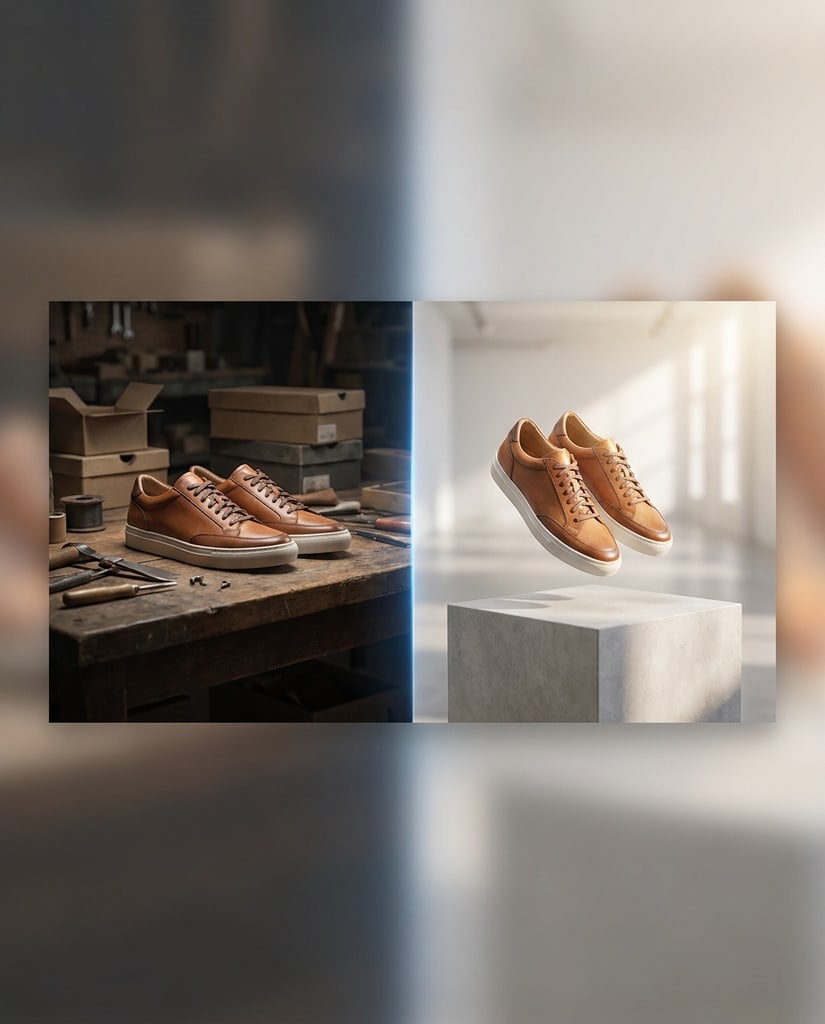
Draft landing page hero visuals, brand boards, editorial images, and campaign scenes before committing design or studio budget.
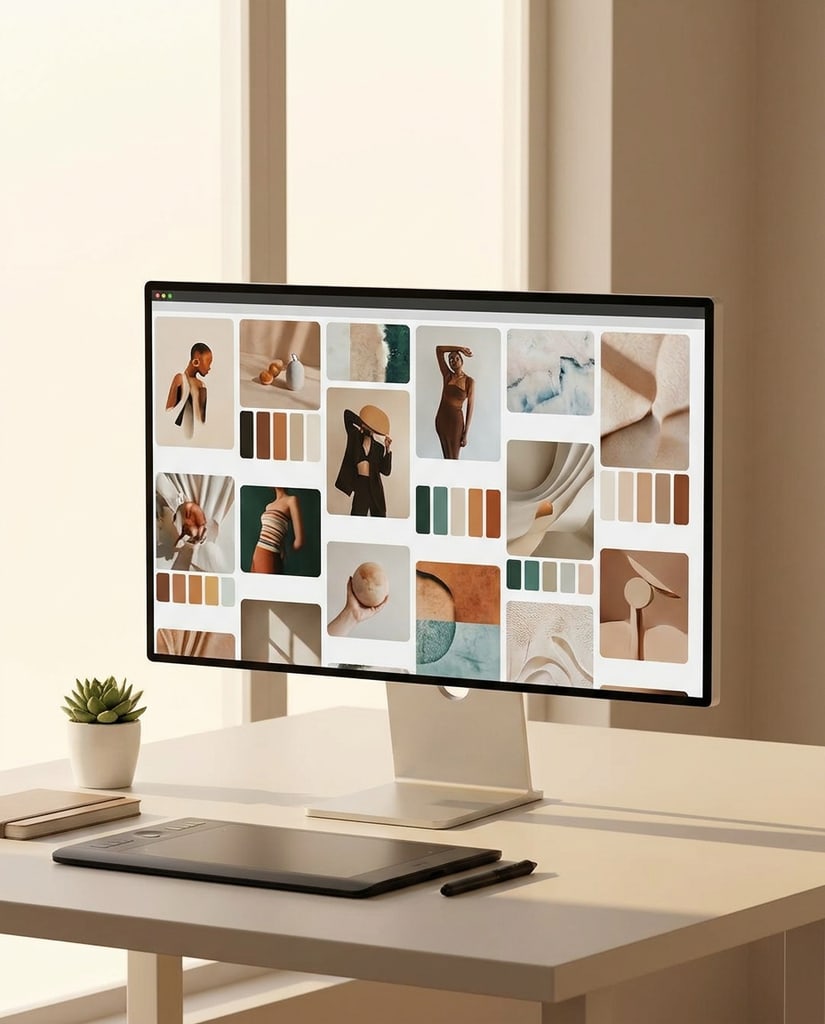
Create educational visuals, simple diagrams, presentation graphics, and concept explainers with clearer layout intent.
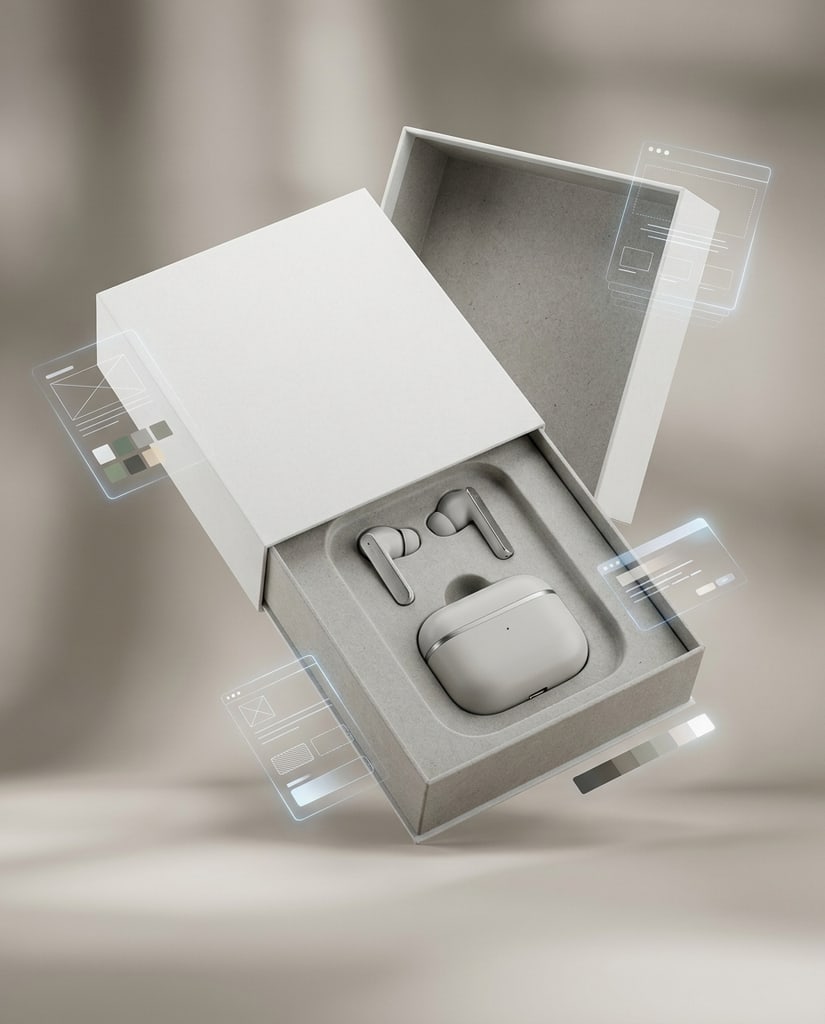
Choose 1K, 2K, or 4K output for visuals that need more detail for review, sharing, or downstream design work.
Work from a prompt, a reference image, or both. Nano Banana Pro helps translate intent into higher-quality images with better composition, detail, and text handling.
Write the subject, style, audience, layout, and any text that should appear in the image so the model understands the final use.
Upload source images when you need to preserve a person, product, pose, scene structure, or brand direction during image-to-image edits.
Set aspect ratio, count, and 1K, 2K, or 4K resolution so the run fits a portrait, post, product scene, poster, or campaign asset.
Compare results, refine the prompt, and keep moving toward a version that is ready for sharing, review, or production handoff.
Nano Banana Pro is positioned for users who need images that look intentional: better prompt understanding, cleaner composition, more reliable visual text, and practical output controls.
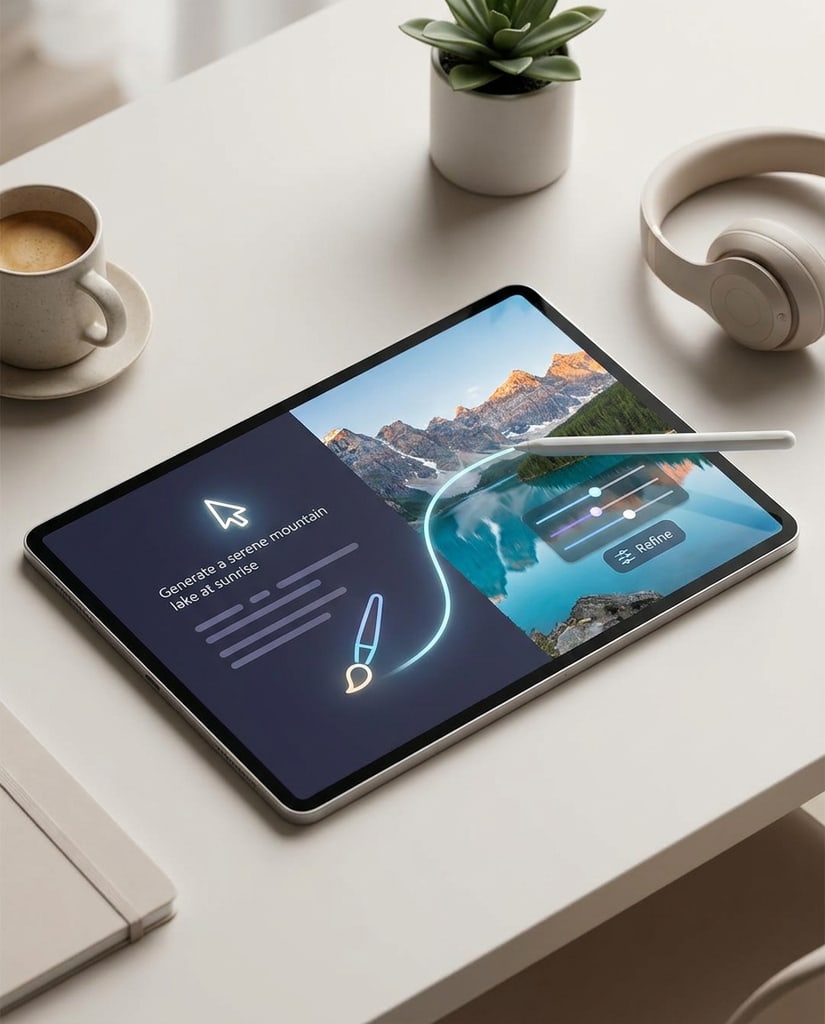
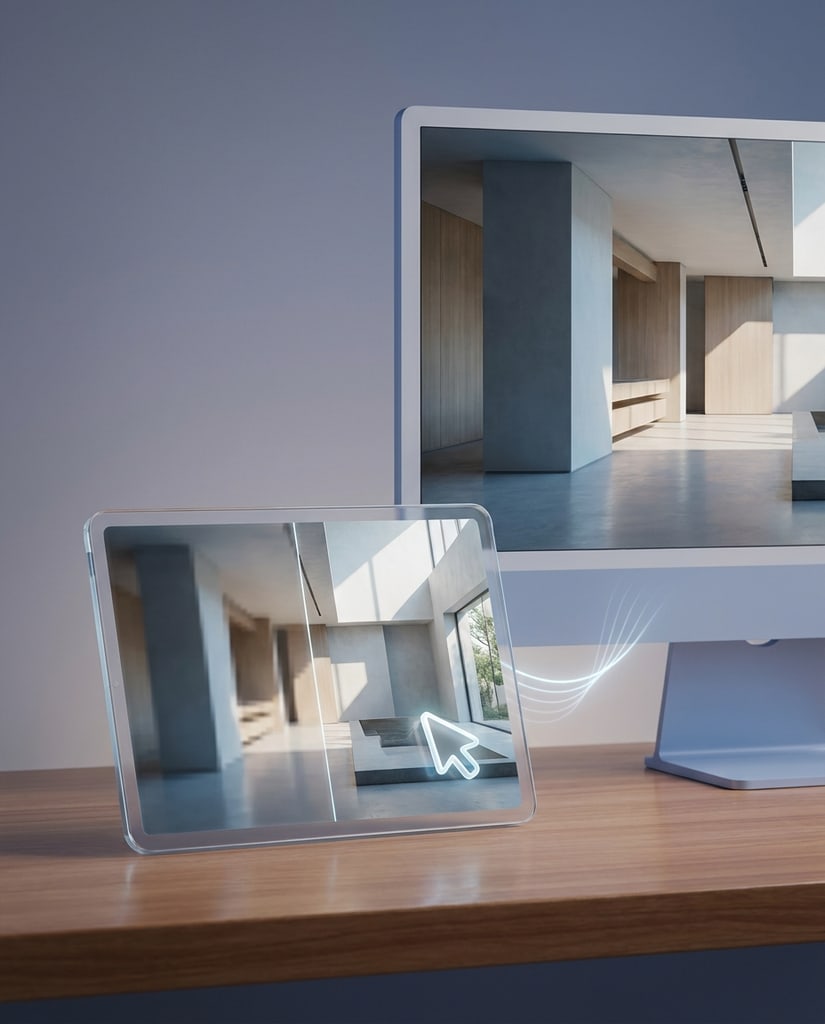
Quality First
Nano Banana Pro is a better fit when the output needs to look composed, detailed, and credible enough for personal profiles, social posts, product reviews, or campaign planning.
Text In Image
Use it for posters, product callouts, thumbnails, menus, explainers, and ads where layout and readable image text are part of the brief.
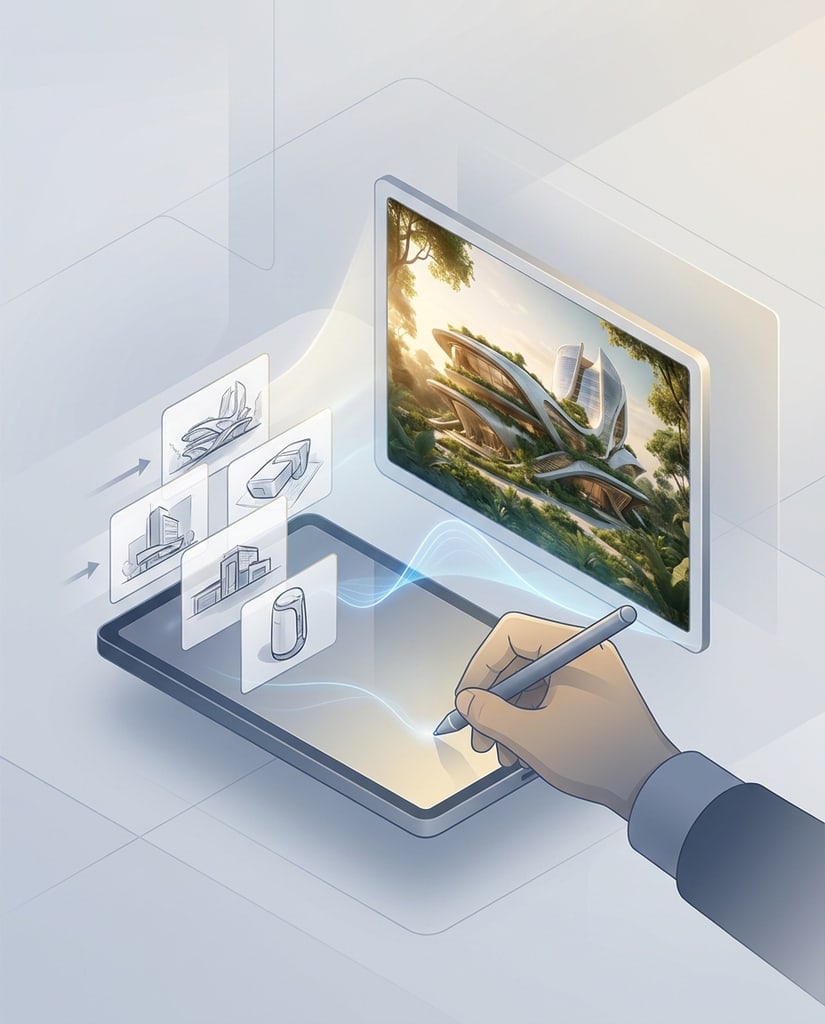
Reference Edits
Upload references to guide identity, product shape, pose, or composition while experimenting with lighting, background, materials, and creative direction.
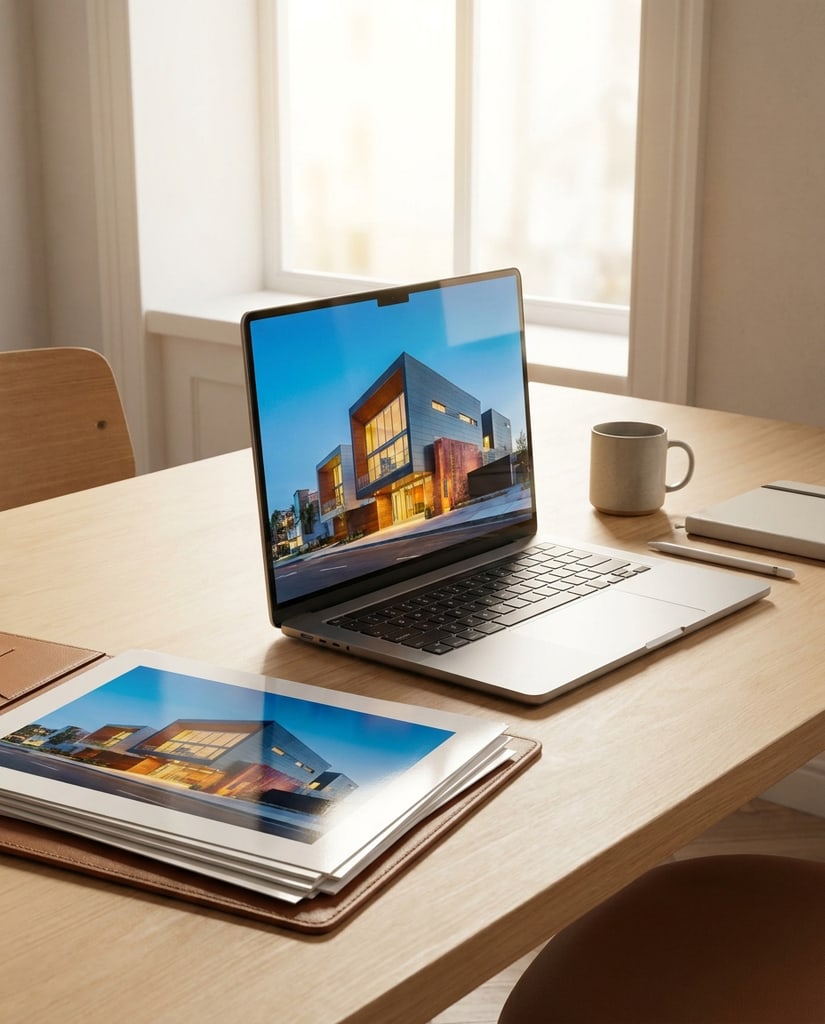
Output Control
Choose aspect ratio, image count, and resolution so the result fits a profile, post, product mockup, hero image, or presentation slide.
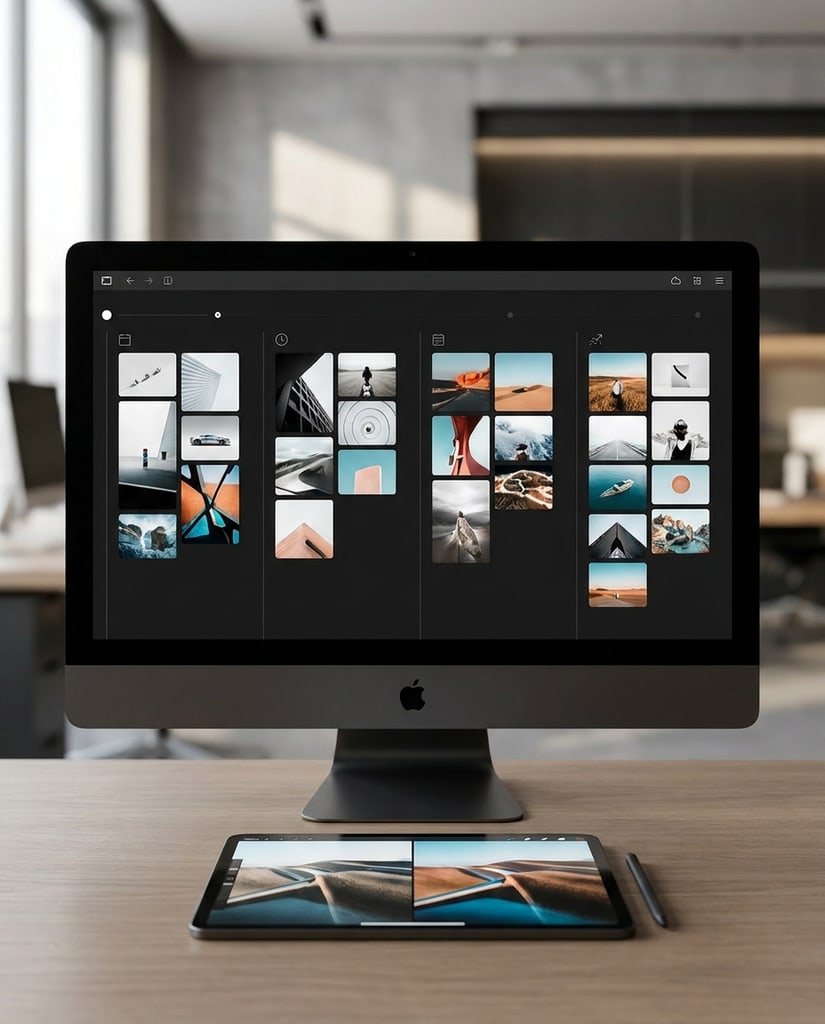
One Workspace
Pikvee keeps the prompt, model choice, pricing dialog, task list, and image review flow together so creators can iterate without switching tools.
Use one generator for personal visuals, content experiments, ecommerce concepts, and campaign drafts that need higher-quality output.
Generate portraits, avatar concepts, art photos, cover images, thumbnails, and social posts that feel more intentional than generic stock output.
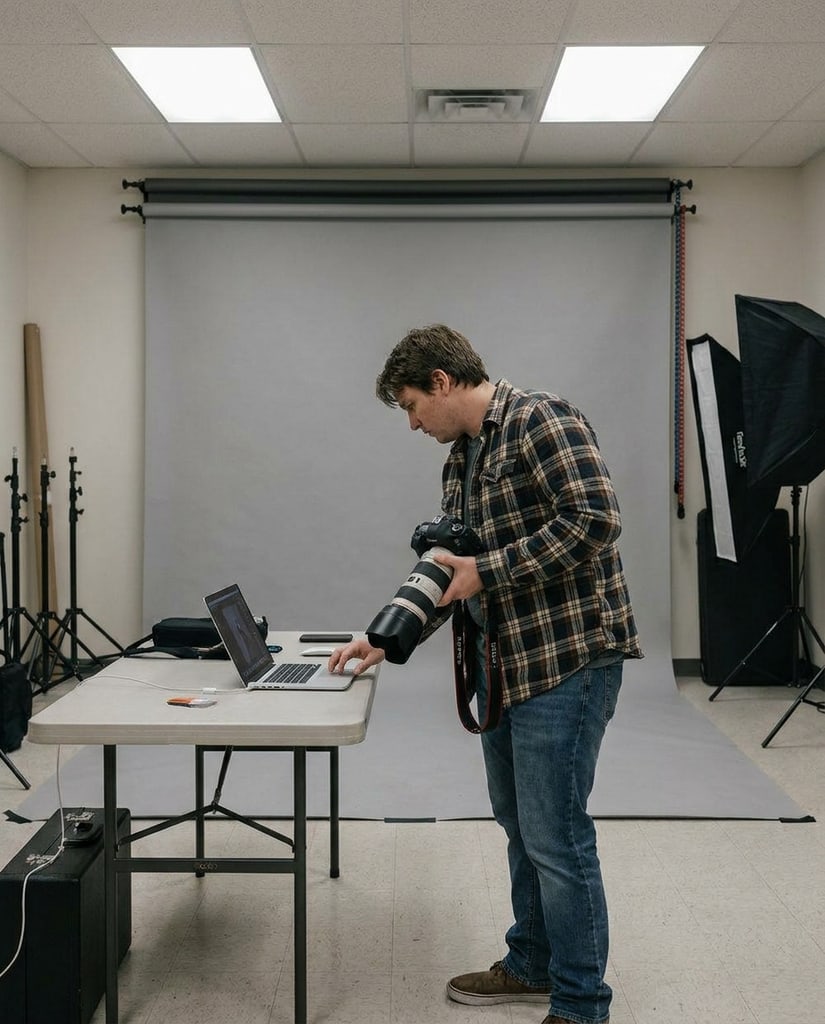
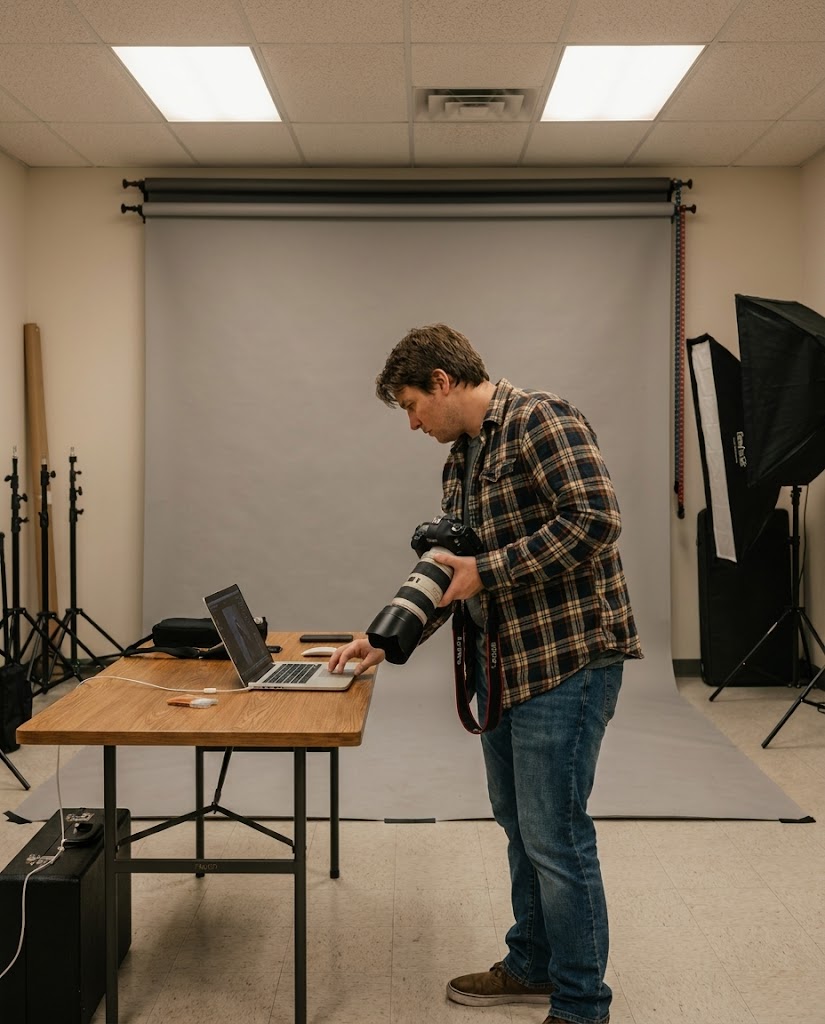
Create product scenes, packaging mockups, lifestyle shots, and benefit callout concepts before committing to a studio workflow.
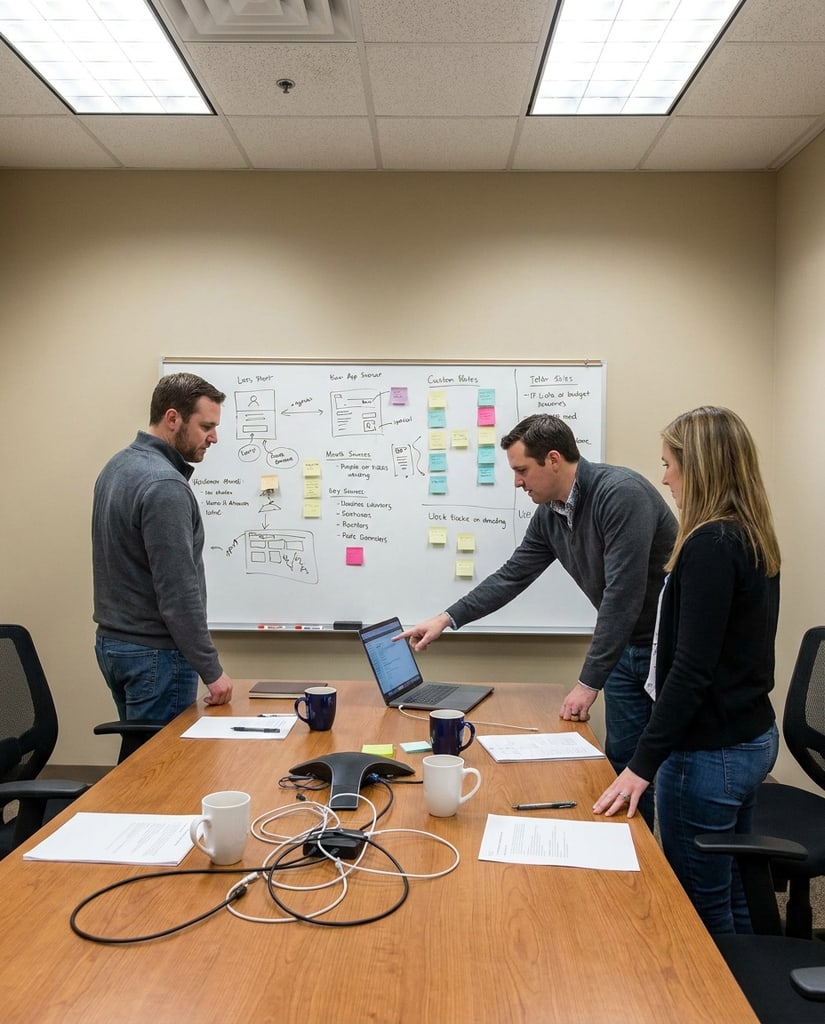
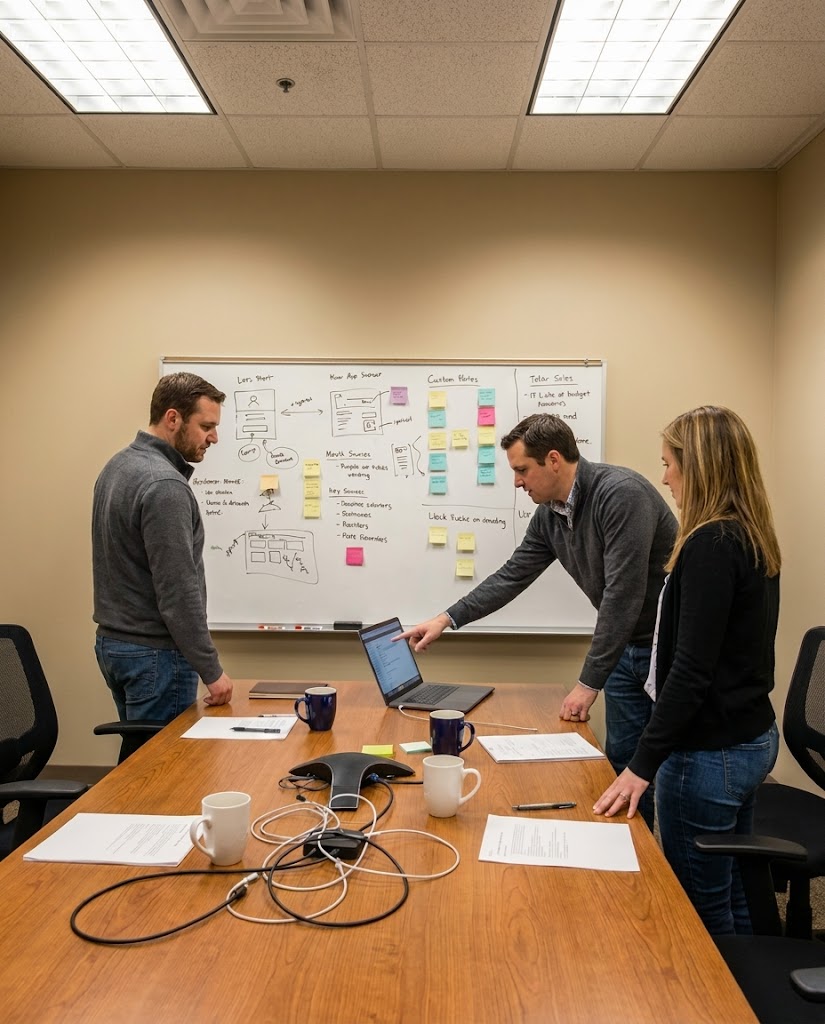
Draft ad visuals, campaign posters, social variants, launch graphics, and landing page hero directions with stronger composition and readable text.
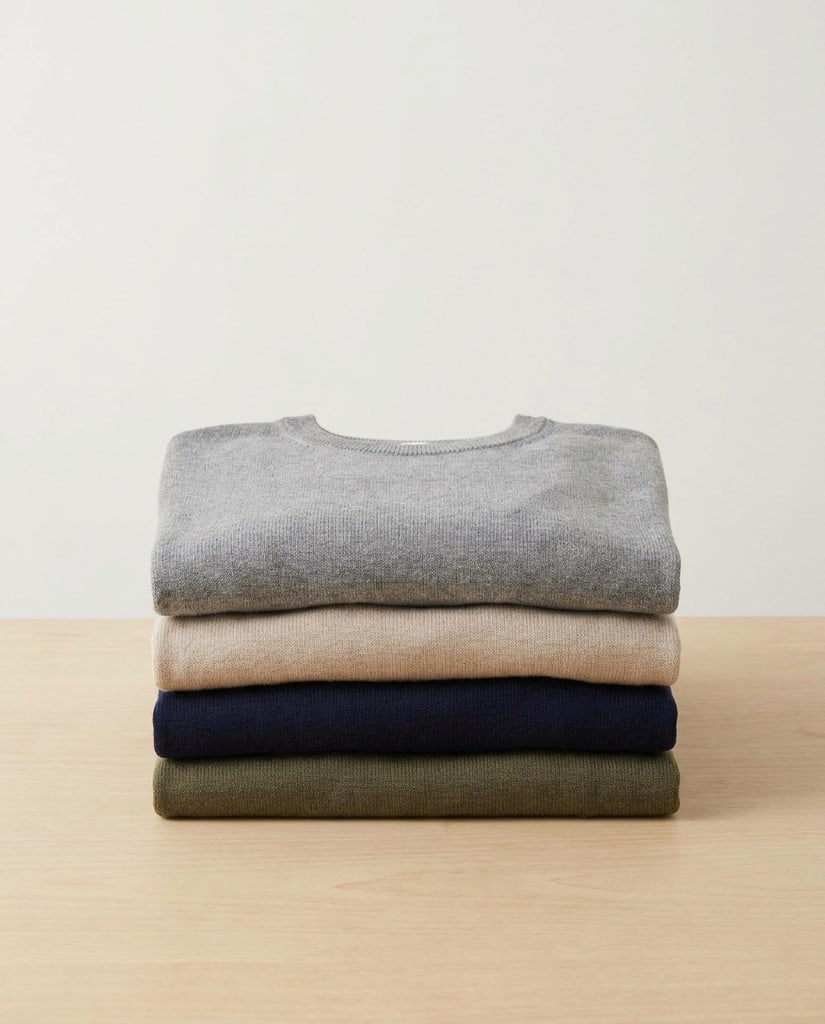
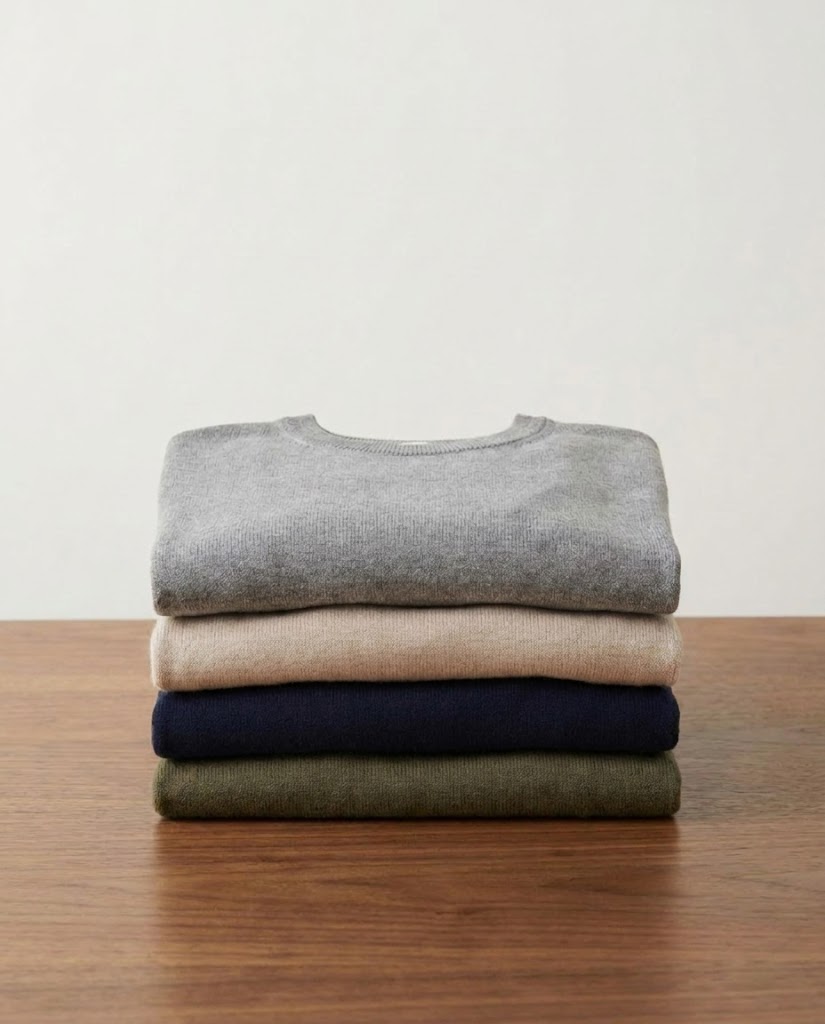
Use prompts and references to explore visual directions quickly, then share stronger candidates for review, copy alignment, or final design polish.
From personal visuals to commercial drafts, Nano Banana Pro helps users get from an idea to a more polished image faster.
A creator used Nano Banana Pro to test portrait styles, profile banners, and social post images before choosing a visual direction for a launch.
A small store generated product benefit graphics and packaging scenes with clearer text placement before sending the best options to design.
A marketing team explored poster layouts, ad hooks, and hero image directions with Nano Banana Pro before booking production resources.
A founder uploaded rough product photos and generated cleaner mockups for investor decks, landing pages, and paid ad experiments.
Answers for creators and teams evaluating Nano Banana Pro for text-to-image generation, image-to-image editing, and high-quality visual production.
Nano Banana Pro is a high-quality AI image generation and editing model for turning text prompts and reference images into polished visuals. On Pikvee, it is available as a model option for text-to-image and image-to-image workflows.
Yes. Nano Banana Pro is especially useful for posters, ads, product callouts, thumbnails, and explainers where readable image text and layout control are important.
Yes. Use image-to-image mode when you want Nano Banana Pro to preserve a person, product, pose, scene, or visual direction while changing the style, background, lighting, or message.
The model configuration in Pikvee supports 1K, 2K, and 4K output options, with multiple aspect ratios for portraits, posts, product scenes, posters, and wide campaign visuals.
It is a strong fit for AI portraits, social posts, product visuals, campaign assets, brand mockups, reference-led edits, and high-polish creative drafts.
You can start from this free Nano Banana Pro AI Image Generator page and use the available free or account-based generation options shown in the Pikvee workflow.
Try Nano Banana Pro
Turn a prompt or reference image into a polished portrait, social post, product visual, campaign concept, or creative edit with Pikvee.
Privacy Choices
We use cookies and similar technologies to keep Pikvee working, measure product usage, and control advertising-related preferences. Necessary cookies stay on. You can reject non-essential use or review detailed settings.