Posters and campaign graphics
Generate layouts with stronger headline placement, cleaner hierarchy, and more usable design structure.
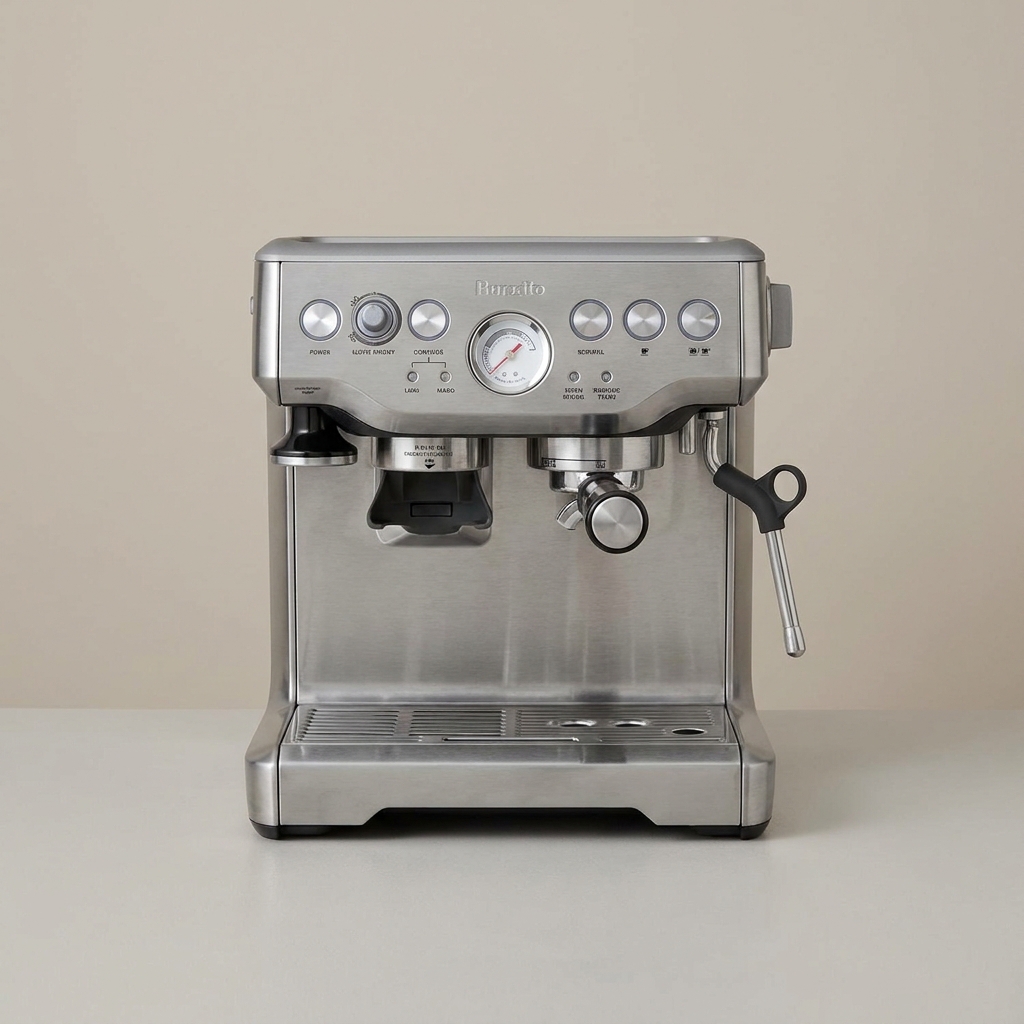
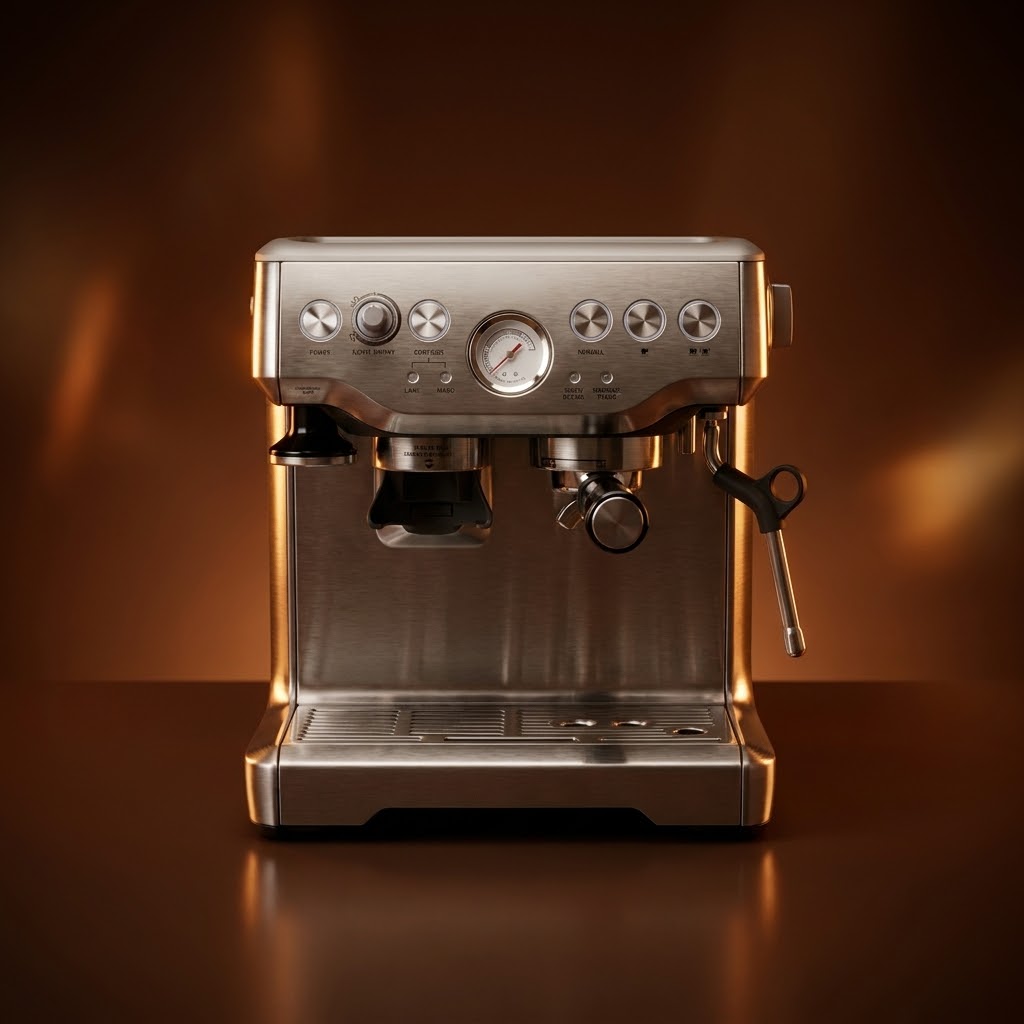
Refine a flat product image into a cleaner brand-ready visual with controlled reflections, warmer key light, and a more elevated studio finish.
Use GPT Image 2 as an AI Image Generator when a prompt needs more than a pretty picture: readable text, structured compositions, multilingual design details, and edits that respect the source image.
Independent product. Not affiliated with Google.
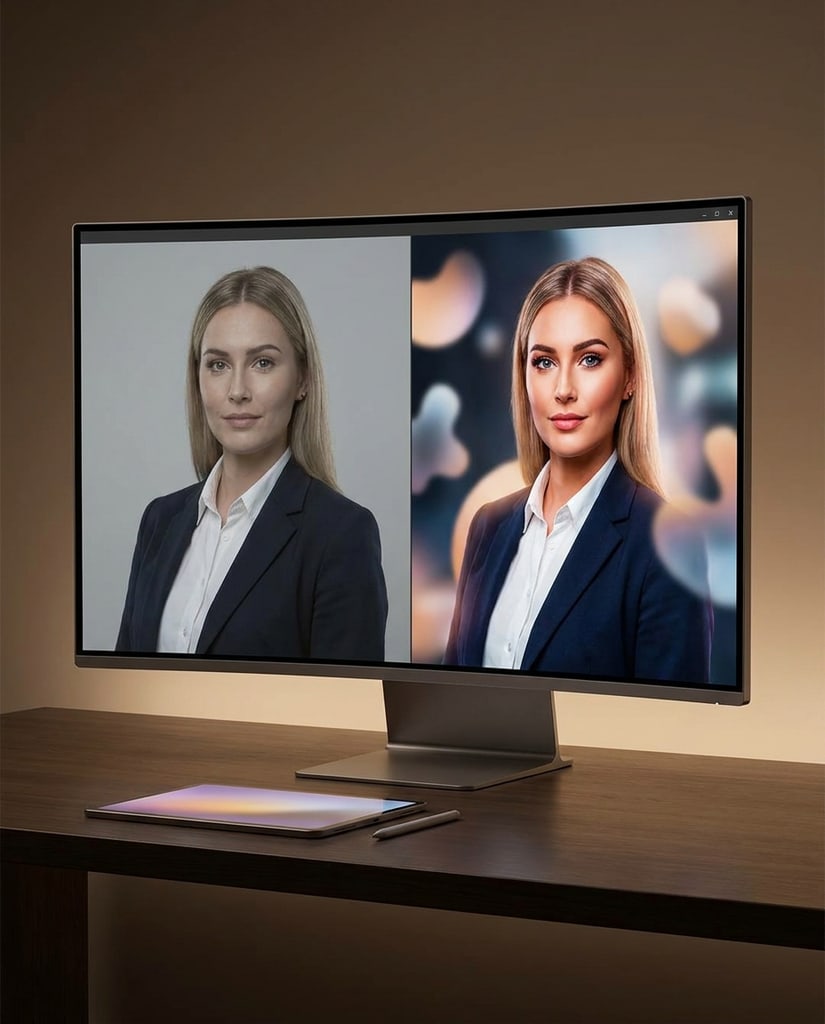
Use GPT Image 2 for visual tasks where text, composition, and instruction accuracy are part of the deliverable.
Generate layouts with stronger headline placement, cleaner hierarchy, and more usable design structure.
Create product scenes, mockups, and hero assets with controlled lighting and practical composition.
Draft infographics, slide-style visuals, and annotated concepts where readable text changes the result.
Move from prompt to structured visual, then refine the model, ratio, references, and resolution before spending credits.
Describe the subject, readable text, layout hierarchy, camera angle, and brand tone so GPT Image 2 has a structured brief to follow.
Upload product, character, or style references when the output must preserve identity while changing composition or finish.
Select the GPT Image 2 aspect ratio and resolution before generation. The UI calls out restricted combinations before credits are spent.
Iterate on typography, spacing, lighting, and content details until the result is ready for review, mockups, or campaign planning.
GPT Image 2 combines image generation, image editing, readable text rendering, and structured visual understanding for production-oriented creative work.
GPT Image 2 is the second-generation GPT Image model, designed to move beyond quick visual experiments toward more usable design drafts and production assets. It supports both text-to-image generation and image-to-image editing in one workflow.
One of its main strengths is clearer text inside images across multiple writing systems. It is suited to posters, packaging, labels, interfaces, infographics, and campaign graphics where headlines, annotations, or product details need to remain readable.
The model can interpret layout, hierarchy, and intent before producing an image. In workflows that generate several directions, this helps keep characters, styles, and composition closer to the original brief.
Reference images can guide a person, product, style, or existing composition. Natural-language instructions can then change the background, lighting, arrangement, or finish while preserving the details that matter.
GPT Image 2 is intended for square, portrait, landscape, and wide compositions, with higher resolutions available for more demanding work. Complex physical relationships, exact numbers in charts, and preview features such as transparency should still be reviewed by a human.
GPT Image 2 can be used through ChatGPT, the Images or Responses API, and compatible third-party platforms. It is a practical fit for marketing graphics, product mockups, multilingual posters, infographics, interface concepts, and image edits that need clear instructions.
For reference and editing tasks, GPT Image 2 automatically processes input images with high fidelity so important people, products, layouts, and visual details are easier to preserve. More reference images or more complex inputs can increase input token usage and cost.
Depending on the integration, you can control more than the canvas size: quality, file format, compression, and background settings are also available. Transparent backgrounds are still a preview capability, so check edges and export format before delivery.
Use the Image API for a direct one-step generation or edit. Use the Responses API when the experience needs multi-turn instructions, continued edits, or image generation as part of a larger workflow.
GPT Image 2 is a strong fit when the image needs to behave like a designed answer, not just a loose visual interpretation.

Instruction Depth
GPT Image 2 works well for briefs with subject rules, visual constraints, copy placement, and editing notes that need to survive the first generation pass.
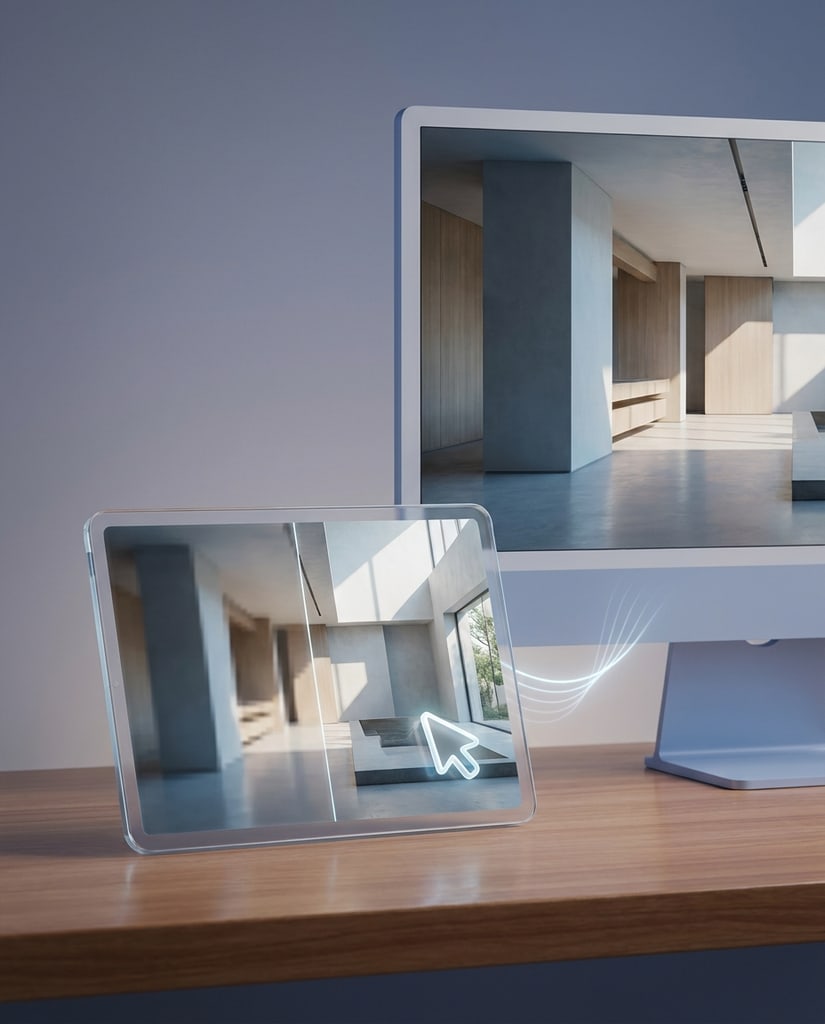
Text-Aware
Use GPT Image 2 when a draft needs headlines, labels, product claims, or poster-style messaging instead of a purely decorative image.
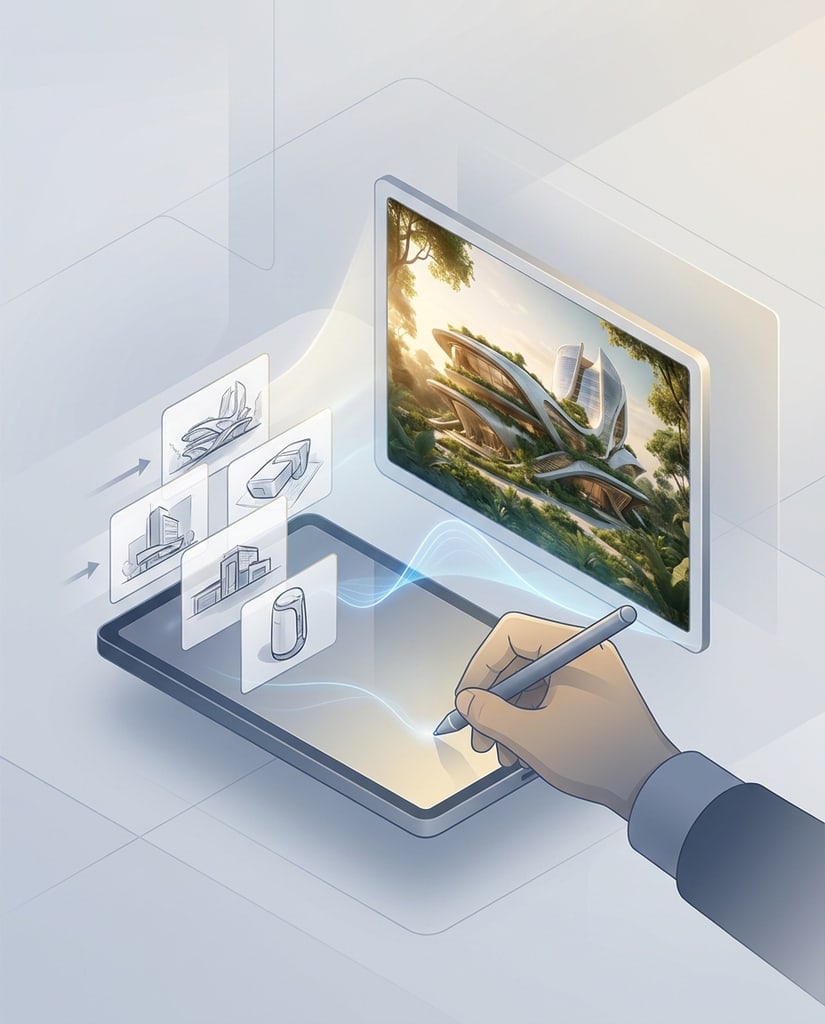
Edit Flow
Reference-led runs help teams keep the important subject visible while exploring new lighting, backgrounds, framing, and design language.
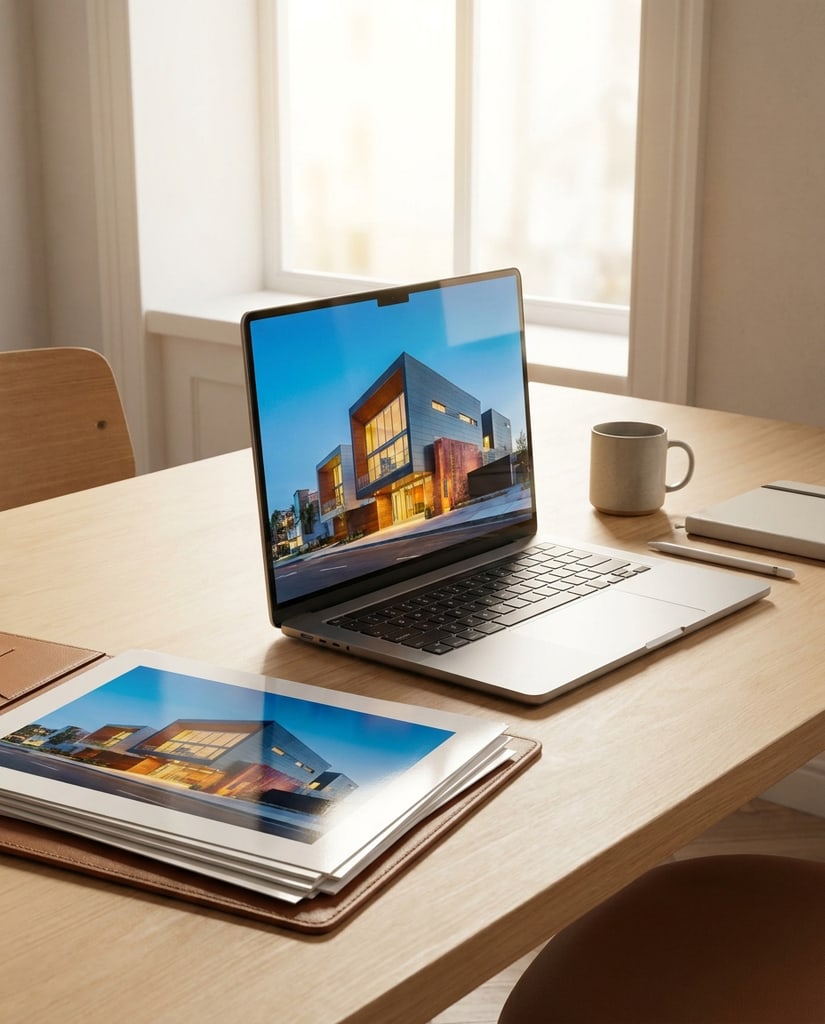
Campaign Drafts
The page is tuned for posters, product stories, launch graphics, and visual explanations that need to communicate an idea before final design polish.
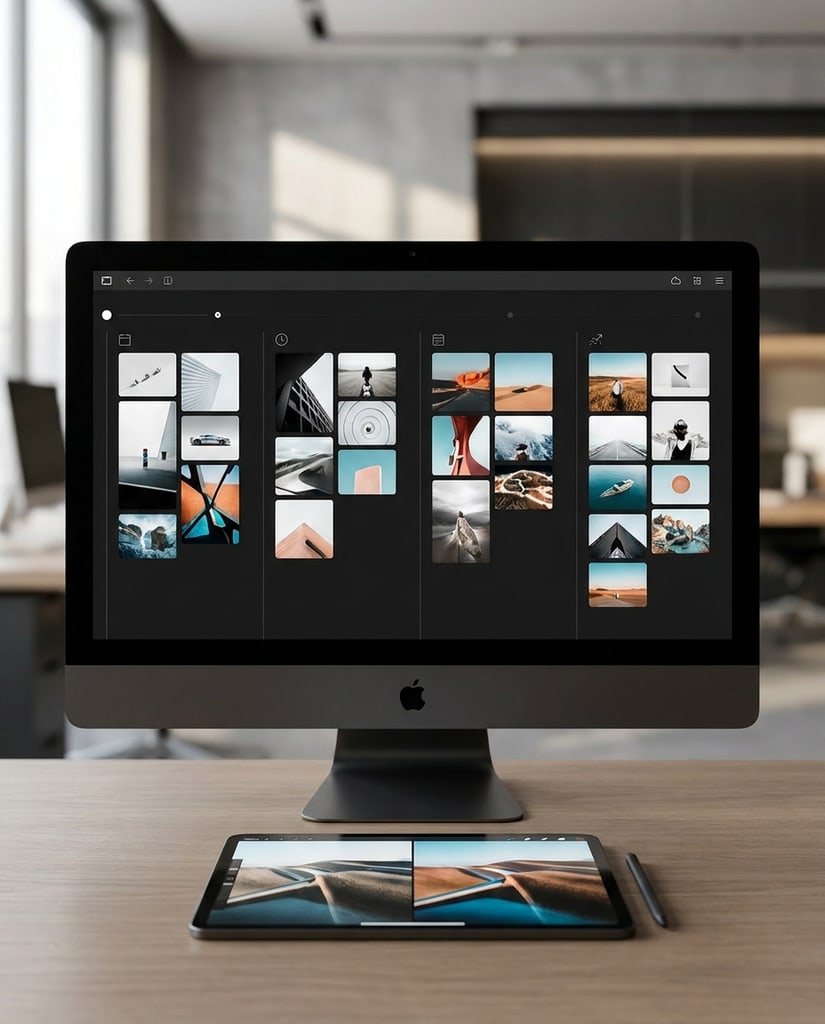
Model Choice
Keep GPT Image 2 available as a focused option when the job calls for instruction-following, image text, and controlled edits rather than a generic image run.
A focused route for designers, marketers, founders, and content teams who need text-aware AI image generation.
Draft launch posters, event cards, and announcement graphics where the words, hierarchy, and image composition need to work together.
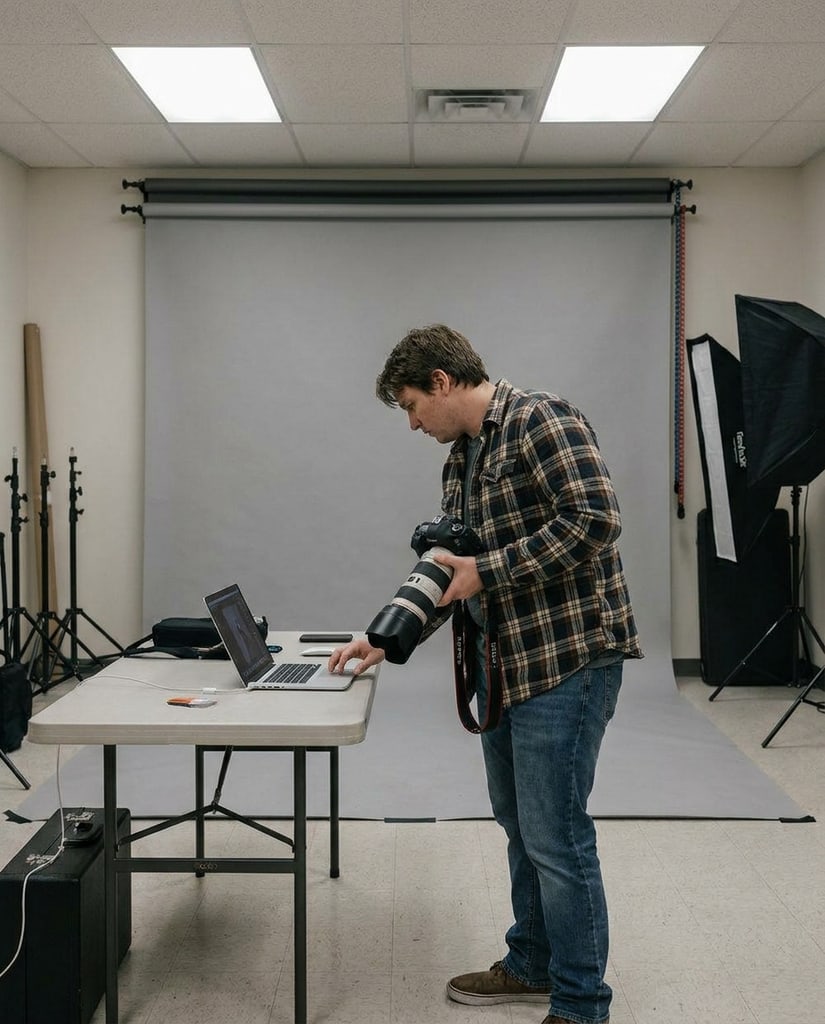
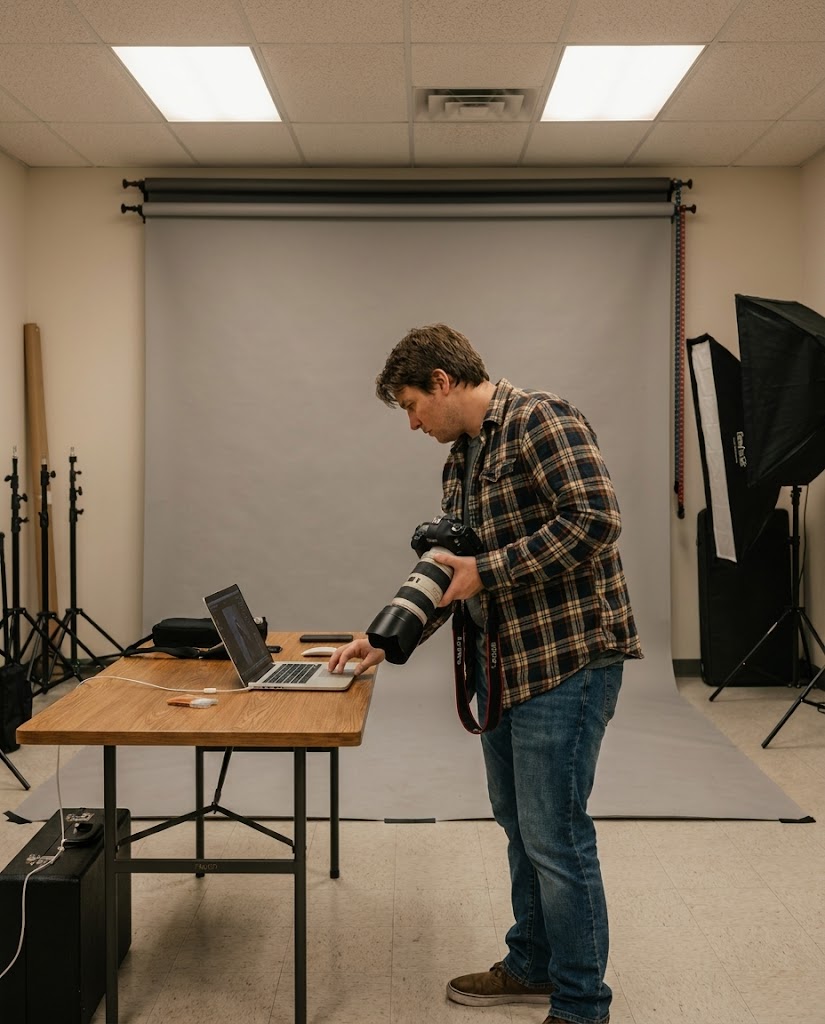
Turn product references into cleaner PDP hero concepts, lifestyle scenes, and merchandising options before a full shoot.
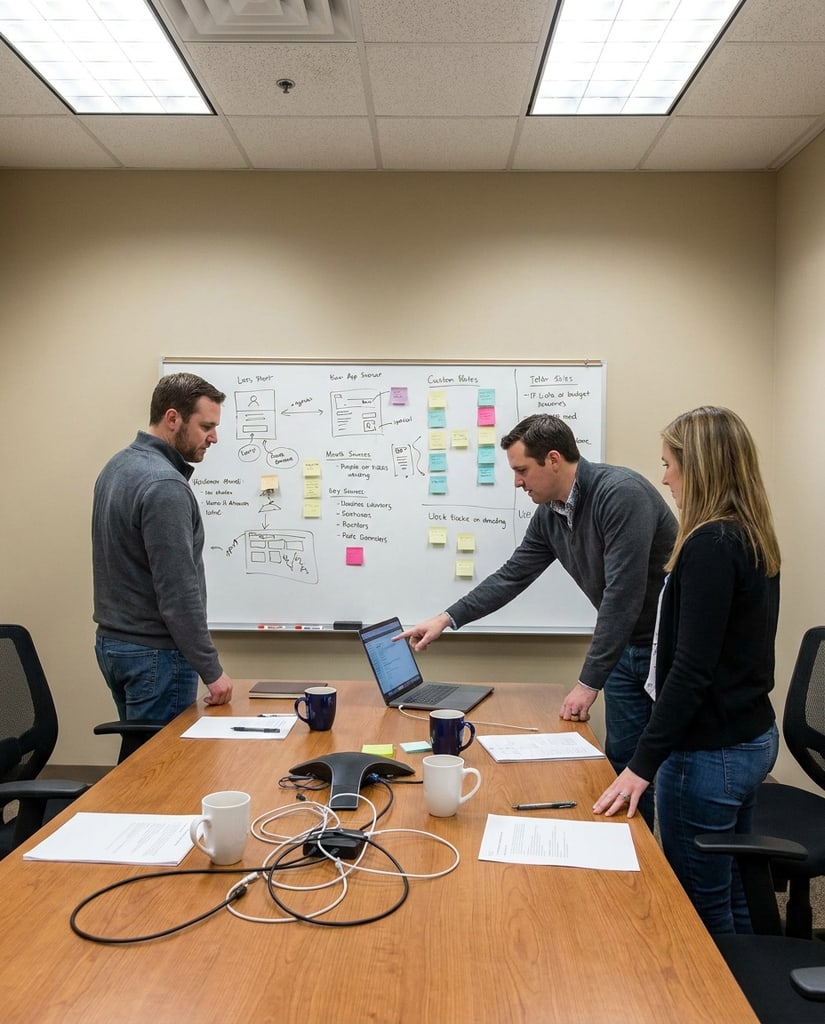
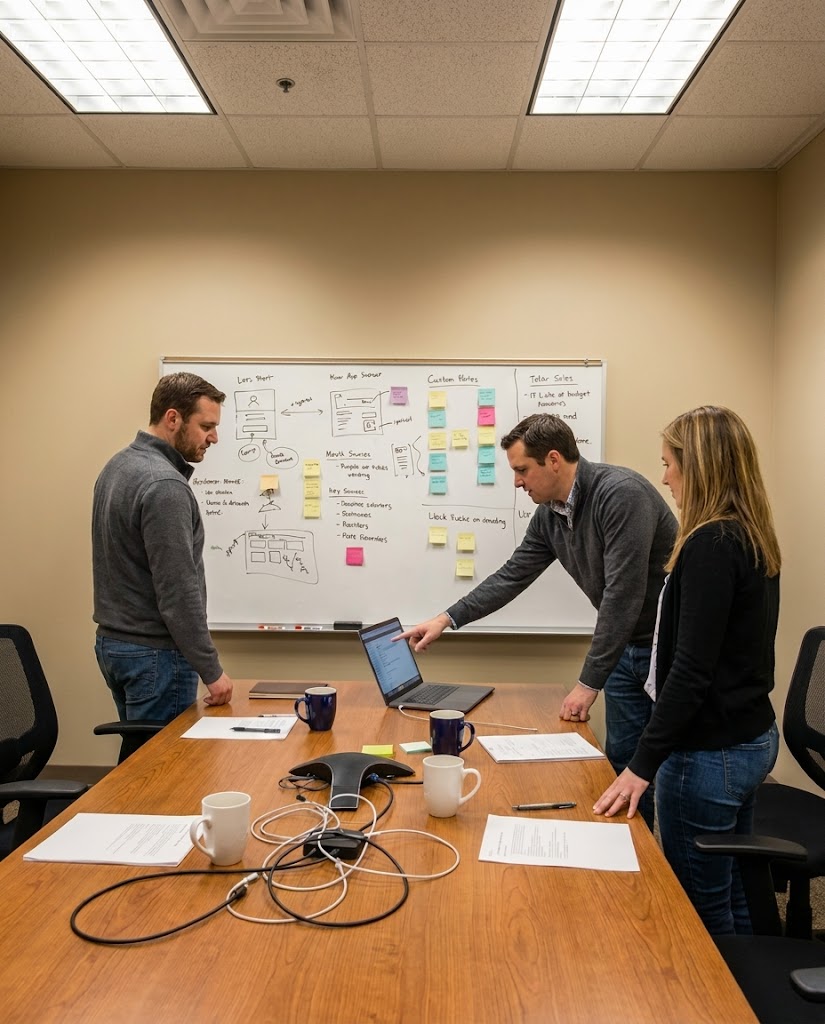
Generate diagram-like visuals, annotated concepts, and slide-ready images that benefit from clearer structure and text placement.
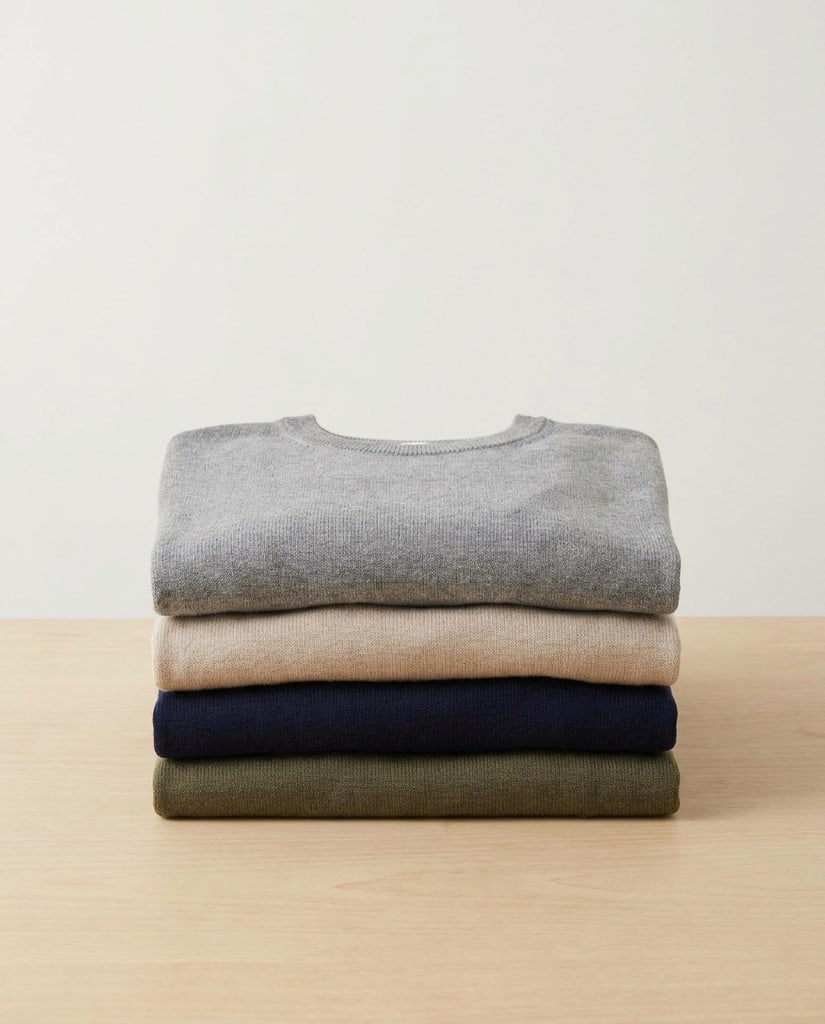
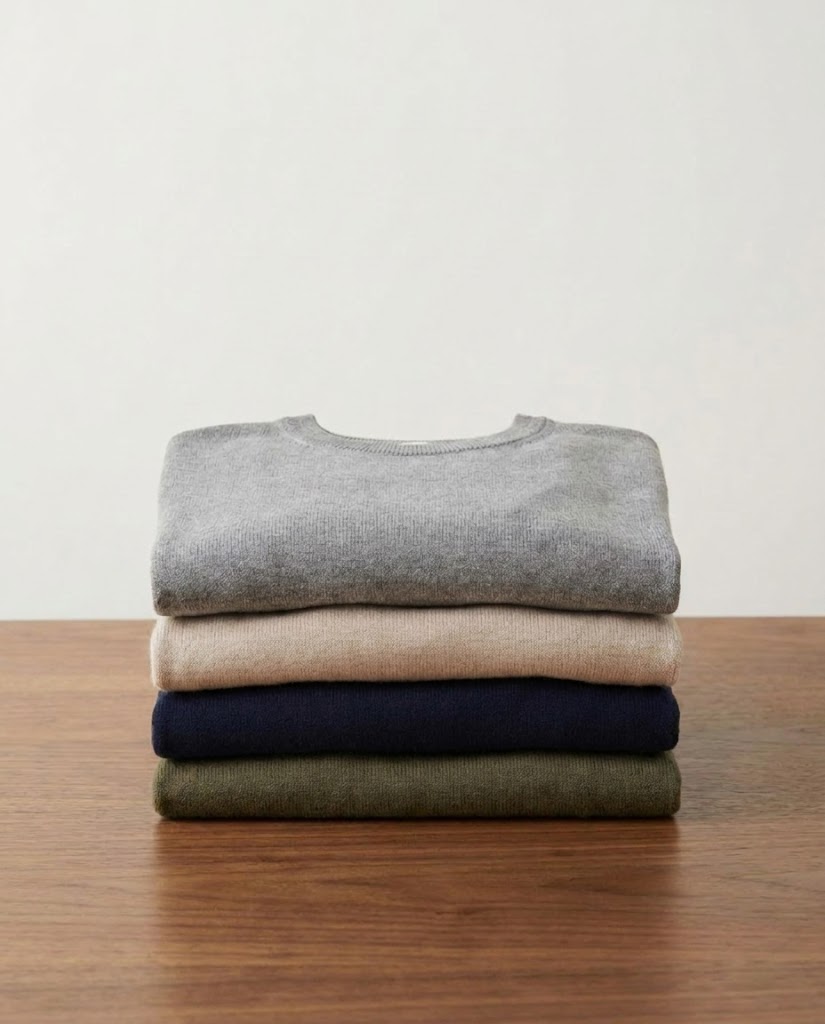
Use source images to preserve subject identity while changing lighting, materials, environment, or the visual message.
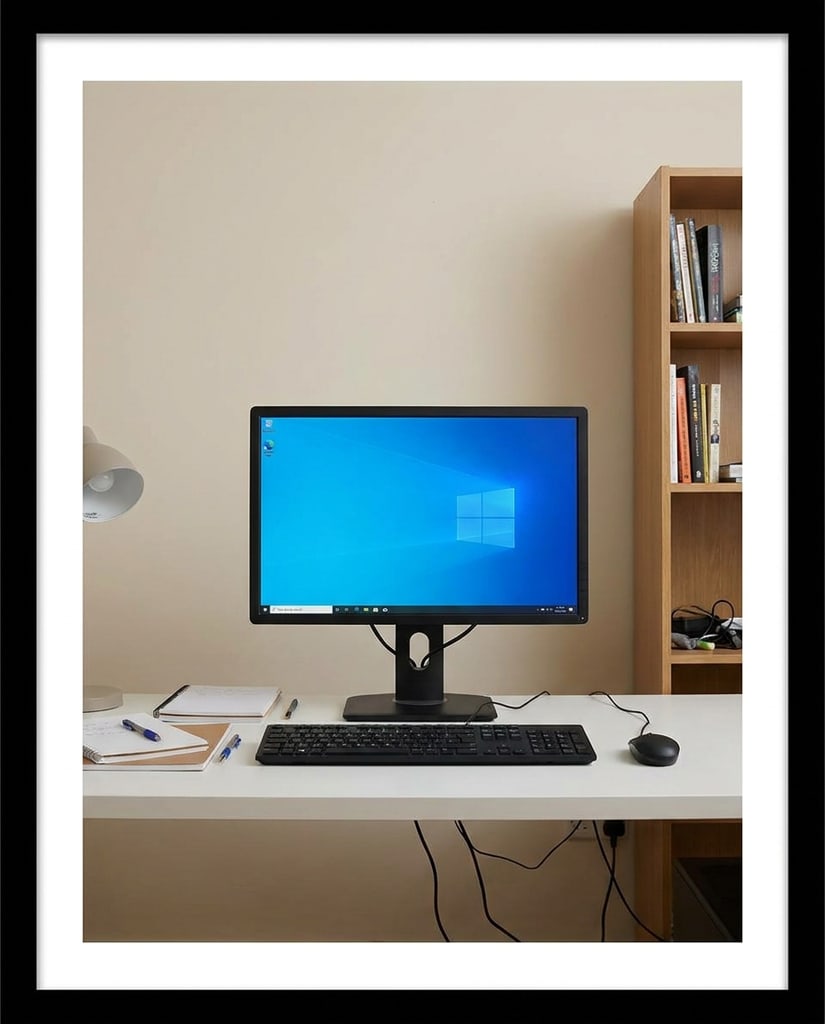
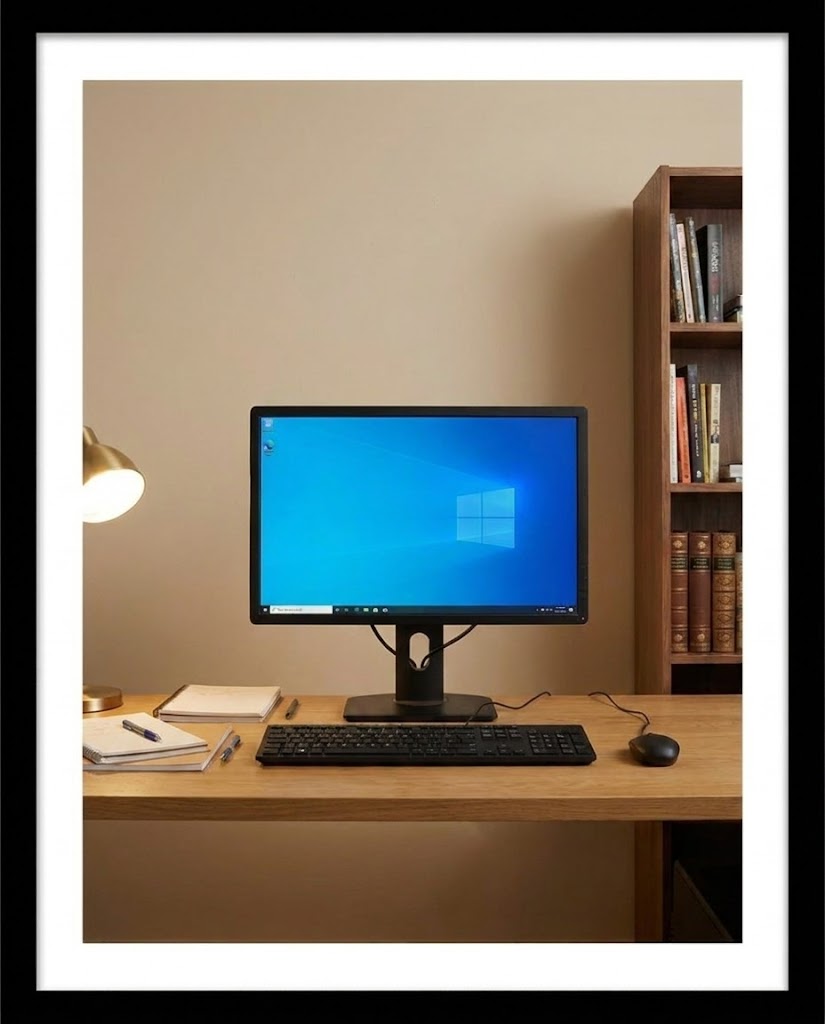
Use GPT Image 2 to turn structured briefs into platform-ready visuals for publishing, testing, and review.
YouTubers, educators, and video teams who need clear thumbnails and supporting channel visuals.
Create thumbnail directions, episode covers, title cards, channel banners, and scene concepts with readable text hierarchy.
Compare hooks faster, keep wording and composition aligned, and make each upload easier to recognize.
Creators and social teams testing frequent short-form hooks, product angles, and campaign variants.
Generate cover frames, storyboards, product-led visuals, and text-forward concepts sized for rapid short-video planning.
Move from idea to testable creative faster while keeping the message legible on small screens.
Store owners, merchandisers, and ecommerce teams improving product pages and campaign landing assets.
Draft product scenes, hero banners, benefit callouts, promotional tiles, and seasonal merchandising visuals from one brief.
Preview more page-ready directions before scheduling shoots, design work, or catalog updates.
Marketplace sellers and catalog teams that need clear product visuals and comparison concepts.
Explore secondary listing images, lifestyle scenes, feature diagrams, packaging callouts, and A/B test directions.
Clarify the value proposition earlier and reduce back-and-forth before producing compliant final assets.
Creators, founders, and brand teams building a consistent visual presence across Instagram formats.
Create feed posts, carousel covers, Stories frames, Reels covers, highlight graphics, and campaign variations.
Turn one message into multiple publishable formats while keeping the visual system coherent.
Small businesses, agencies, and in-house marketers coordinating many channels with limited production time.
Generate campaign key visuals, ad concepts, landing-page art, email graphics, and presentation-ready visual explanations.
Align copy, layout, and creative direction sooner so teams can decide what deserves final production.
Common questions about using GPT Image 2 inside Pikvee. GPT Image 2 is more than a prompt-to-image tool. Start from a description or reference image, control the subject, composition, aspect ratio, resolution, and visible text, then compare variations until the result is ready for publishing, review, or further design.
Use it as an AI Image Generator for Text to Image creation and Image to Image editing tasks that need stronger instruction following, readable text, structured layouts, and careful composition.
Yes. Use image-to-image mode with reference uploads when you want to preserve a subject, product, or layout while changing style, lighting, or details.
This Pikvee route exposes supported GPT Image 2 ratios and resolutions in the generator. Some combinations are restricted, and the UI explains those limits before generation.
Not always. GPT Image 2 is strong for prompt fidelity, text-heavy visuals, and precise edits. Other models may be faster, cheaper, or better for broad creative exploration.
GPT Image 2 is an AI image generation and editing model for structured visual work. It supports text-to-image and image-to-image workflows, making it useful when you need readable image text, controlled composition, reference-guided edits, or several design directions for the same brief. It fits posters, product visuals, social content, explainers, and marketing assets.
Start with the subject and the job the image needs to do, then add style, composition, audience, colors, aspect ratio, and any text that should appear. Use a prompt when you are creating from scratch. Add a reference image when an existing person, product, layout, or visual identity needs to remain recognizable. Explain what must stay and what can change.
A practical structure is subject, setting, composition, style, text, and output requirements. For a product poster, describe the product position, background material, camera angle, headline, empty space, and target aspect ratio. Instead of saying “make a beautiful ad,” explain who will see it, where it will be published, and which visual details cannot be lost.
Use reference images to guide a person’s appearance, product shape, pose, color relationship, scene structure, or brand feel. State the editing boundary clearly: keep the package shape and visible label while changing the background and lighting, or keep the pose while adapting the composition for a vertical social post. Clear boundaries help the result stay closer to the original intent.
Creators can make profile images, covers, thumbnails, and social posts. Ecommerce teams can explore product scenes, packaging callouts, and lifestyle visuals before production. Marketers can test posters, ads, campaign visuals, and headline layouts. Designers can use it as an early concept tool to compare visual routes before committing to a full design pass.
Choose the aspect ratio based on the destination: portraits and social posts often need vertical layouts, product pages and banners may need landscape frames, and information-led graphics need room for readable text. Select the resolution after the composition is clear. Use a lighter setting for exploration, then move to higher resolution for review, handoff, or downstream design.
Choose GPT Image 2 when prompt detail, readable image text, reference-guided editing, and structured composition matter. Choose Nano Banana 2 when you want faster broad exploration and many publishing variations. Choose Nano Banana Pro when the direction is clear and polished final quality is the priority. You can start with GPT Image 2 for layout and wording, then switch models when the concept needs a different finish.
Try GPT Image 2
Use one focused page for GPT Image 2 text-to-image, reference-guided edits, and design-oriented visual experiments.
Privacy Choices
We use cookies and similar technologies to keep Pikvee working, measure product usage, and control advertising-related preferences. Necessary cookies stay on. You can reject non-essential use or review detailed settings.