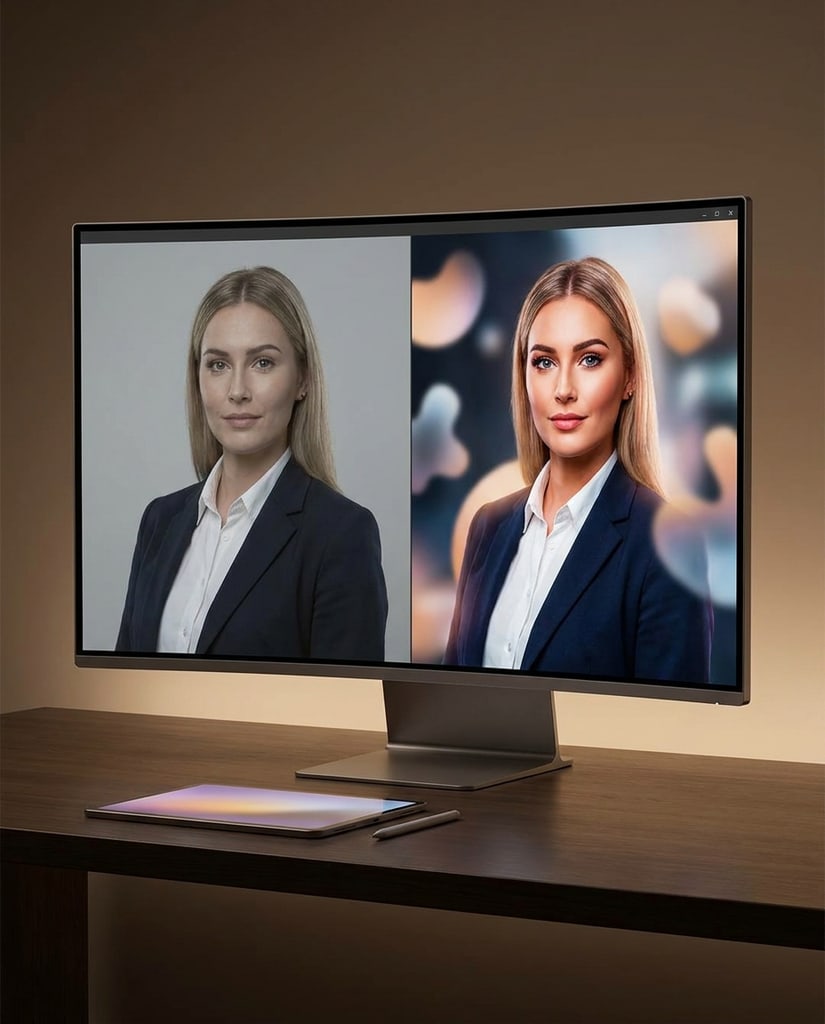
Consistent-character portraits
Build portraits and profile images that keep a recognizable identity while the setting and styling change.
Use Nano Banana 2.1 when you need an efficient AI Image Generator that follows prompts closely, keeps characters consistent across edits, and renders readable text in posters, products, and social visuals.
Independent product. Not affiliated with Google.
Use Nano Banana 2.1 for visual production where detail accuracy, image text, and reference consistency all matter.
Build portraits and profile images that keep a recognizable identity while the setting and styling change.
Produce scroll-stopping covers and posts where the headline and the subject both need to read clearly.

Place a real product into new scenes while protecting its shape, label, and material details.
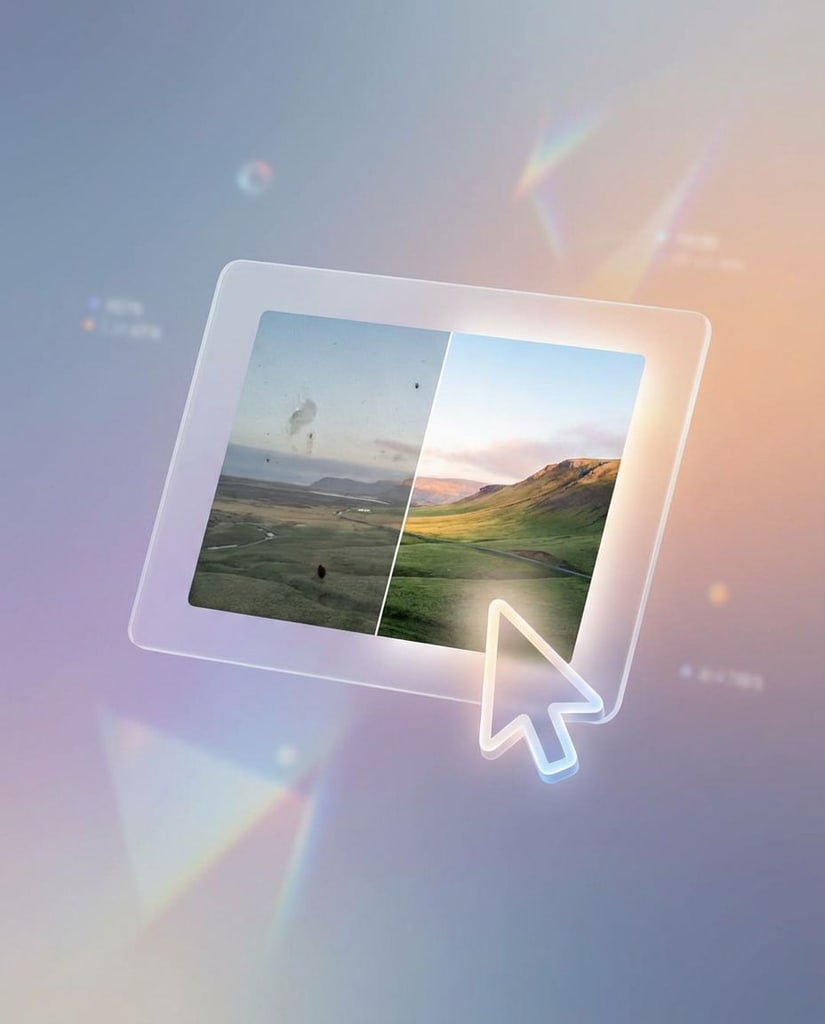
Compose promotion and ad visuals where the copy and the imagery have to support each other.
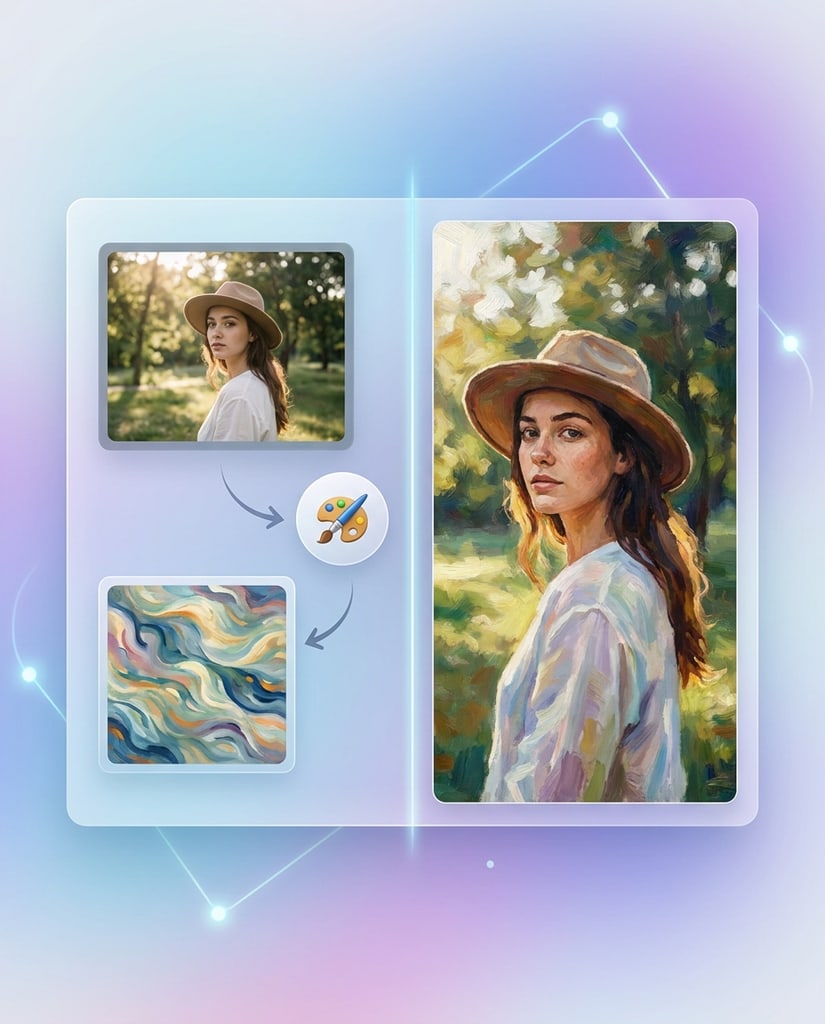
Explain an idea with diagrams and information-led layouts that are easier to scan and proofread.
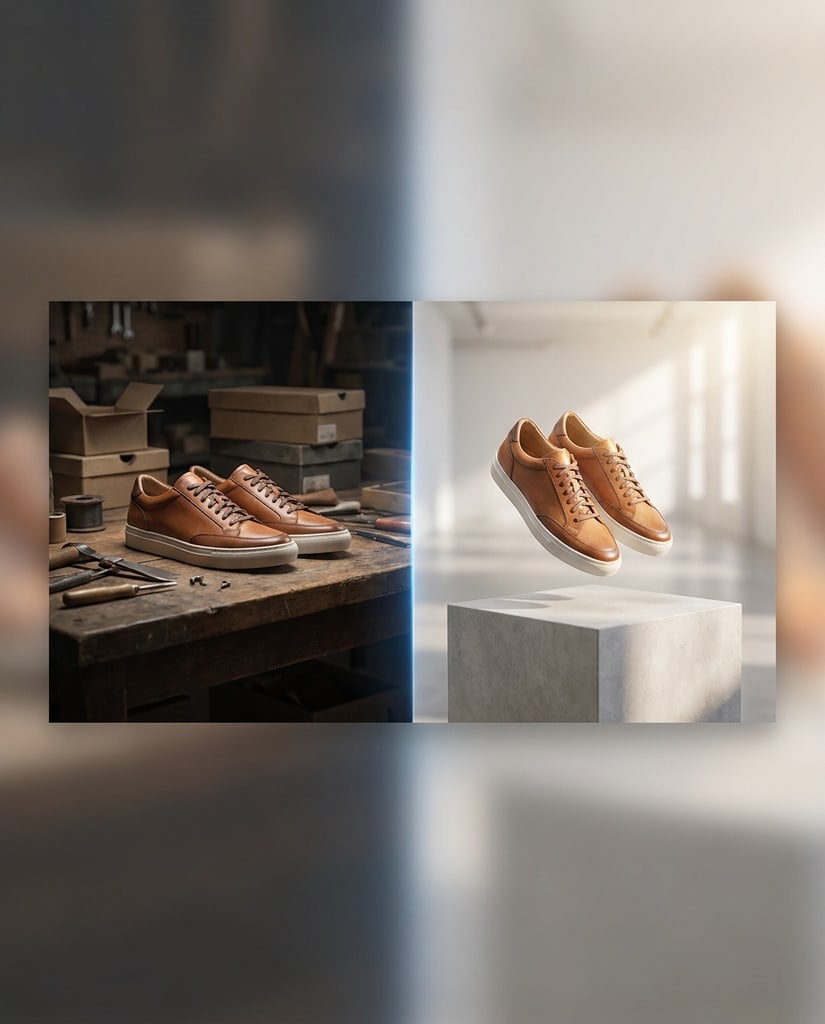
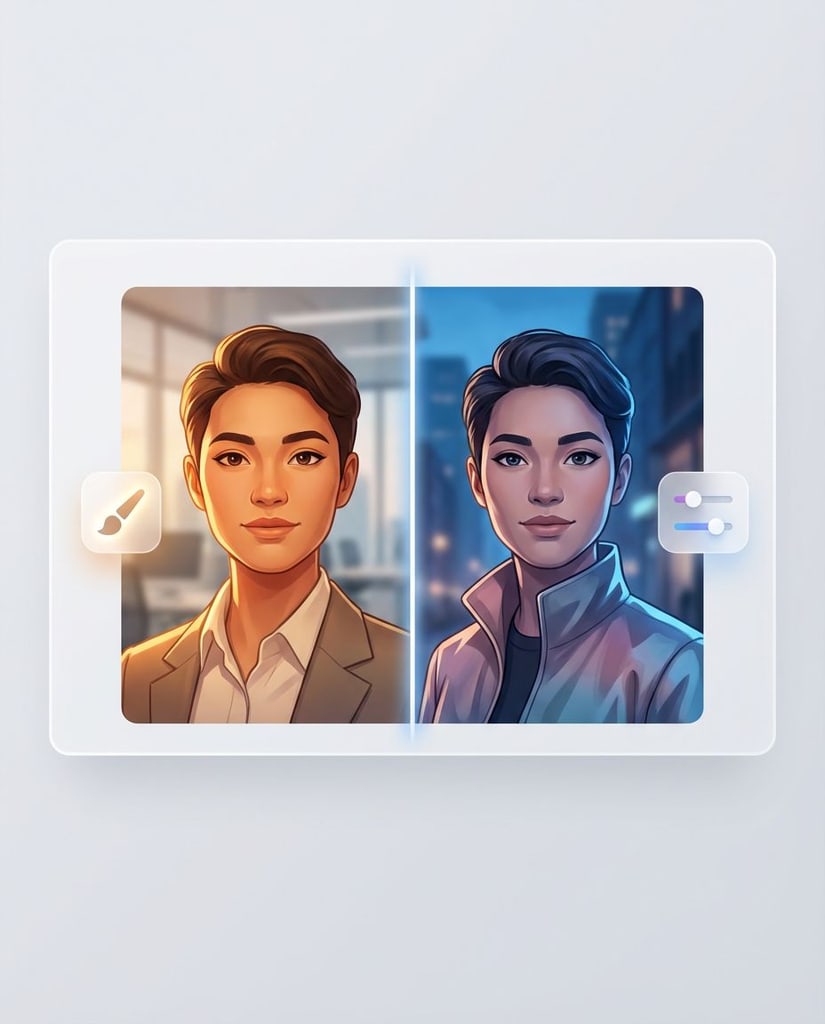
Carry a consistent character across poses, outfits, and scenes for storytelling and series work.
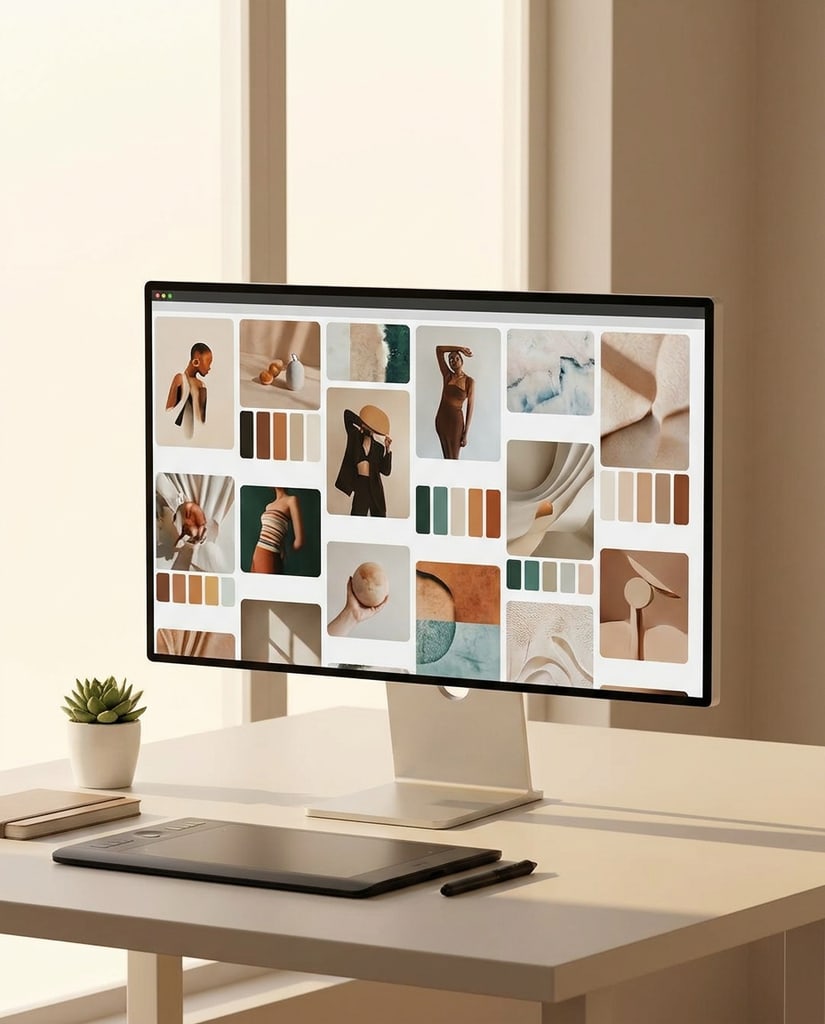
Combine people, products, and objects from several references into one controlled composition.
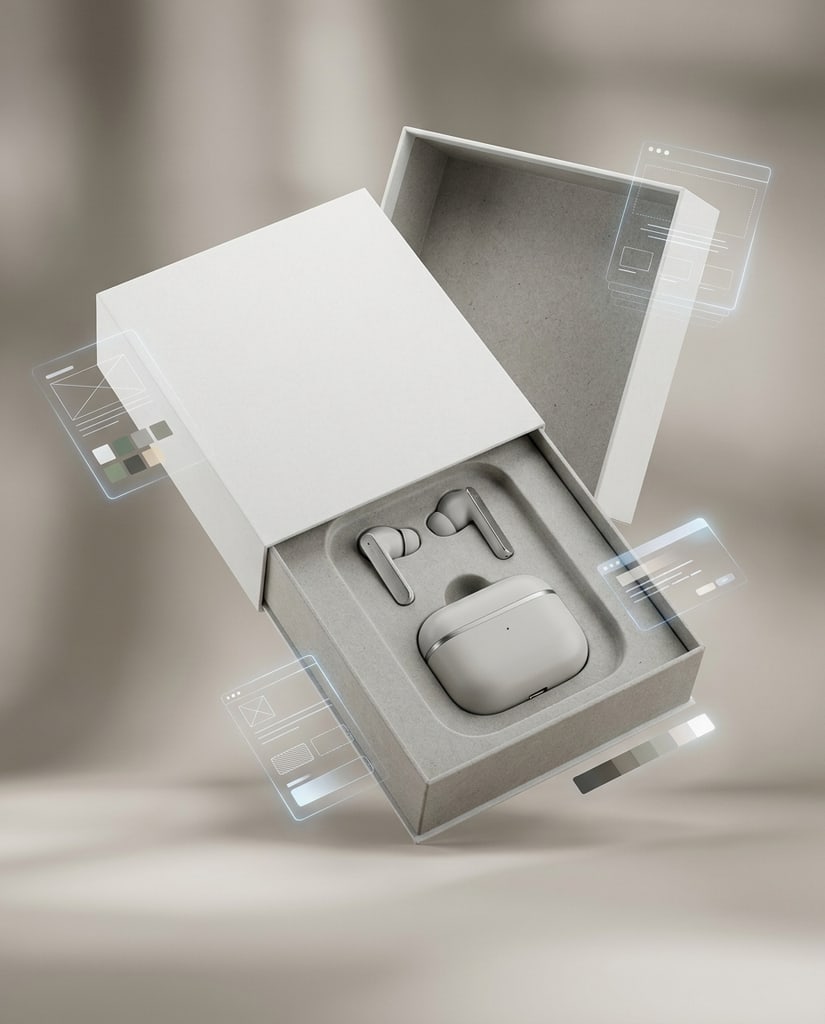
Prepare higher-resolution exports for reviews, handoffs, publishing, and downstream design work.
Move from a rough idea to a dependable visual by pairing clear prompts with references, resolution, and a short review loop.
Describe the outcome, then make the boundaries explicit: which subject, product, or identity must be preserved and which parts of the scene are free to change.
When a character, product, or brand feel has to stay recognizable, add references and assign each one a clear role instead of describing it in words alone.
Set ratio and resolution before generating so a preview, feed post, product scene, or wide banner begins in the right frame.
Preserve the approved image and adjust a single element per round, then compare against the previous version to see exactly what improved.
Nano Banana 2.1, also known as Gemini Nano Banana 2.1, is Google's Gemini 3 series image model built on Gemini 3.6 Flash, focused on more faithful details, better image text, and more consistent subjects.
Nano Banana 2.1 is a member of Google's Gemini 3 series and is based on Gemini 3.6 Flash. Google positions it as an update to Nano Banana 2 and a more efficient counterpart to Nano Banana Pro, aimed at everyday image generation and editing that still needs reliable detail.
The release emphasizes improved realism and closer prompt adherence. This is most visible in product and material work: a requested camera angle, light direction, and surface finish are more likely to appear together instead of only one of them.
Nano Banana 2.1 improves text rendering and infographic layout accuracy, which matters for posters, menus, packaging concepts, information cards, and diagrams. Small text can still blur at 1K, so proofread the final image and generate at a higher resolution when wording carries the message.
The model targets multi-turn character consistency. The documented configuration supports up to 14 reference images, with high-fidelity targets of up to four characters and ten objects. Treat these as documented capabilities rather than a guarantee that every crowded composition survives.
The model documentation reports a fix for tiling artifacts in wide and tall ratios such as 1:4, 4:1, 1:8, and 8:1 at 2K and 4K. This helps banners, elongated display graphics, and tall campaign artwork hold together across the full frame.
Nano Banana 2.1 supports a broad set of aspect ratios, from square and portrait frames to wide and extra-wide compositions. Output choices include 1K, 2K, and 4K, while the Pikvee generator exposes the options available in the current integration.
Google states that generated images include SynthID, and the Cloud model page also lists C2PA Content Credentials support. As with any generative workflow, review text, factual details, brand elements, anatomy, and rights-sensitive content before publishing or using an output commercially.
Nano Banana 2.1 is built for short creative loops where detail accuracy and consistency matter: start with an idea, bring in references, compare directions, and keep the version that is ready for the next step.
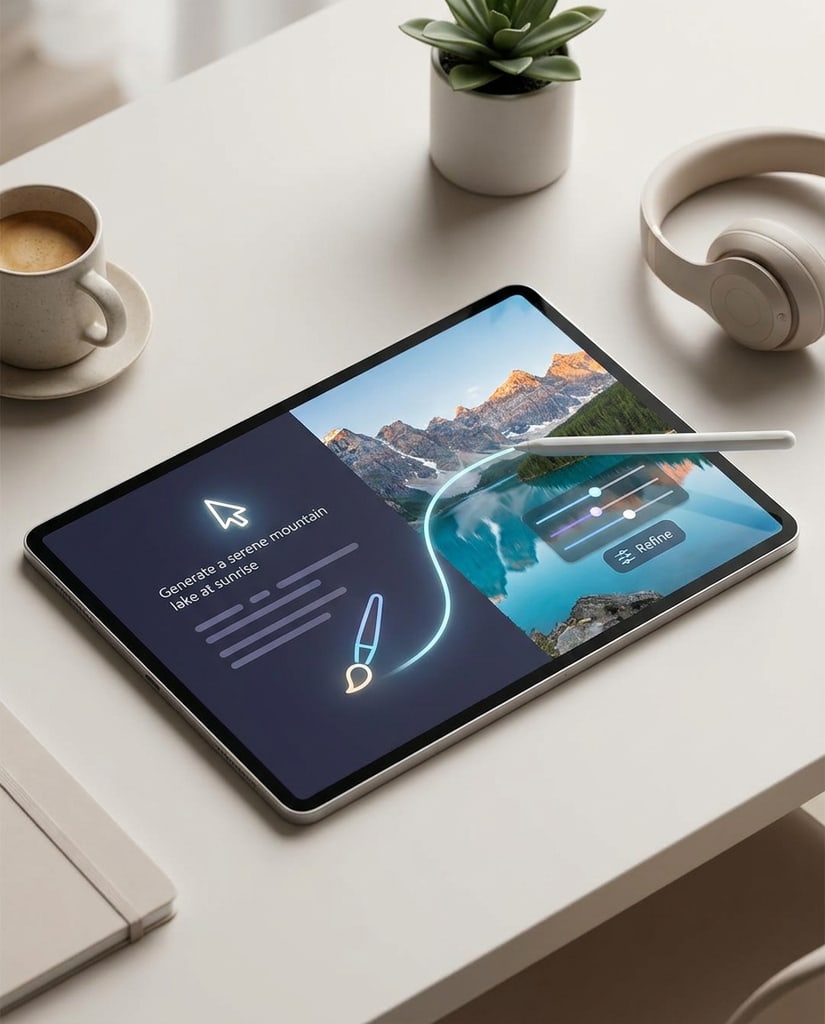
Faithful Details
Use it when a brief combines a specific angle, light direction, and material, and you need all of them to appear together.
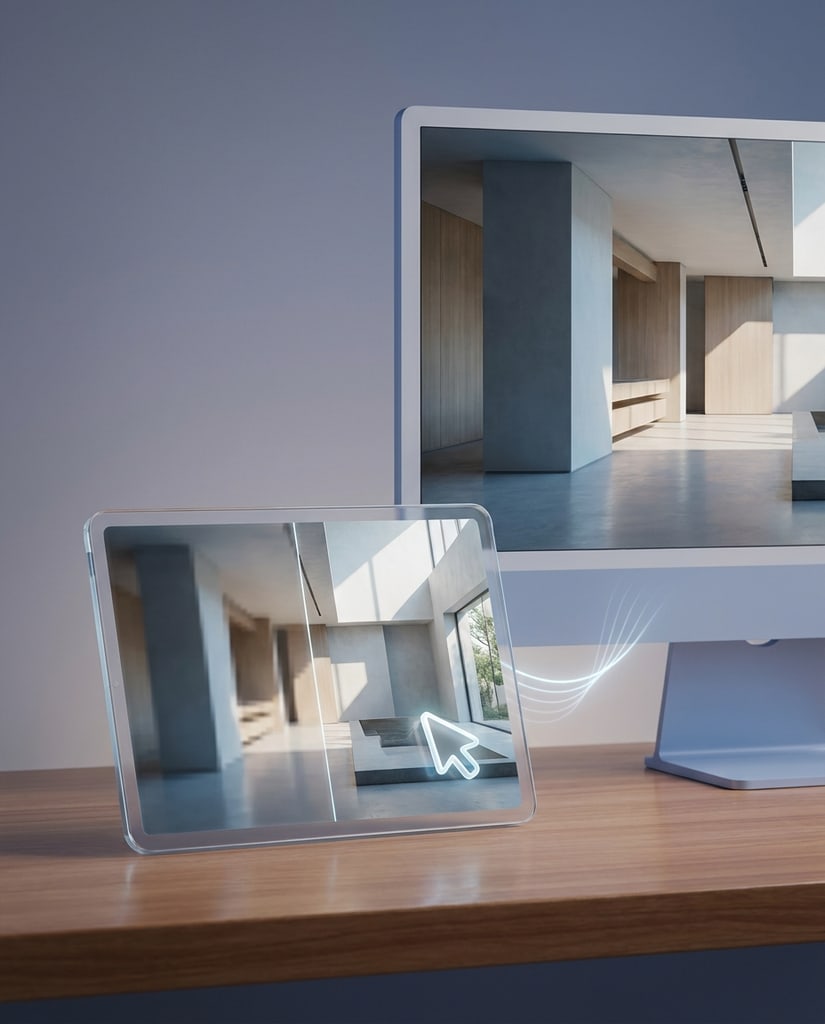
Readable Text
Use it for posters, labels, menus, and infographics where the text has to support the image instead of turning into noise.
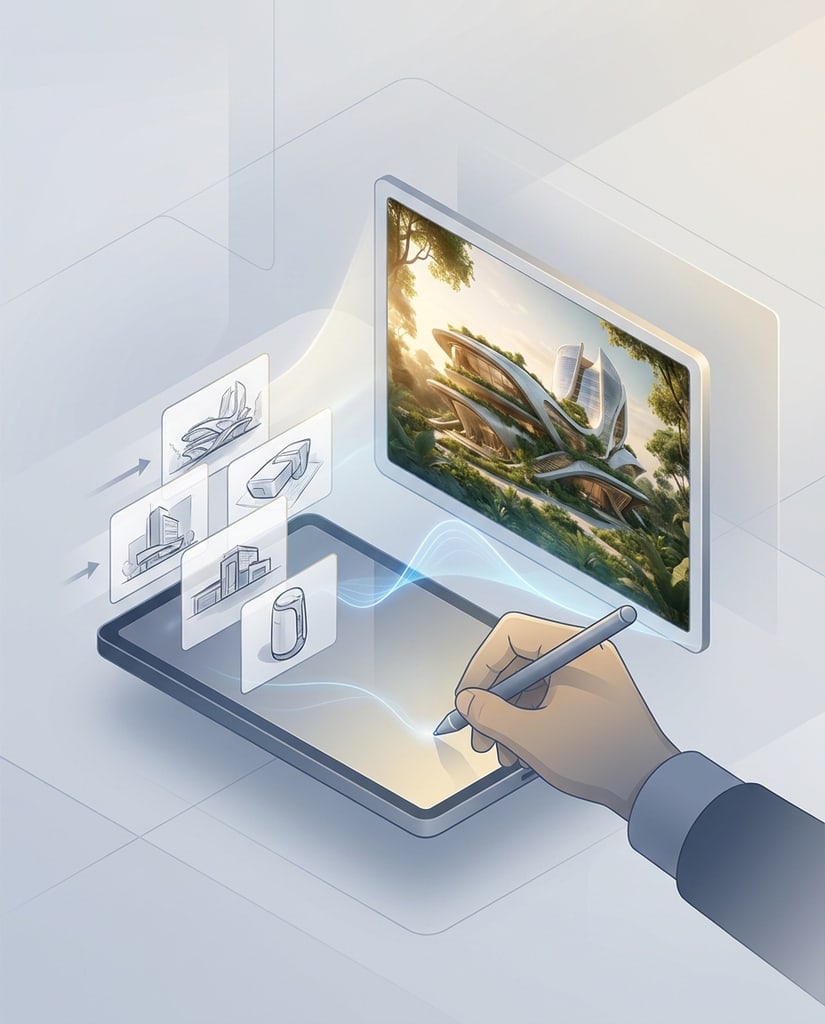
Subject Continuity
Bring in character, product, or style references when the output has to preserve an identity while the setting evolves.
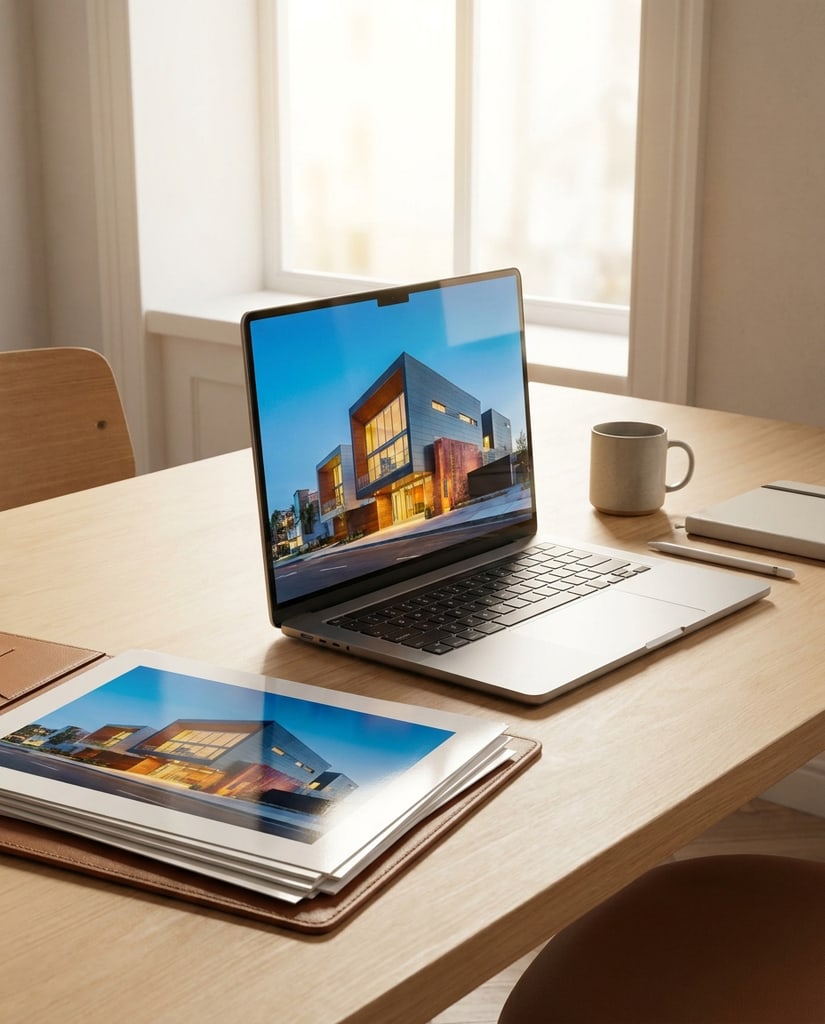
Panoramic Frames
Prepare banners and elongated formats with fewer repeated objects and visible seams at 2K and 4K.
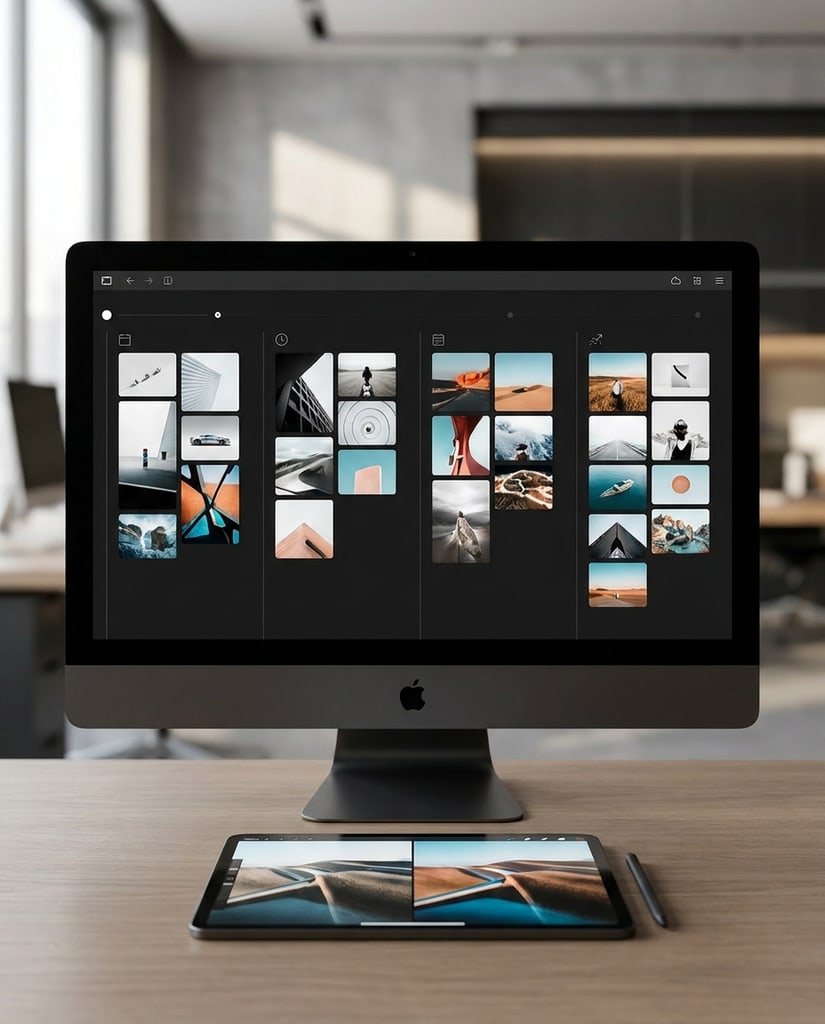
Fast Compare
Because 2.1 shares Nano Banana 2's request shape, you can rerun the same saved briefs and judge whether the fidelity and text gains are worth switching.
Reach for Nano Banana 2.1 when the image has to keep a specific identity or product detail intact while the setting changes.
Refresh a portrait, profile image, or cover while keeping the subject's likeness, hairstyle, and expression consistent across every variation.
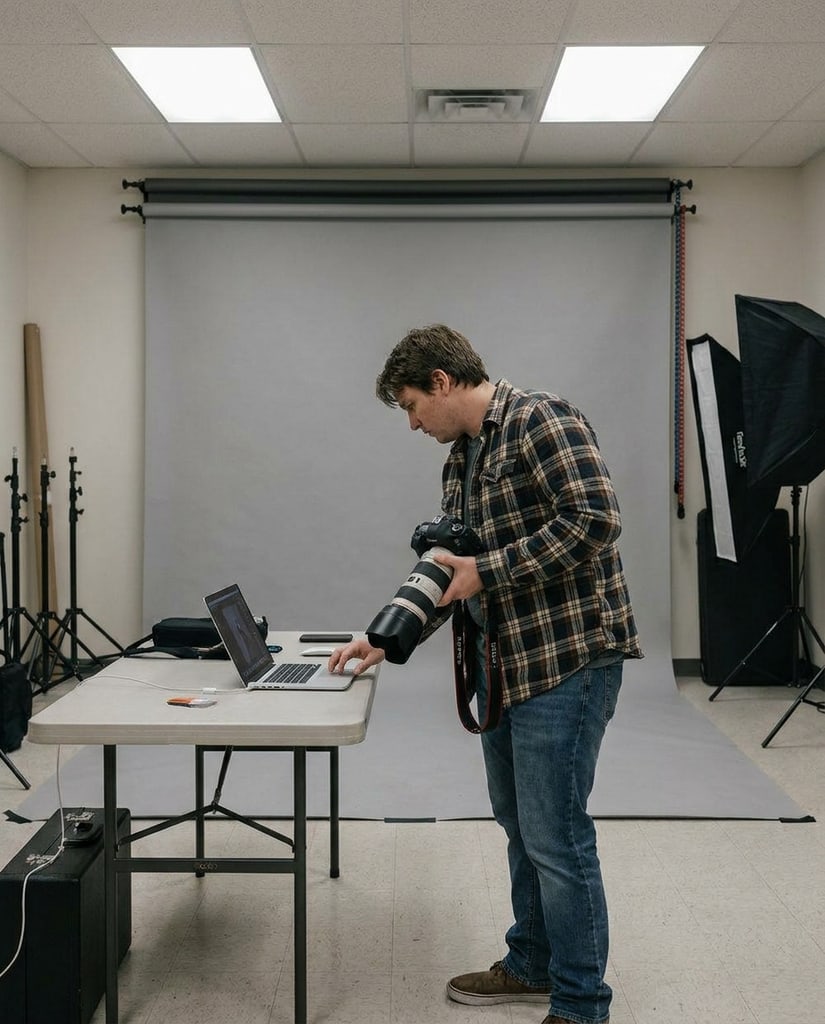
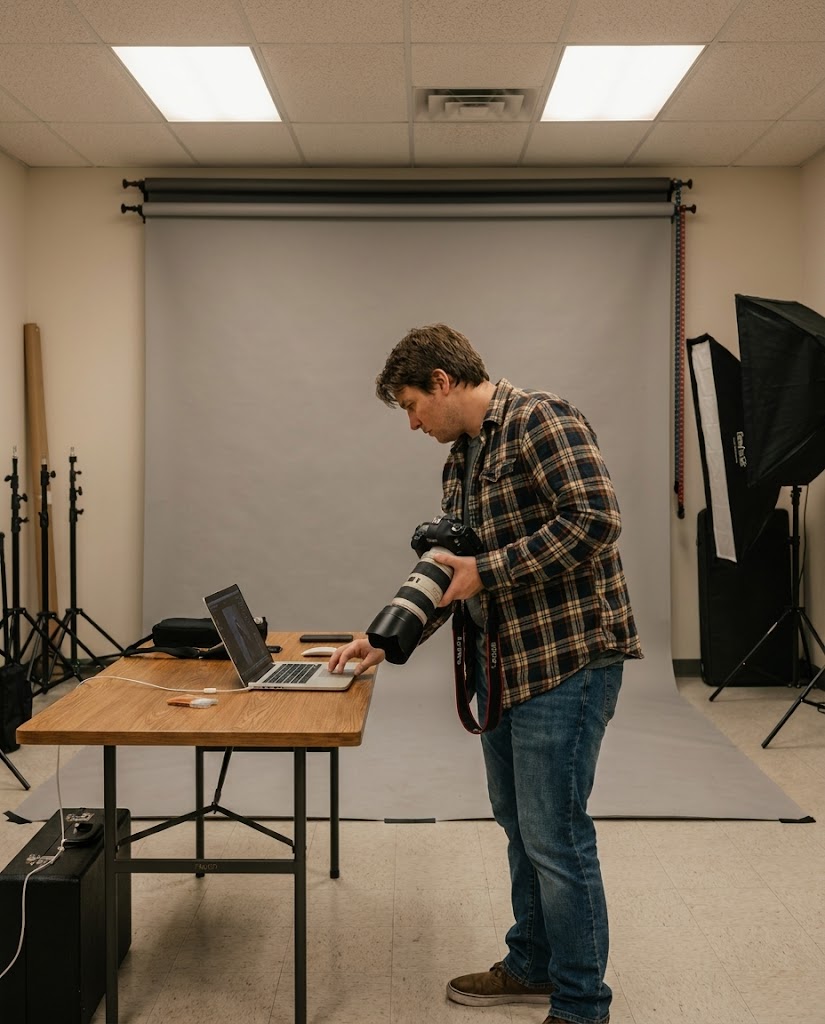
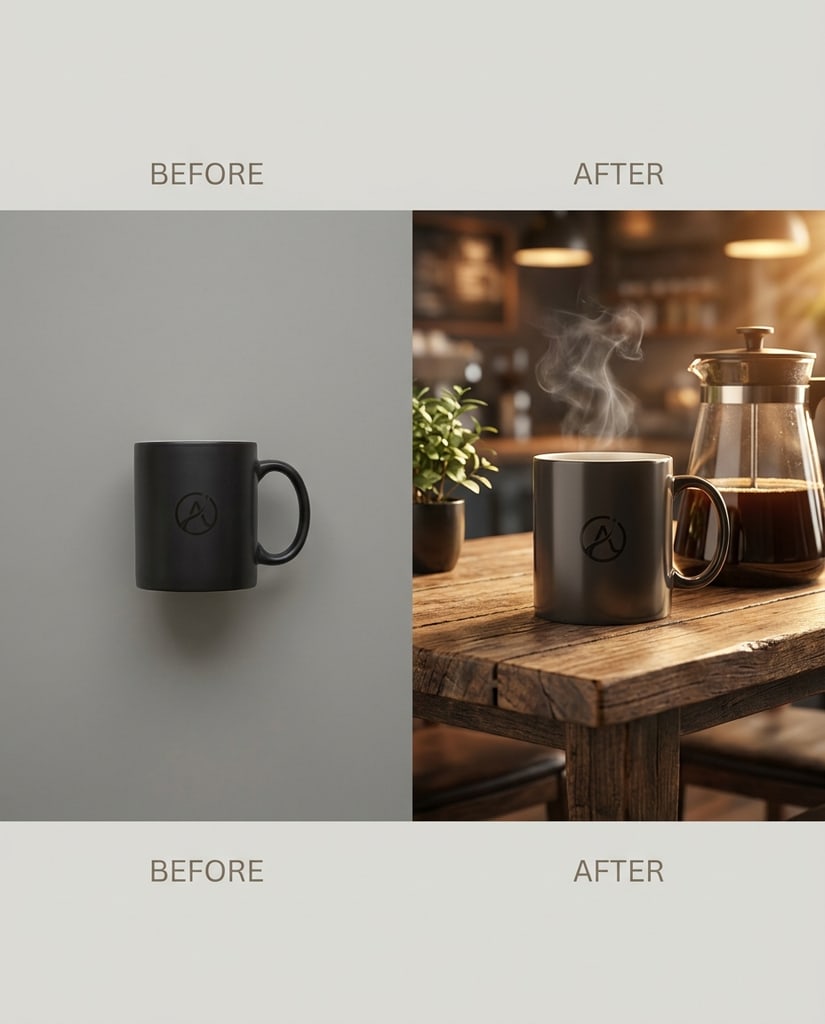
Restage a product in a new environment while protecting its exact silhouette, label text, material, and finish instead of a roughly similar look.
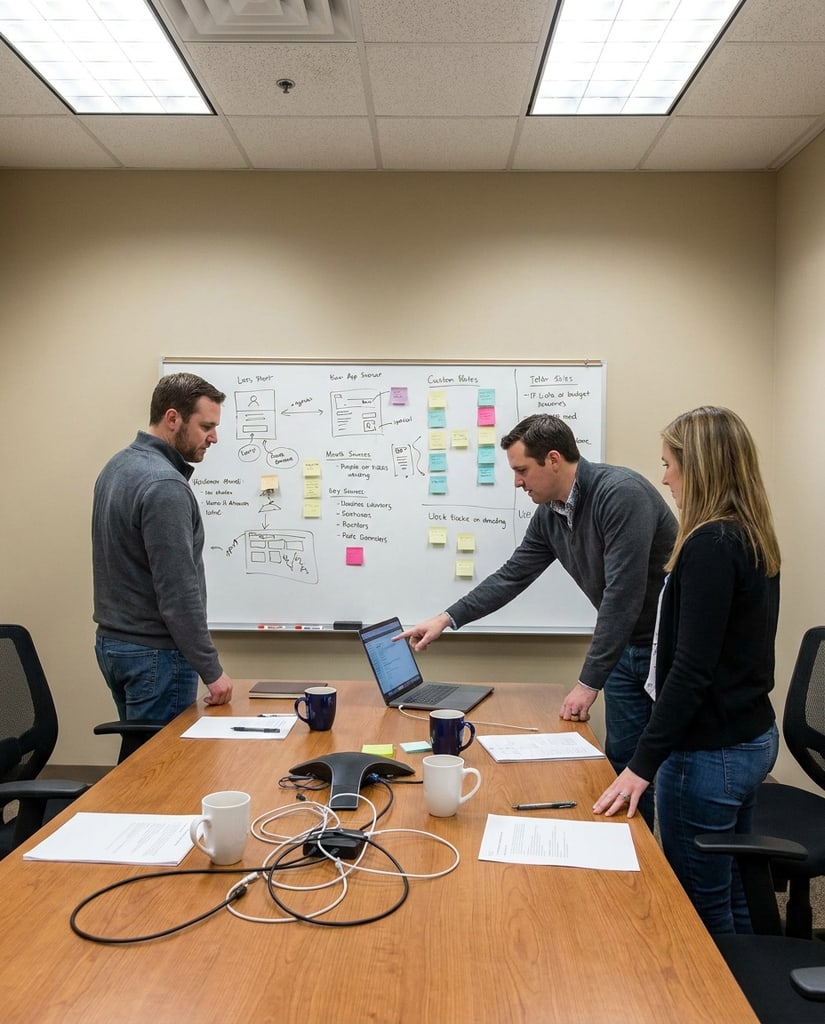
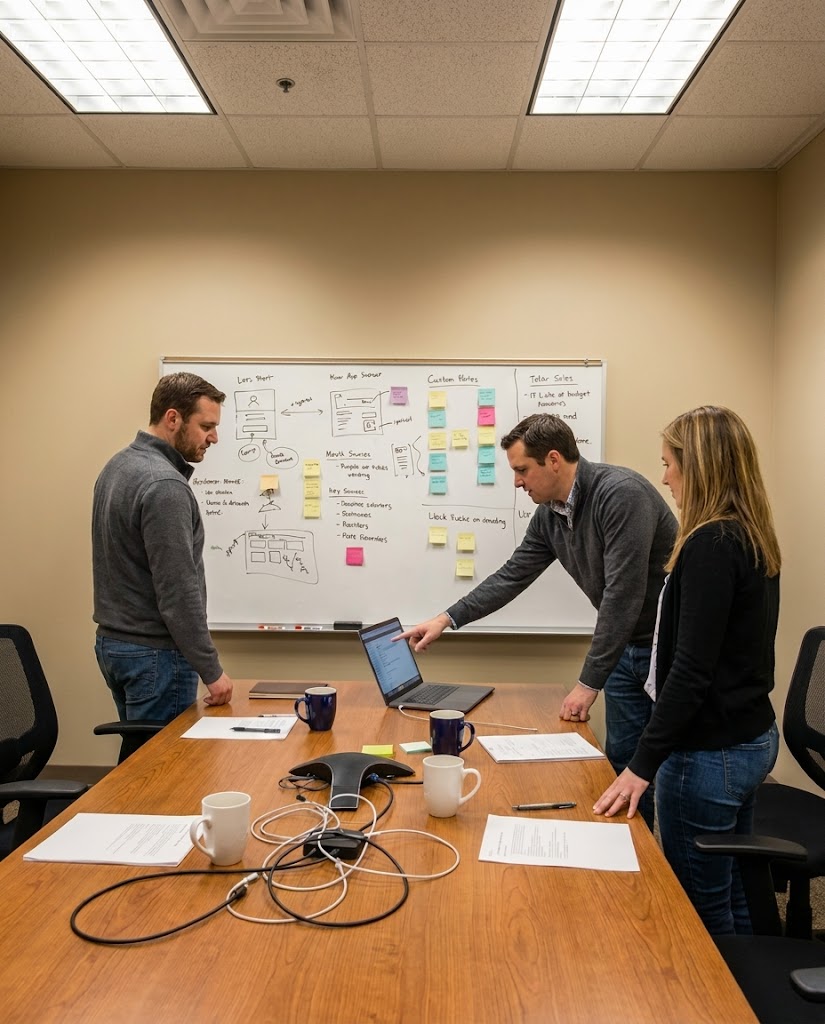
Build posters, menus, and infographics where the wording, hierarchy, and spacing have to stay legible and correctly placed.
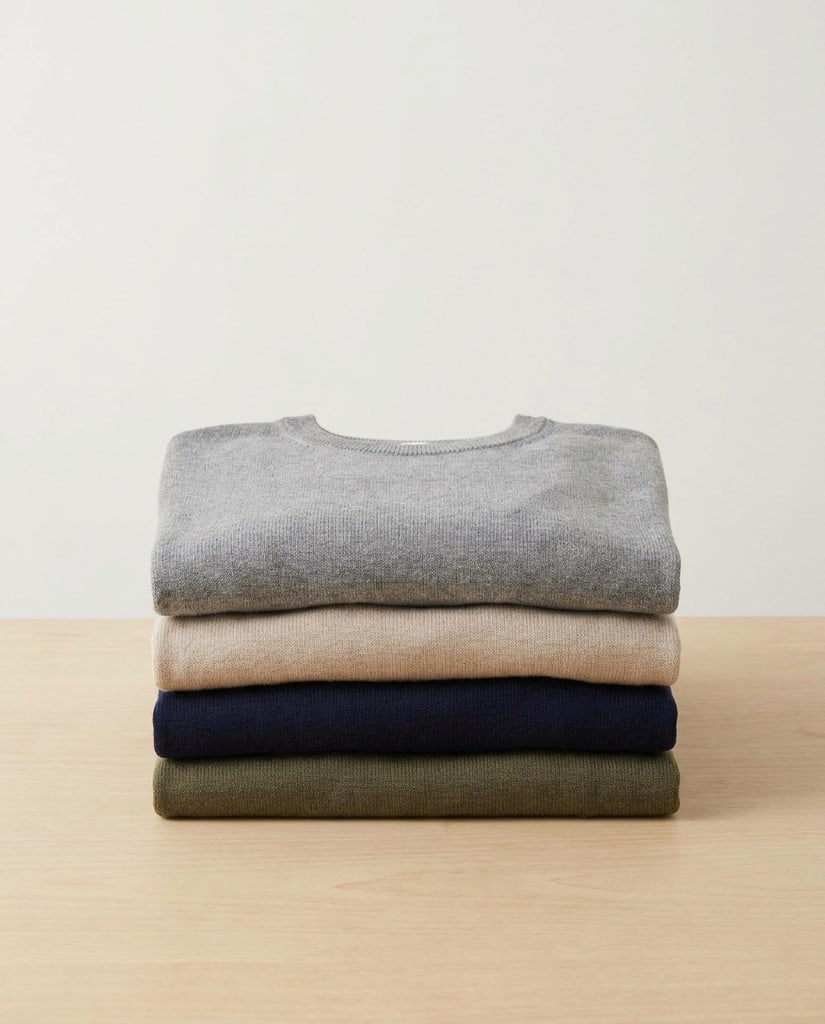
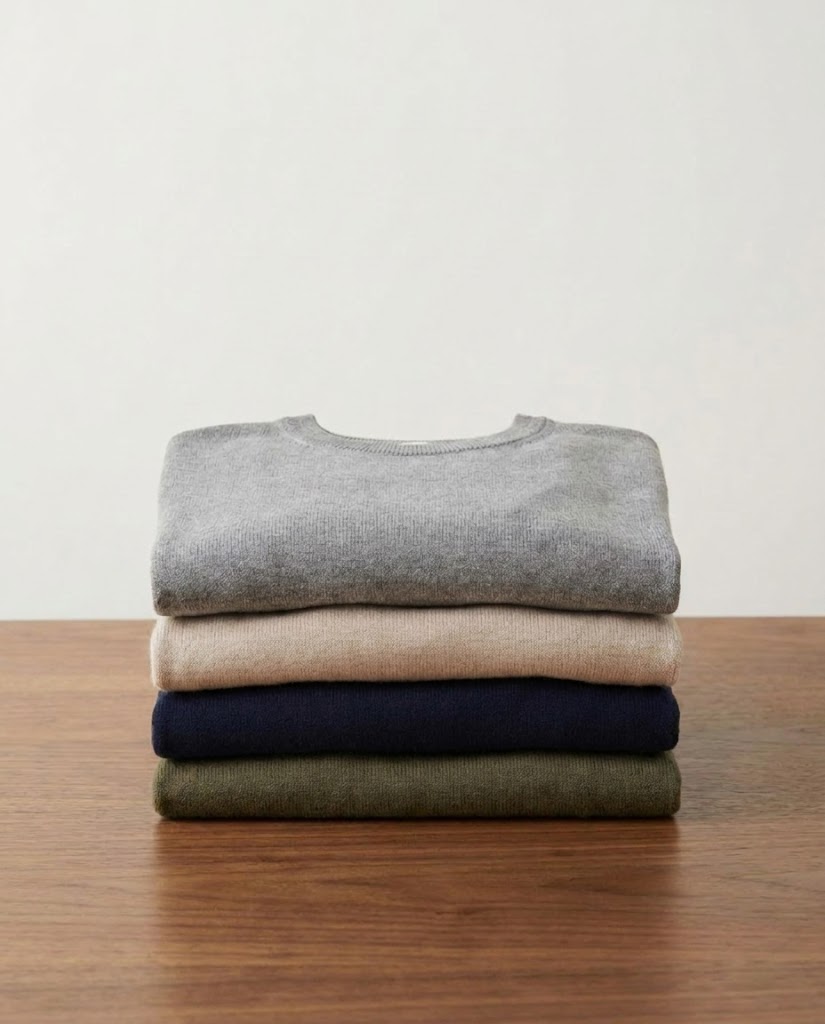
Carry one character through new poses, outfits, and scenes so a series of images reads as the same person or product throughout.
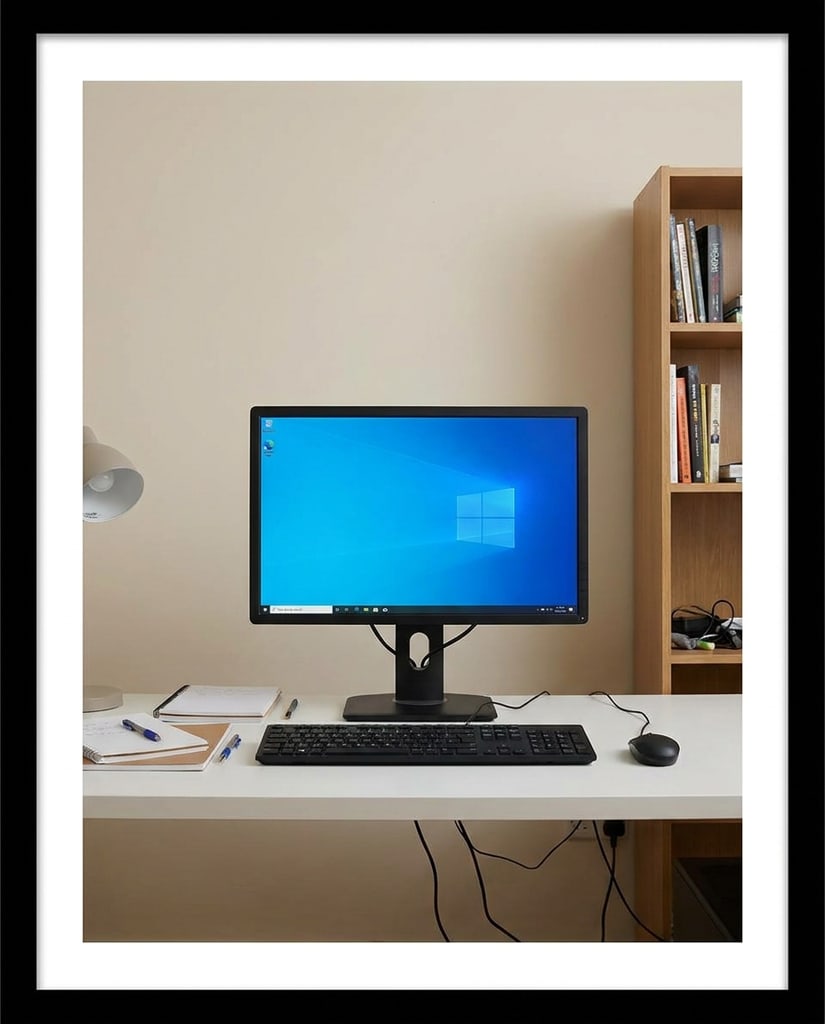
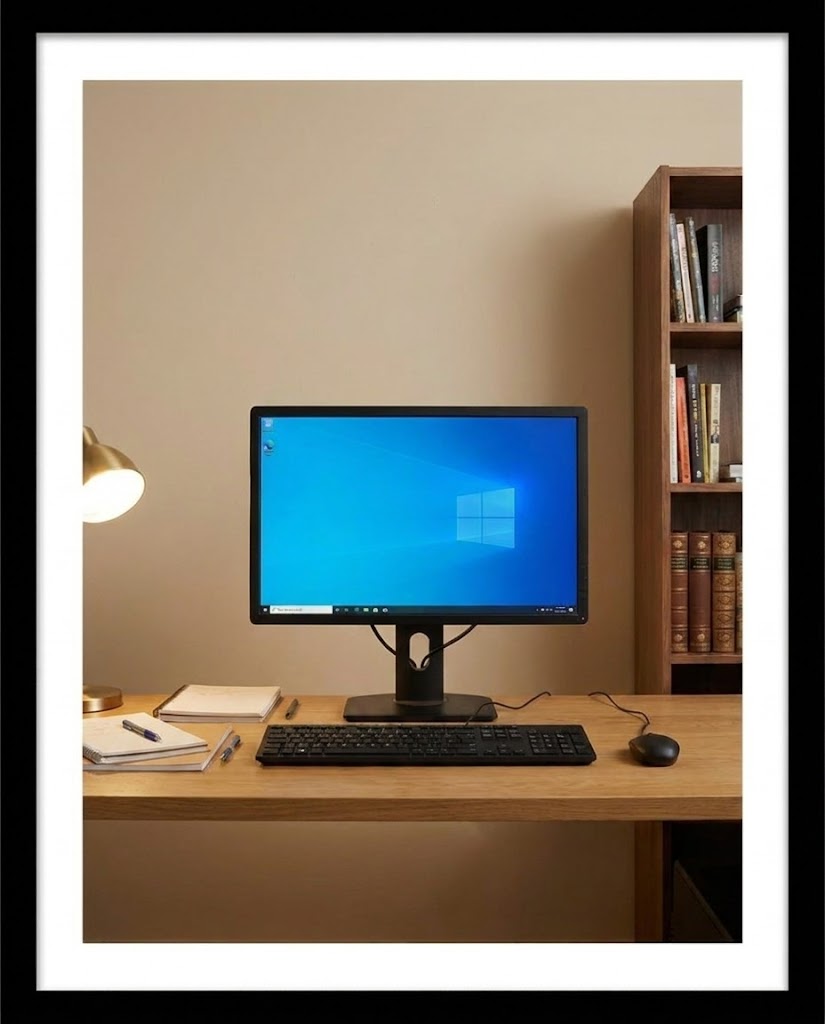
Put Nano Banana 2.1 to work on platforms where image text, product detail, or a consistent subject decides whether a visual performs.
Creators and video teams who need thumbnails that stay readable at small sizes.
Thumbnails with bold, correctly spelled text, episode covers, and title cards built from a prompt or a reference frame.
Keep the subject and the headline legible together, and hold a recognizable thumbnail style across a channel.
Short-form creators producing many covers and story frames on a tight schedule.
Cover images, product-led story frames, and trend concepts that mix a clear subject with readable on-image text.
Publish quickly while keeping the person or product consistent from one post to the next.
Store owners and ecommerce teams who need product visuals that stay true to the real item.
Product scenes, lifestyle backgrounds, collection banners, and seasonal tiles that protect label text and product shape.
Show products in fresh contexts without the packaging or finish drifting from the actual item.
Marketplace sellers and catalog teams who need clear, accurate listing imagery.
Listing concepts, secondary lifestyle scenes, comparison graphics, and A/B directions with controlled, compliant wording.
Produce listing variations that stay faithful to the product and shorten the path from idea to review.
Creators and personal brands maintaining a consistent visual identity.
Feed posts, carousel covers, Stories, and Reels covers that carry one character or product across formats.
Keep the profile recognizable while adapting a single direction to multiple sizes and captions.
In-house marketers and agencies balancing many channels with limited production time.
Key visuals, ad variations, landing-page art, and social adaptations with text that stays on brand and on message.
Keep campaigns consistent while cutting the time spent rebuilding the same concept for every channel.
A focused guide to what changed in Nano Banana 2.1, when to move up from Nano Banana 2, and how it stands against Nano Banana Pro and GPT Image 2.5. Nano Banana 2.1 is Google's Gemini 3.6 Flash image model for faithful detail, readable image text, and consistent subjects up to 4K.
2.1 is Google's update to Nano Banana 2 with more faithful visual details, closer prompt following, better text and infographic rendering, and more consistent subjects across edits. It also costs less per image in the KIE configuration behind this page, while keeping the same 14-reference limit and 1K, 2K, and 4K output choices.
Google recommends 2.1 for new projects that would previously have used Nano Banana 2. A safe migration is to rerun the briefs you already trust and compare the output, since a model can improve overall while slightly shifting a look you had already approved. Keep the same prompt and references so the comparison stays fair.
Google's own evaluations place 2.1 above Nano Banana Pro on overall preference, infographic design, general editing, and multi-character consistency, and it is positioned as the more efficient counterpart. Third-party tests still favor Pro on some portrait and realism tasks, so compare them on the exact reference that matters to your deliverable.
Nano Banana 2.1 belongs to Google's Gemini 3 series and is based on Gemini 3.6 Flash. It takes text and images as input and returns image and text output, which is why it can follow multi-step editing instructions and reason about the scene while it edits.
The model documentation reports a fix for tiling artifacts in the wide and tall ratios 1:4, 4:1, 1:8, and 8:1 at 2K and 4K. That makes banners, elongated display graphics, and tall campaign artwork more usable, but you should still inspect the full frame for repeated objects and visible seams before export.
The documented configuration supports up to 14 reference images, with high-fidelity targets of up to four characters and ten objects. Treat those as documented capabilities rather than a guarantee: assign each reference a clear role and change one major thing at a time to keep a character or product recognizable.
Text rendering and infographic layout accuracy are two of the headline improvements in 2.1, which helps with posters, menus, packaging concepts, and information cards. Small text can still blur at 1K, so proofread the final image and generate at 2K or 4K when the wording carries the message.
Google lists blurry small text at 1K, character consistency that is not always perfect, ink or doodle marks that can persist in masked edits, occasional left/right confusion, and room to improve on world knowledge and 3D reasoning. Review text, labels, and anatomy before publishing.
Choose 2.1 when multi-reference work, readable image text, character consistency, and 4K output matter most. Choose GPT Image 2.5 when precise editing, subject preservation, transparent backgrounds, or custom output sizes fit the task better. Start with 2.1 for a faithful, text-aware result, then switch if your brief leans the other way.
Yes, and it is a common use for 2.1. Use the product photo as a reference and state the preservation boundary explicitly, such as keeping the exact silhouette, cap, and label text while changing only the background and lighting. Always compare the label and small hardware details against the original before publishing.
Pikvee exposes 1K, 2K, and 4K output along with the model's square, portrait, landscape, wide, and panoramic ratios. Wire the ratio to the destination first, settle the composition at a lighter resolution, then move to higher resolution for review, handoff, or downstream design.
You can start from the Nano Banana 2.1 page and use the free or account-based generation options available in the Pikvee workflow, then top up credits when you need more volume.
Try Nano Banana 2.1
Paste a brief you already trust, generate with Nano Banana 2.1, and compare it against your current model before you commit.
Privacy Choices
We use cookies and similar technologies to keep Pikvee working, measure product usage, and control advertising-related preferences. Necessary cookies stay on. You can reject non-essential use or review detailed settings.