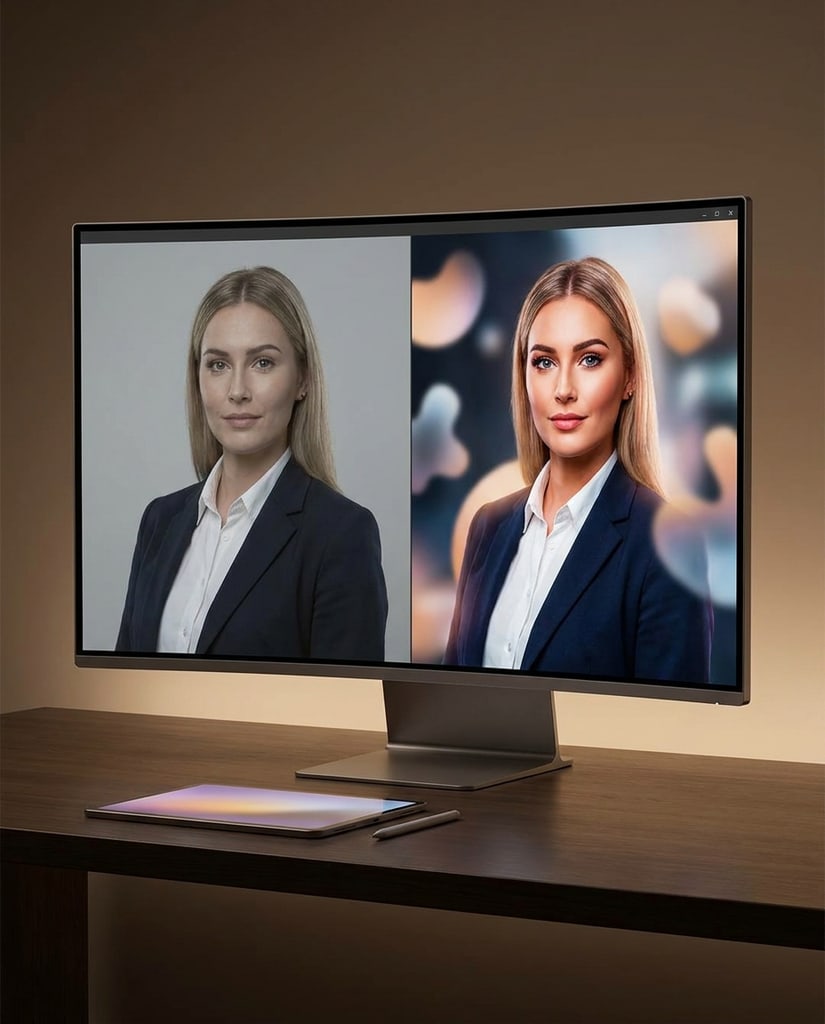
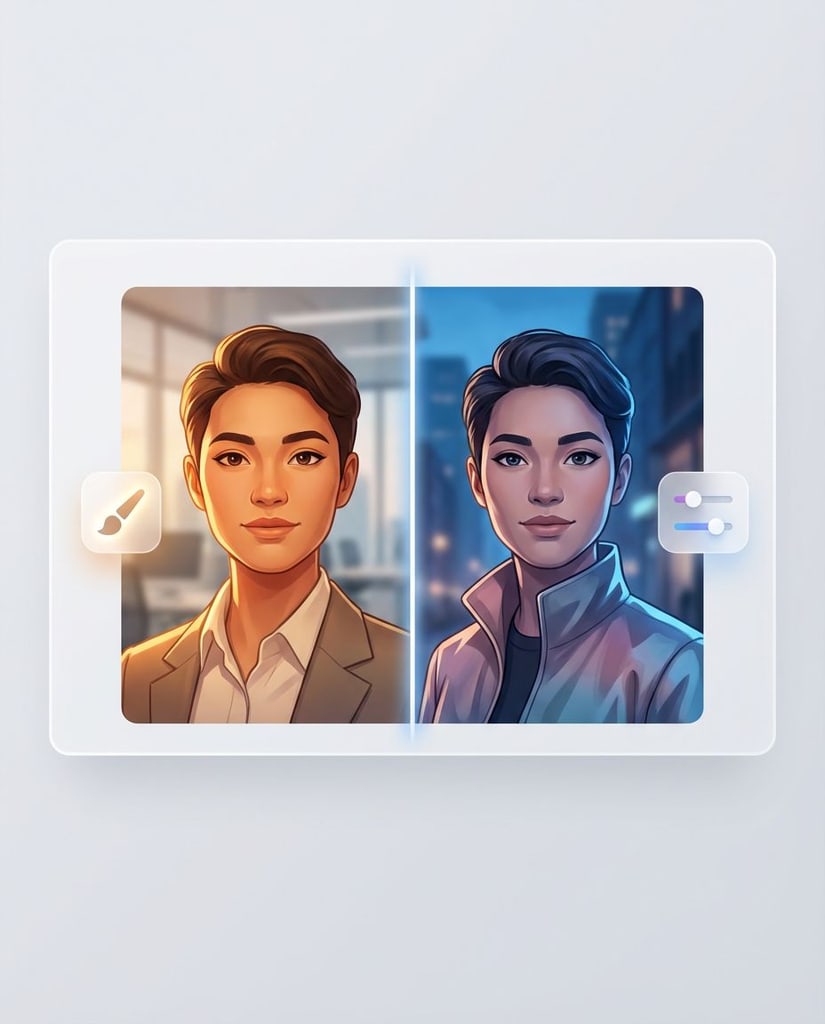
AI portraits and profile visuals
Build portraits, profile images, and personal visuals with a clear point of view instead of settling for a generic result.
Use Nano Banana 2 when you need a fast AI Image Generator for readable text, reference-based edits, consistent subjects, and polished visuals in many formats.
Independent product. Not affiliated with Google.
Use Nano Banana 2 for fast, controlled visual production when text, references, and iteration speed all matter.
Build portraits, profile images, and personal visuals with a clear point of view instead of settling for a generic result.
Test social layouts, thumbnails, and campaign variations while the message and visual hierarchy are still taking shape.

Explore product scenes, packaging directions, and merchandising ideas before committing to a shoot or full design pass.
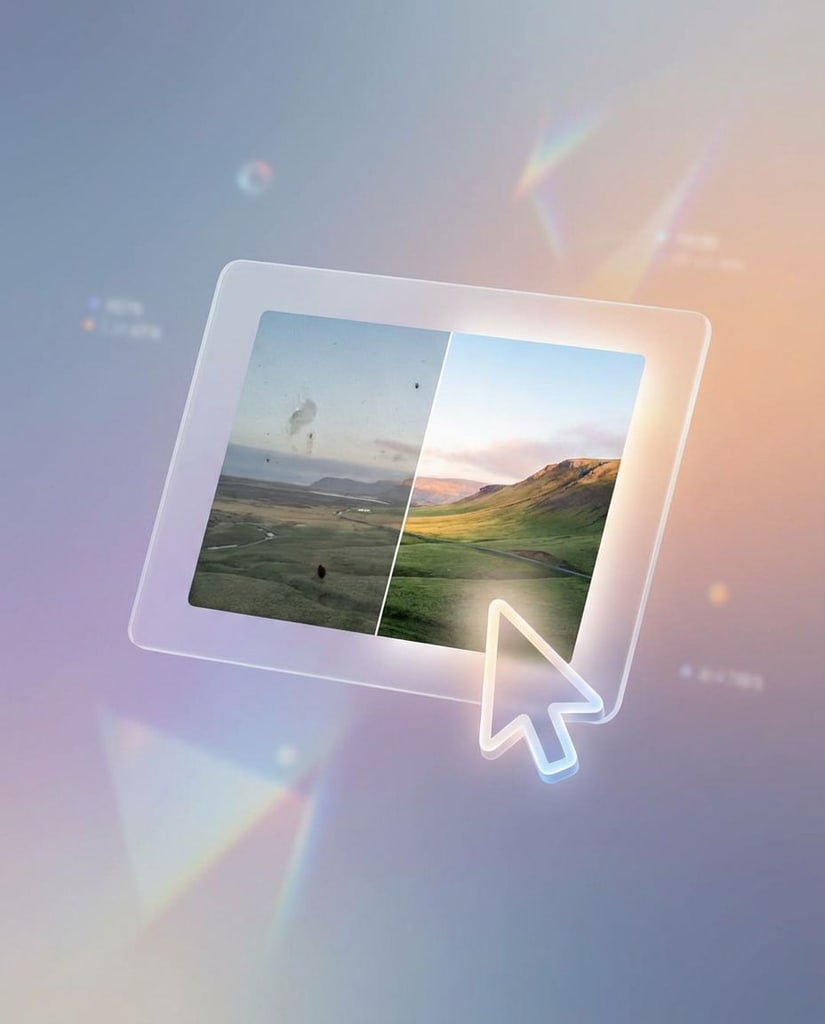
Try poster, promotion, and ad compositions where the wording and the image need to support each other.
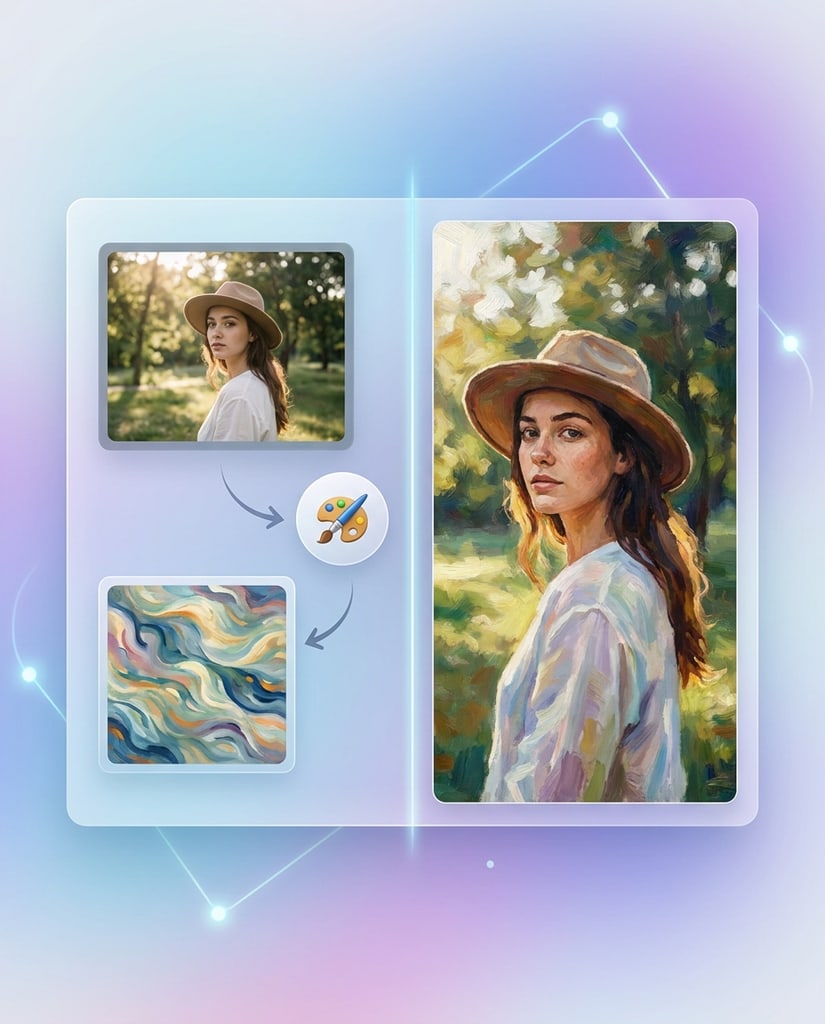
Keep the important subject from a reference while changing its setting, lighting, material, or overall mood.
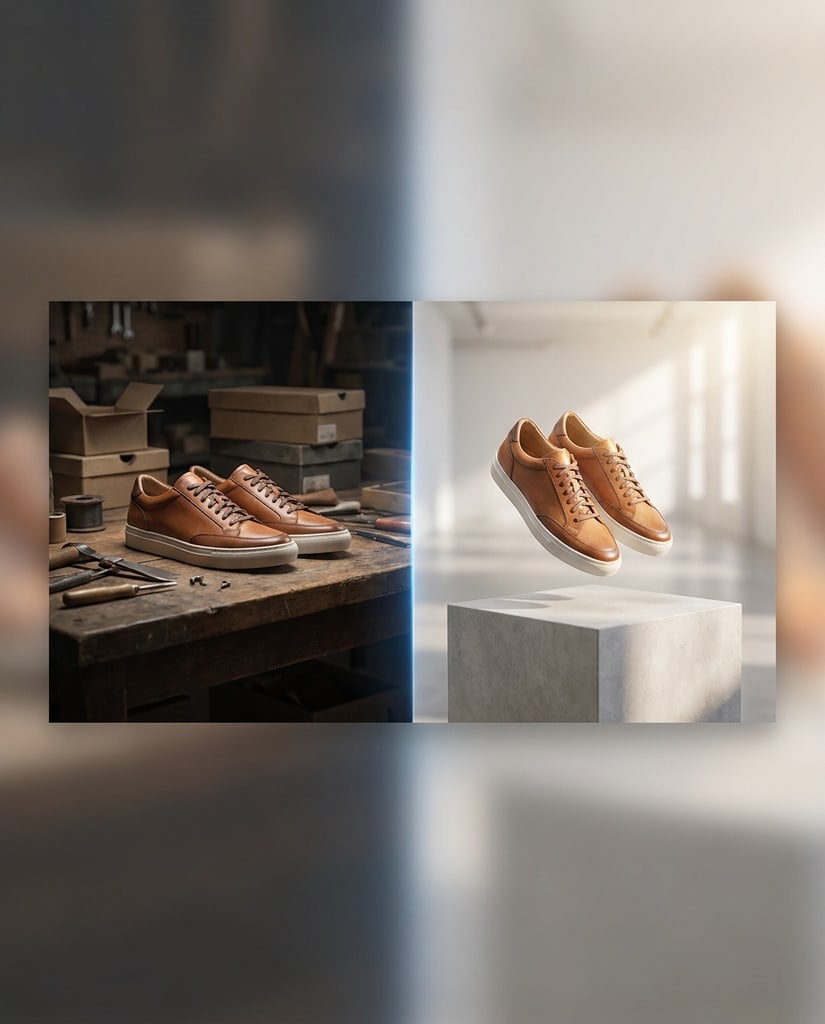
Develop early brand and campaign directions before spending production time on a single route.
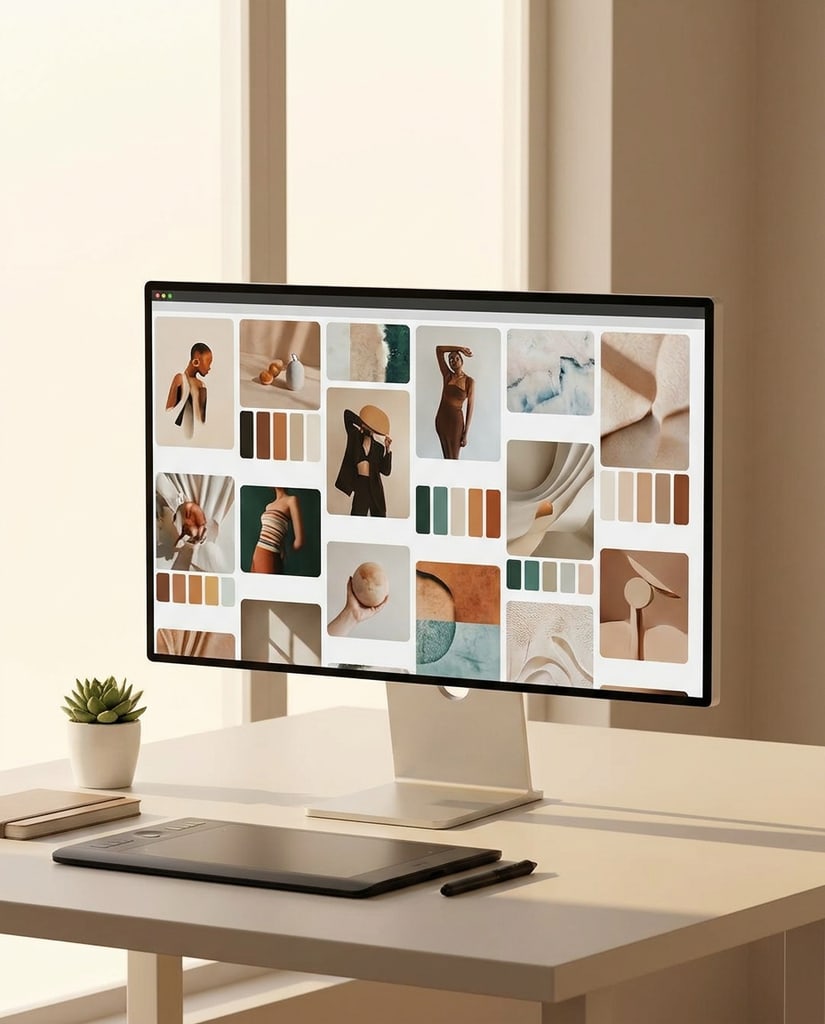
Explain an idea with diagrams, presentation graphics, or information-led visuals that are easier to scan.
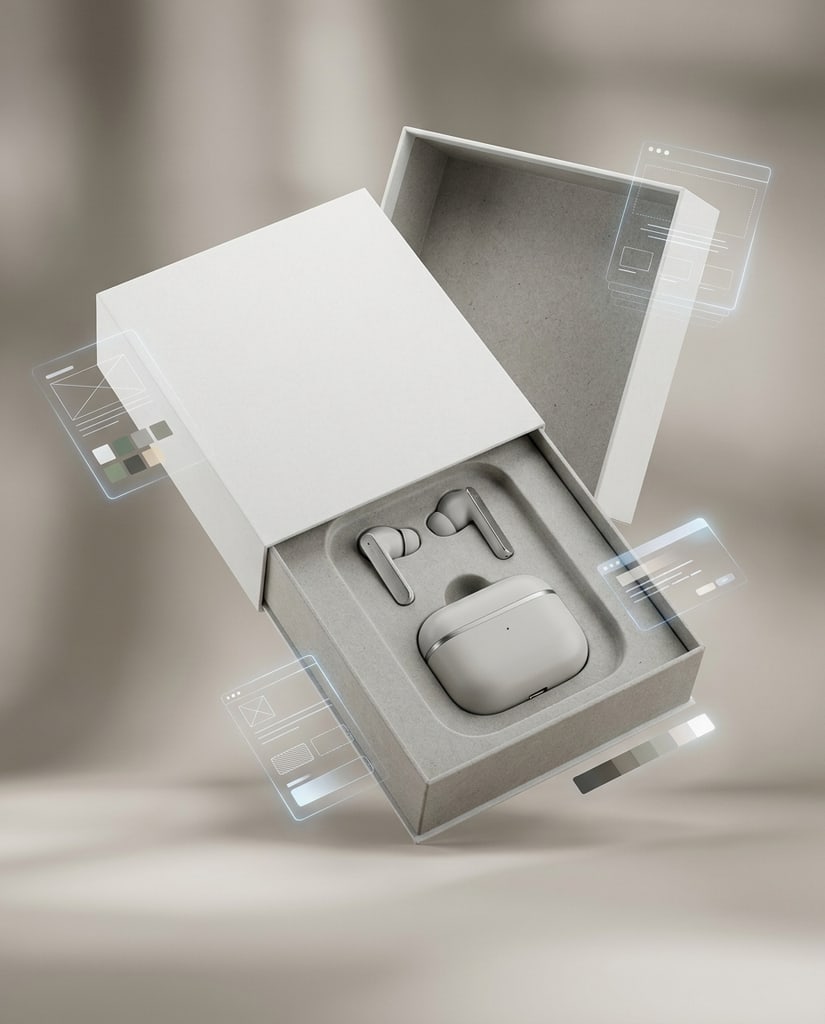
Prepare detailed exports for reviews, handoffs, publishing, or any downstream design work that needs more resolution.
Move from a rough idea to a usable visual by combining prompts, references, model settings, and resolution in one guided workflow.
Begin with the visual outcome you need, then describe the subject, audience, mood, and details that should survive into the final image.
Bring in a reference when the person, product, pose, composition, or brand feel needs to stay recognizable across versions.
Set the frame, number of outputs, and resolution before generating so each result is ready for its intended channel.
Keep the strongest direction, adjust only what needs work, and move from exploration to review without restarting elsewhere.
Nano Banana 2, also known as Gemini 3.1 Flash Image, combines fast generation with advanced image editing, visual reasoning, and practical controls for production workflows.
Google positions Nano Banana 2 as a fast Flash model designed to bring more advanced image generation and editing quality into shorter creative loops. It is a strong fit when you need to compare several directions before committing to one.
The model can render legible text directly in images and follow structured visual directions. This makes it useful for posters, menus, labels, infographics, diagrams, and other assets where hierarchy and wording matter.
Nano Banana 2 can draw on Gemini’s real-world knowledge and, in supported Google experiences, information and images from web search. That helps with more accurate renderings of specific subjects and information-led visuals, but important facts still need human review.
The model supports workflows with up to 14 reference images in the API configuration documented for Nano Banana 2. Use them to guide a person, product, object, style, or scene while describing which visual elements must stay consistent.
Nano Banana 2 supports a broad set of aspect ratios, from square and portrait frames to wide and extra-wide compositions. The documented output choices include 1K, 2K, and 4K, while the Pikvee generator exposes the options available in the current integration.
Use text-to-image for new concepts or image-to-image editing when a reference should anchor the result. Clear boundaries such as what to preserve, what to replace, and how the composition should change produce more dependable iterations.
Google states that generated images include an invisible SynthID watermark. As with any generative image workflow, review text, factual details, brand elements, anatomy, and rights-sensitive content before publishing or using an output commercially.
Nano Banana 2 is built for short creative loops: start with an idea, bring in references when needed, compare directions, and keep the version that is ready for the next step.
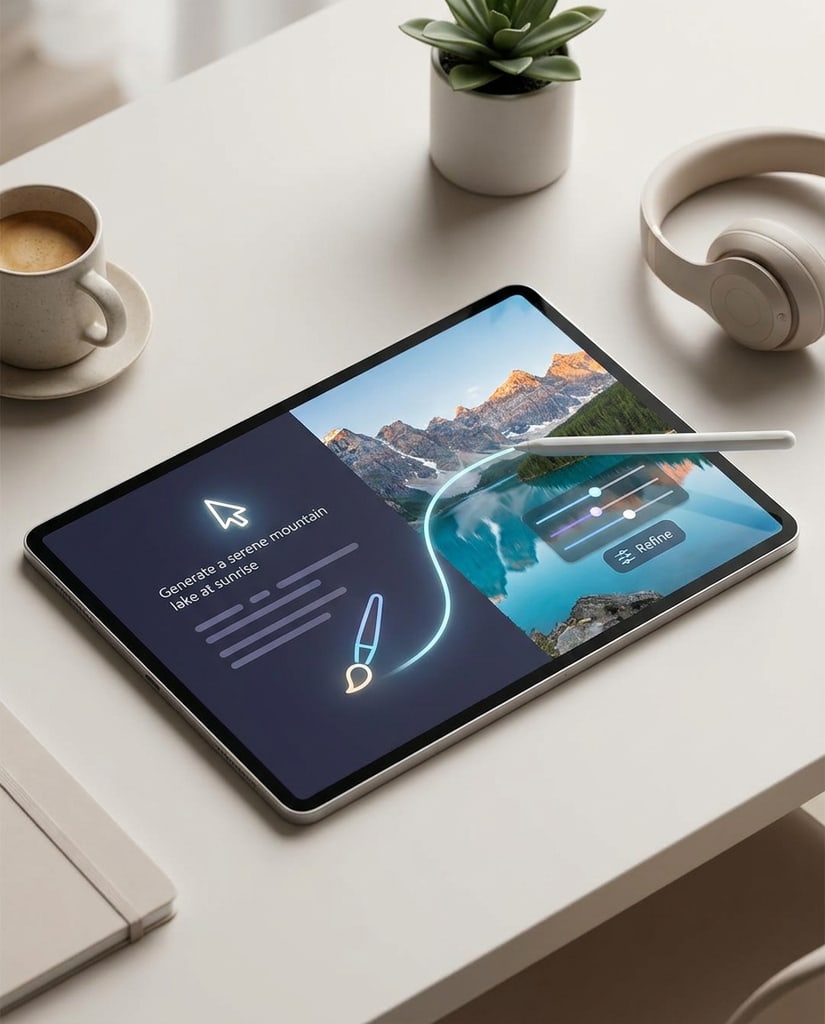
Fast Iteration
Nano Banana 2 makes early exploration practical when you need several compositions, moods, or layouts before choosing one path.
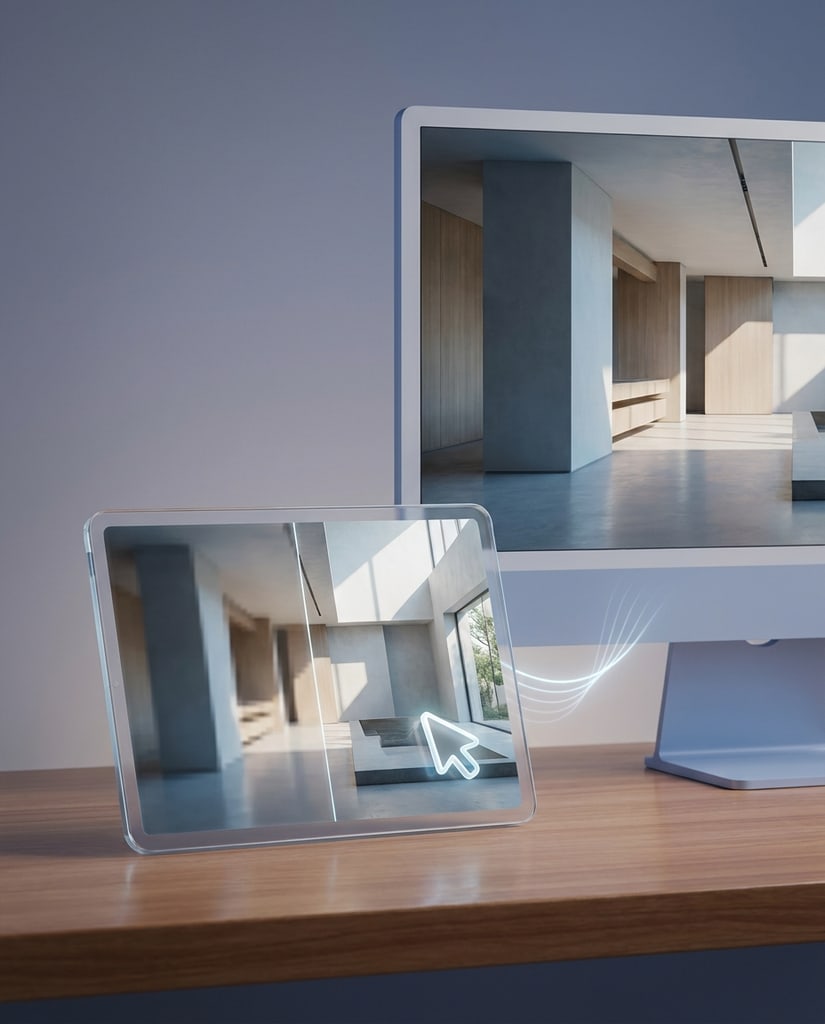
Readable Details
Use it for posters, labels, menus, thumbnails, and explainers where the text needs to support the image instead of becoming noise.
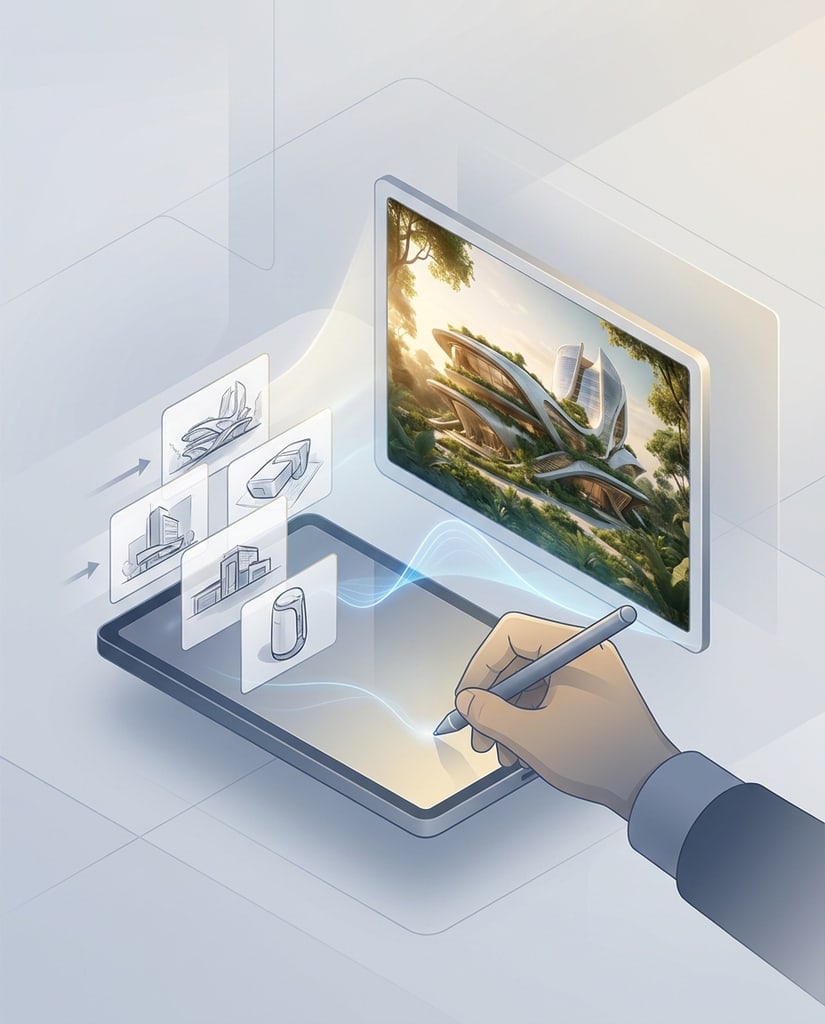
Reference Continuity
Bring in product, character, or style references when the output needs to preserve the important visual identity while the setting evolves.
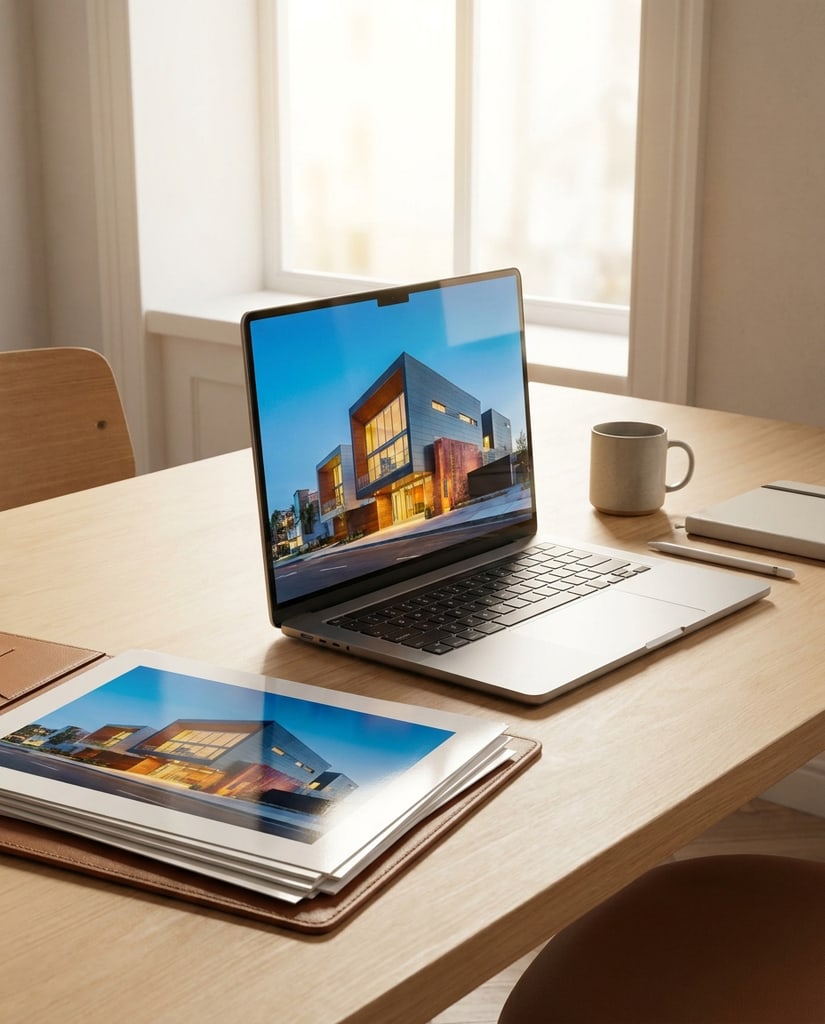
Format Flexibility
Choose the ratio and resolution before generating so a portrait, feed post, product scene, or wide banner begins with the right frame.
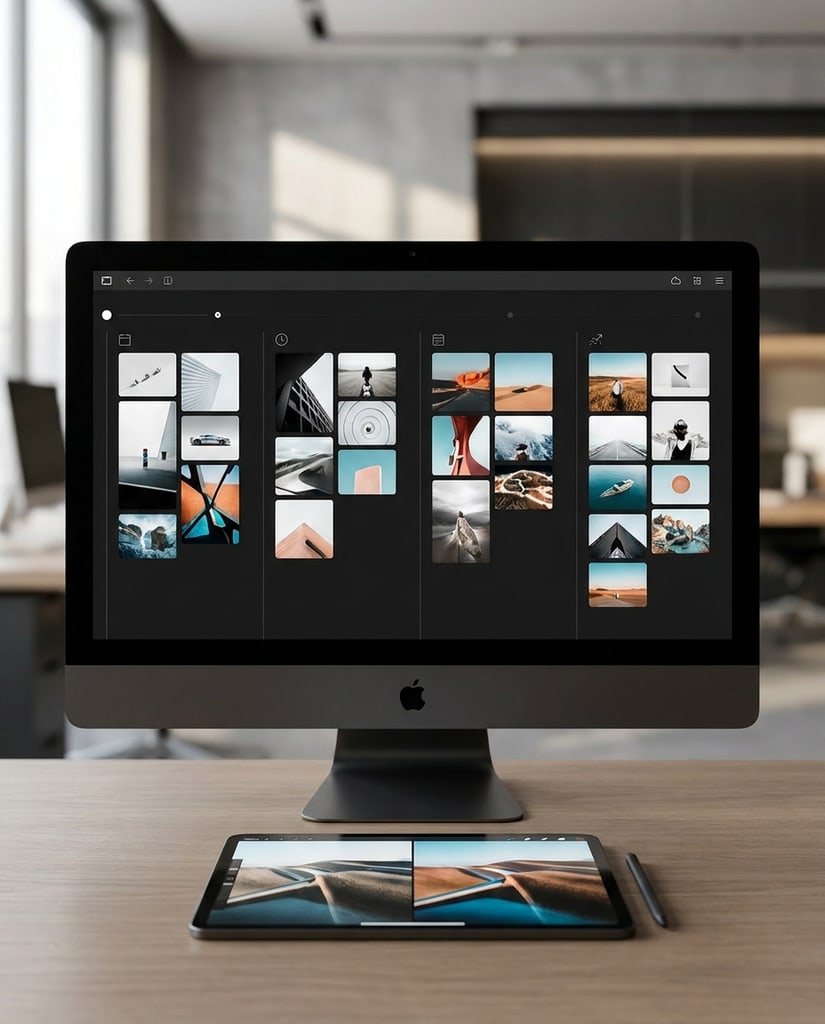
One Creative Loop
Pikvee keeps generation, model selection, task history, and image review together so a promising direction can keep moving.
Use Nano Banana 2 when the job is to explore, explain, sell, or publish a visual without waiting for a full production cycle.
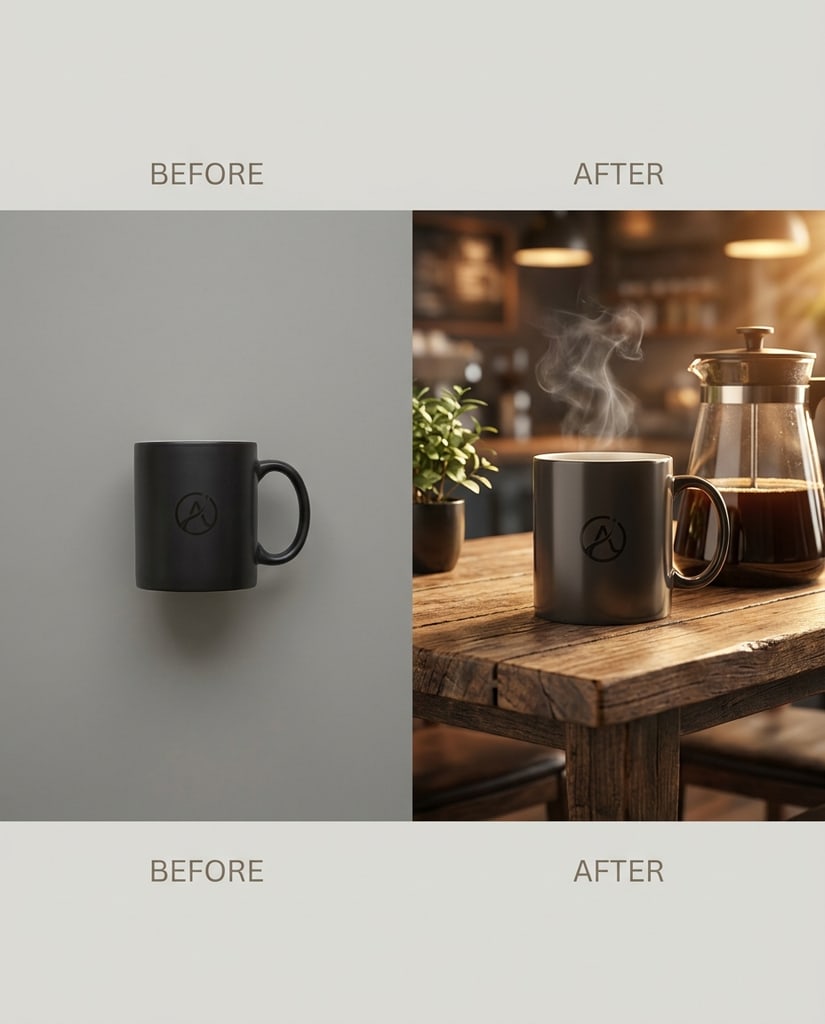
Create portraits, profile images, covers, thumbnails, and social posts that match the moment instead of looking like generic stock art.
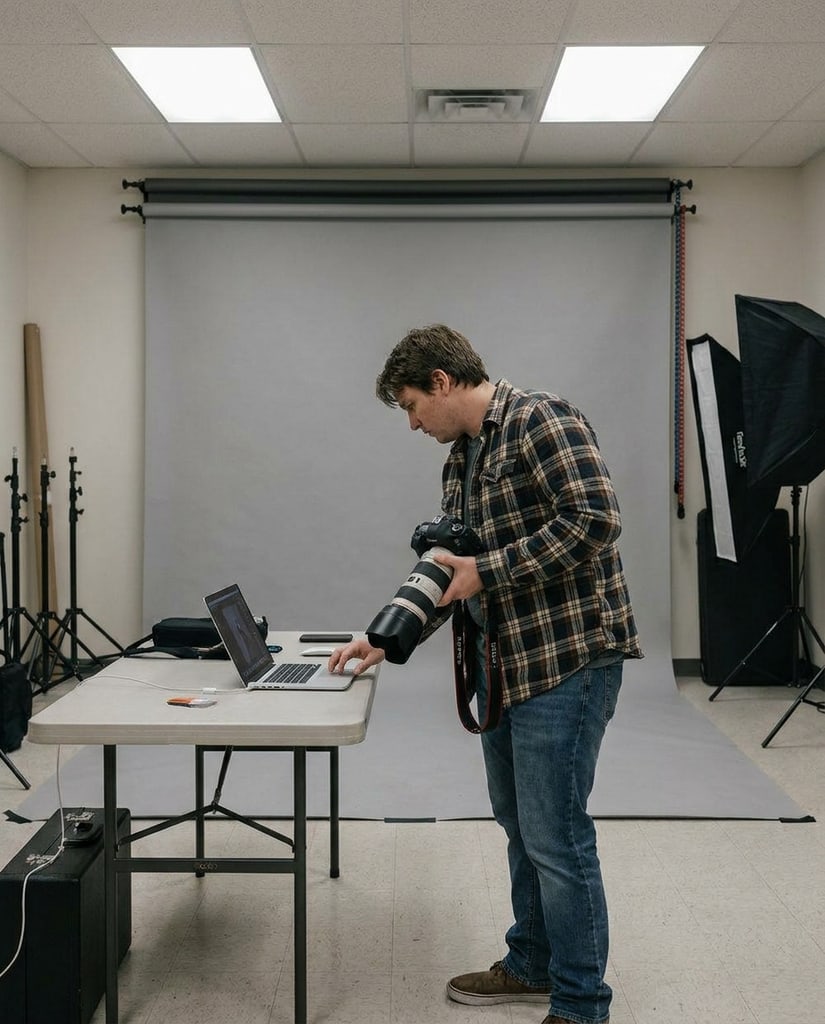
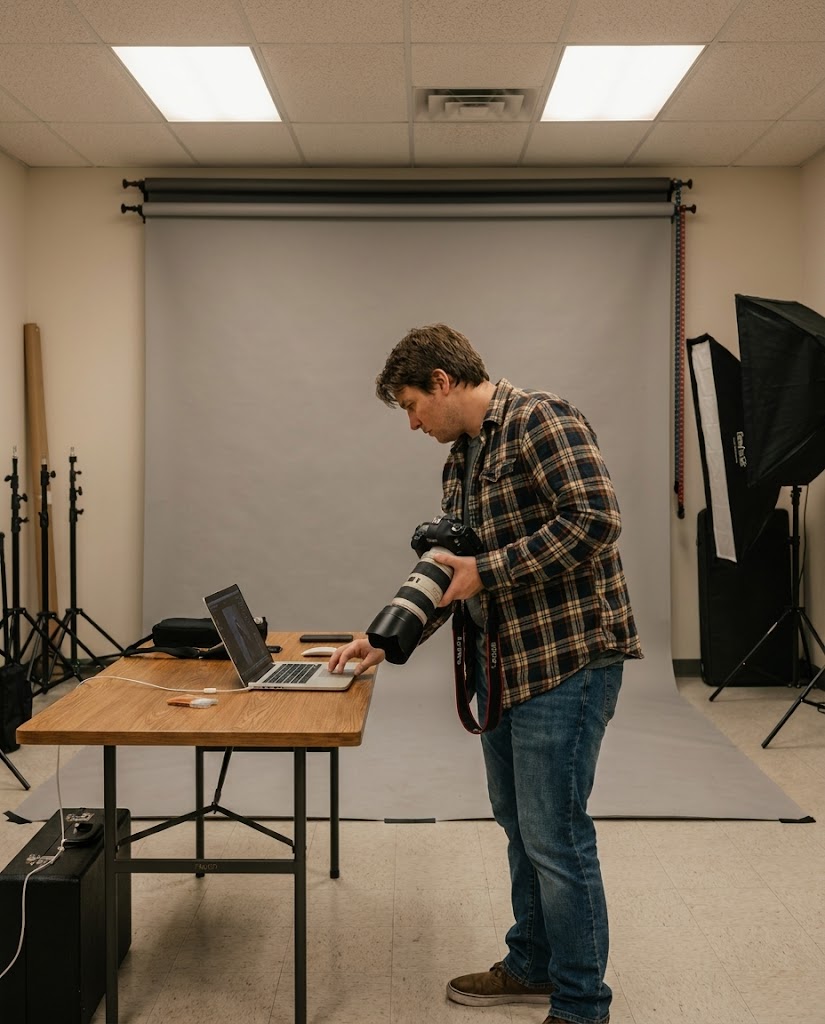
Turn a product reference into new scenes, packaging directions, lifestyle concepts, and simple benefit visuals before production begins.
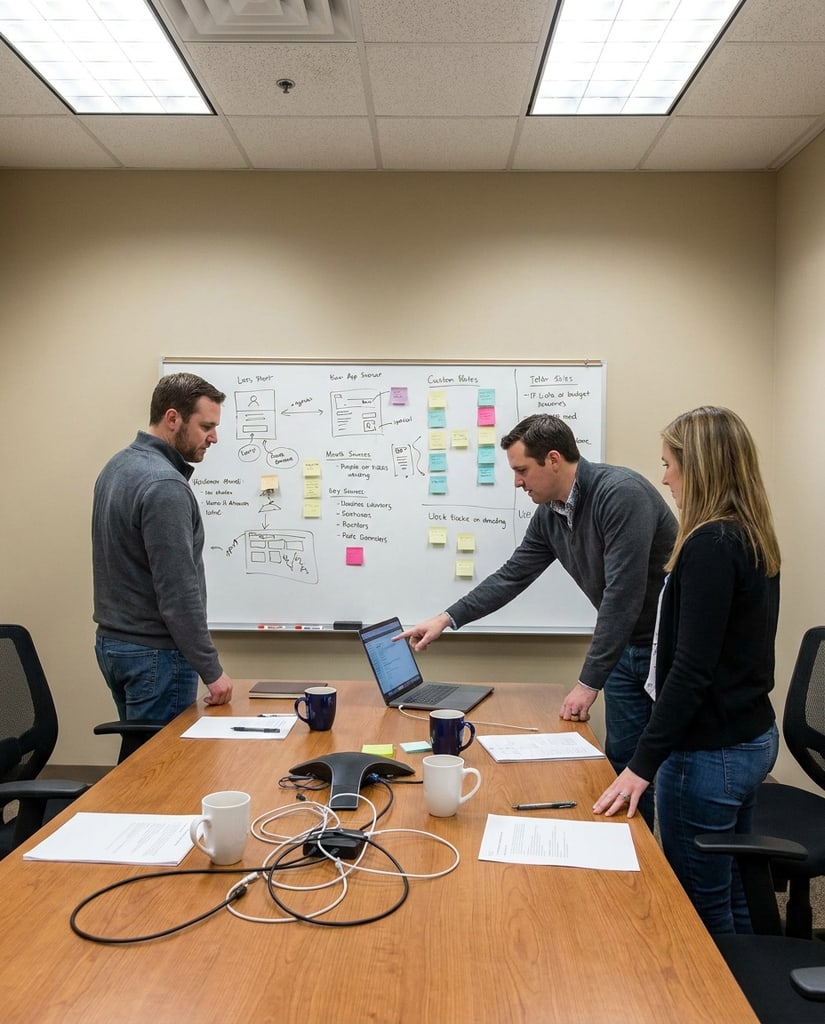
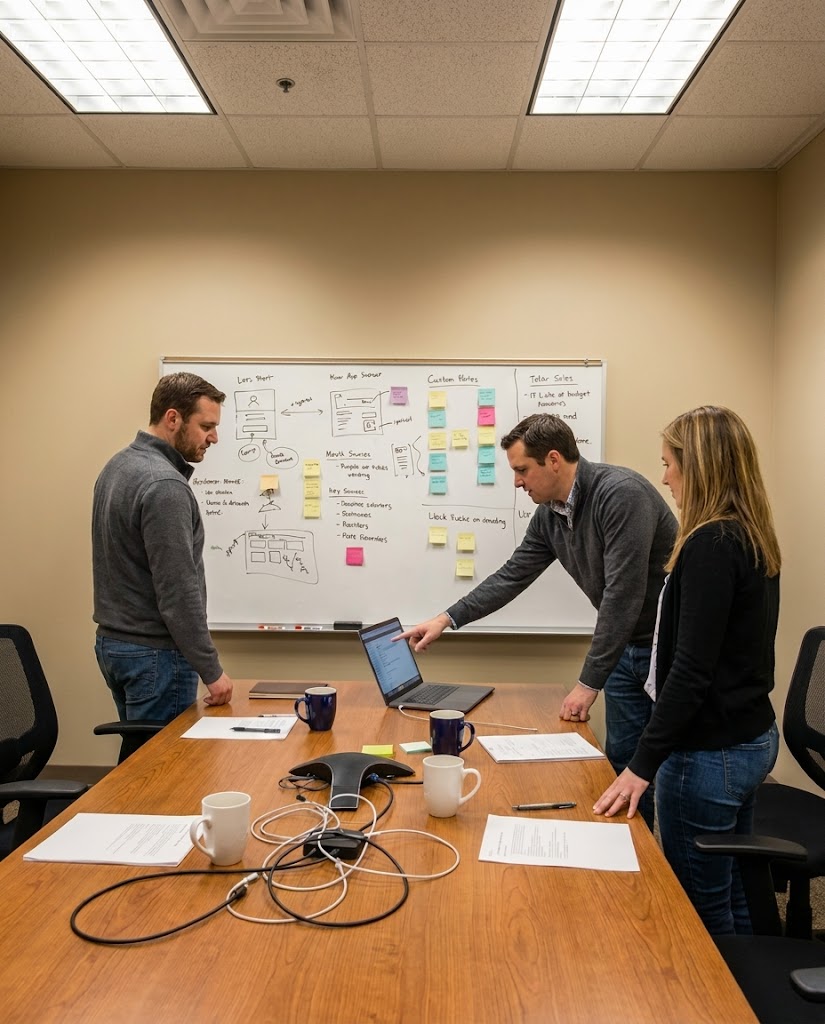
Try poster layouts, launch themes, ad directions, and social variants while the message is still being shaped.
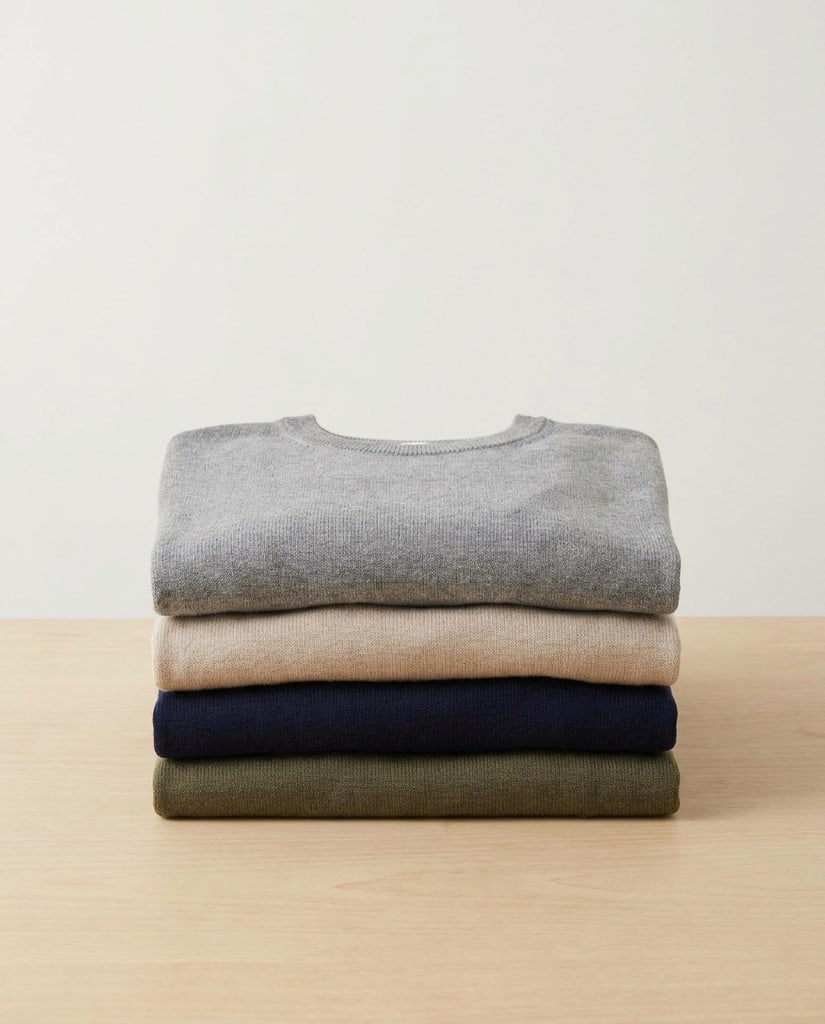
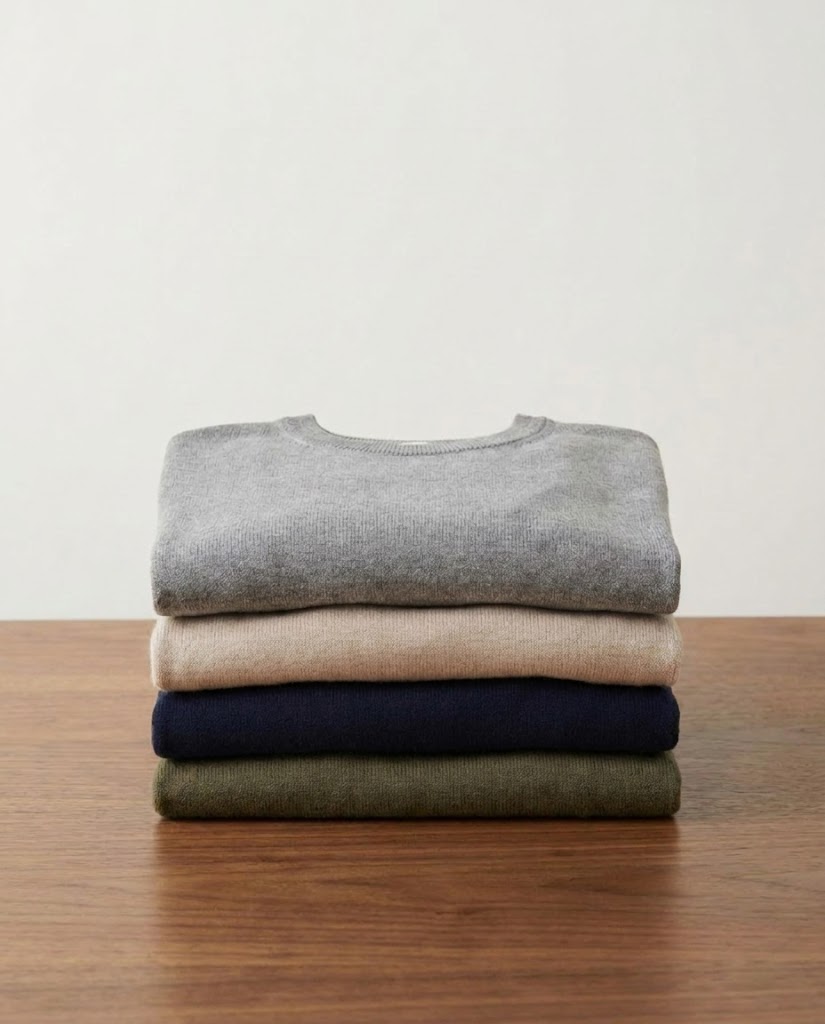
Explore references and variations quickly, then pass the strongest direction to a designer with less uncertainty about the visual brief.
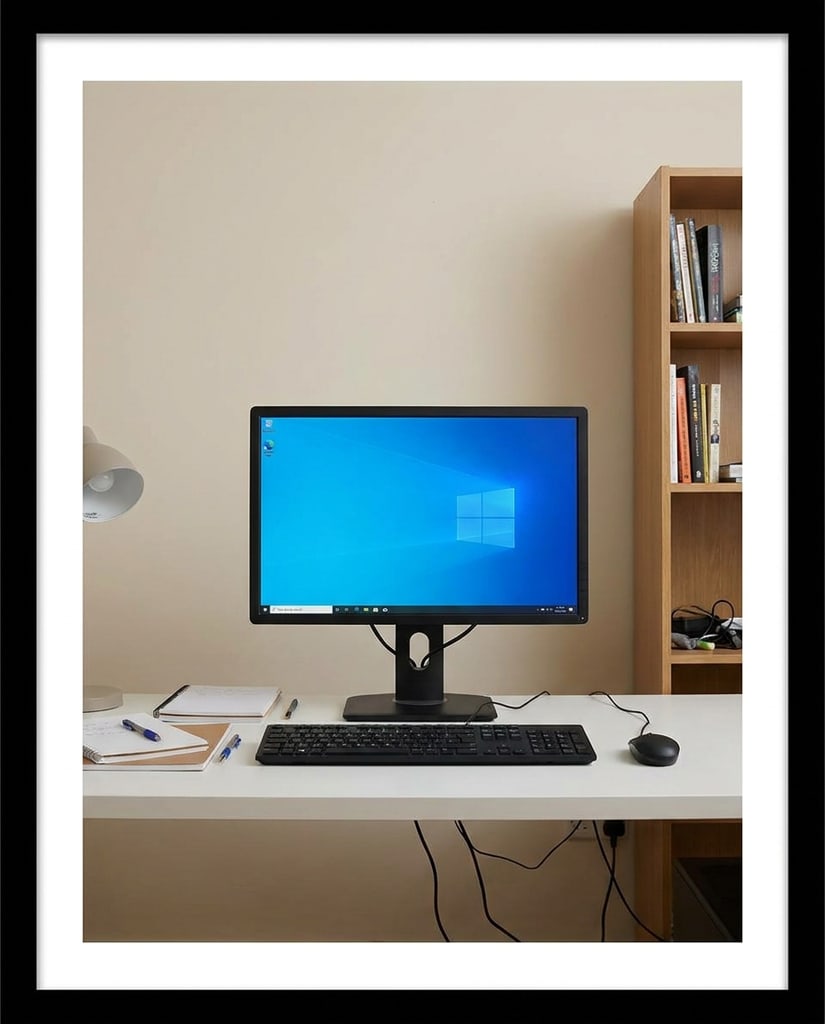
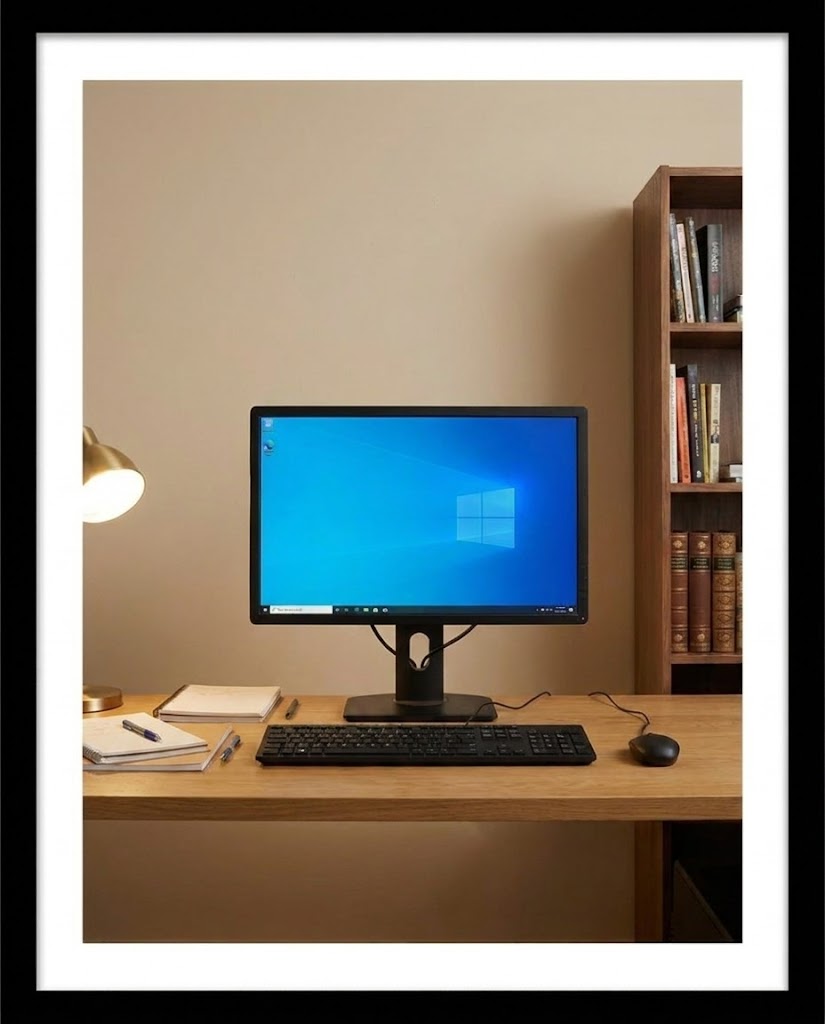
Use Nano Banana 2 to create platform-ready visual content faster, from the first concept to the final publishing variation.
YouTubers, educators, and video teams who need a steady stream of visual assets.
Thumbnails, episode covers, title cards, channel banners, and scene concepts from a prompt or reference image.
Test stronger hooks quickly, improve click appeal, and keep a recognizable visual language across uploads.
Creators and social teams producing frequent short-form posts and campaign variations.
Scroll-stopping cover images, product-led story frames, trend concepts, and fast visual variations for different hooks.
Move from idea to publishable options faster and learn which visual direction earns attention.
Store owners, merchandisers, and ecommerce teams launching or refreshing product pages.
Product scenes, lifestyle backgrounds, collection banners, promotional tiles, and seasonal campaign concepts.
Show products in more relevant contexts without arranging a new shoot for every campaign.
Marketplace sellers and catalog teams who need clear, compliant, conversion-focused product visuals.
Listing image concepts, secondary lifestyle scenes, comparison graphics, and A/B test directions for product pages.
Create more useful listing variations, clarify the product value, and shorten the path from idea to review.
Creators, personal brands, and social teams building a consistent visual presence on Instagram.
Feed posts, carousel covers, Stories, Reels covers, profile highlights, and campaign variations from one visual direction.
Publish more consistently, keep the profile recognizable, and adapt one idea to multiple formats without starting over.
Small businesses, agencies, and in-house marketers balancing many channels with limited production time.
Campaign key visuals, ad variations, landing-page art, email graphics, and social adaptations from one approved direction.
Keep campaigns visually consistent while reducing the time spent rebuilding the same idea for every channel.
A quick guide to using Nano Banana 2 for text-to-image generation, reference-led editing, and fast visual iteration. Nano Banana 2 is more than a prompt-to-image tool. Start from a description or reference image, control the subject, composition, ratio, resolution, and visible text, then compare variations until the result is ready for publishing, review, or further design.
Use it when you want to explore several visual directions quickly, create text-led assets, or edit a reference while keeping the important subject recognizable.
Yes. Add reference images in image-to-image mode when you want to guide a person, product, pose, style, or scene while changing the surrounding details.
Pikvee exposes the model’s supported 1K, 2K, and 4K options together with multiple portrait, landscape, square, and wide ratios.
It works well for early product visuals, campaign directions, social assets, explainers, and other concepts that need review before final production.
You can start from the Nano Banana 2 page and use the free or account-based generation options available in the Pikvee workflow.
Nano Banana 2 is an AI image generation and editing model for fast visual work. It supports text-to-image and image-to-image workflows, making it useful when you need to explore several directions or edit a person, product, or scene while keeping important traits recognizable. It fits posters, social content, product concepts, infographics, and marketing assets.
Start with the subject and the job the image needs to do, then add the style, composition, audience, colors, ratio, and any text that should appear. Use a prompt when you are creating from scratch. Add a reference image when an existing person, product, layout, or visual identity needs to remain recognizable. Explain what must stay and what can change.
A practical structure is subject, setting, composition, style, text, and output requirements. For a product poster, describe the product position, background material, camera angle, headline, empty space, and target ratio. Instead of saying “make a beautiful ad,” explain who will see it, where it will be published, and which visual details cannot be lost.
Use references to guide a person’s appearance, product shape, pose, color relationship, scene structure, or brand feel. State the editing boundary clearly: keep the package shape and visible label while changing the background and lighting, or keep the pose while adapting the composition for a vertical social post. Clear boundaries help the result stay closer to the original intent.
Creators can make profile images, covers, thumbnails, and social posts. Ecommerce teams can explore product scenes, packaging directions, and lifestyle visuals before production. Marketers can test posters, ads, campaign visuals, and headline layouts. Designers can use it as an early concept tool to compare visual routes before committing to a full design pass.
Choose the ratio based on the destination: portraits and social posts often need vertical layouts, product pages and banners may need landscape frames, and information-led graphics need room for readable text. Select the resolution after the composition is clear. Use a lighter setting for exploration, then move to higher resolution for review, handoff, or downstream design.
Choose Nano Banana 2 when speed, reference editing, readable image text, and flexible outputs matter. Choose Nano Banana Pro when the direction is clear and polished final quality is the priority. Choose GPT Image 2 when another high-quality generation or editing route fits better. You can explore with Nano Banana 2 first, then switch models when the concept is ready for refinement.
Try Nano Banana 2
Start with a rough idea or reference, turn it into a usable visual, and compare variations without leaving the workflow.
Privacy Choices
We use cookies and similar technologies to keep Pikvee working, measure product usage, and control advertising-related preferences. Necessary cookies stay on. You can reject non-essential use or review detailed settings.