Your Pet, Reimagined
Custom Pet Portraits
Create custom pet portraits from your own photo in anime, 3D cartoon, or watercolor styles. Choose a look, then customize the prompt to highlight the features that make your pet unique.
Turn your pet’s photo into a portrait
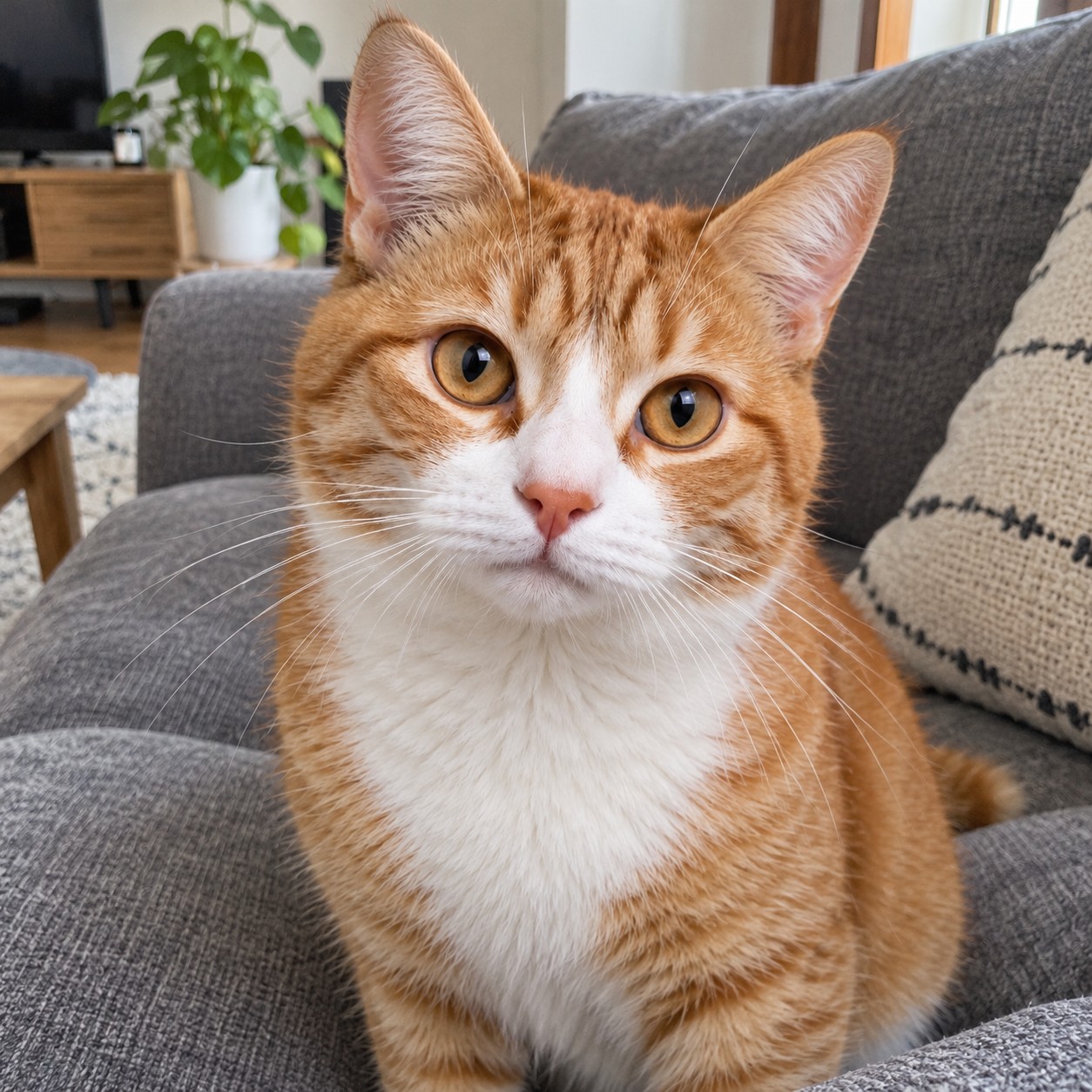
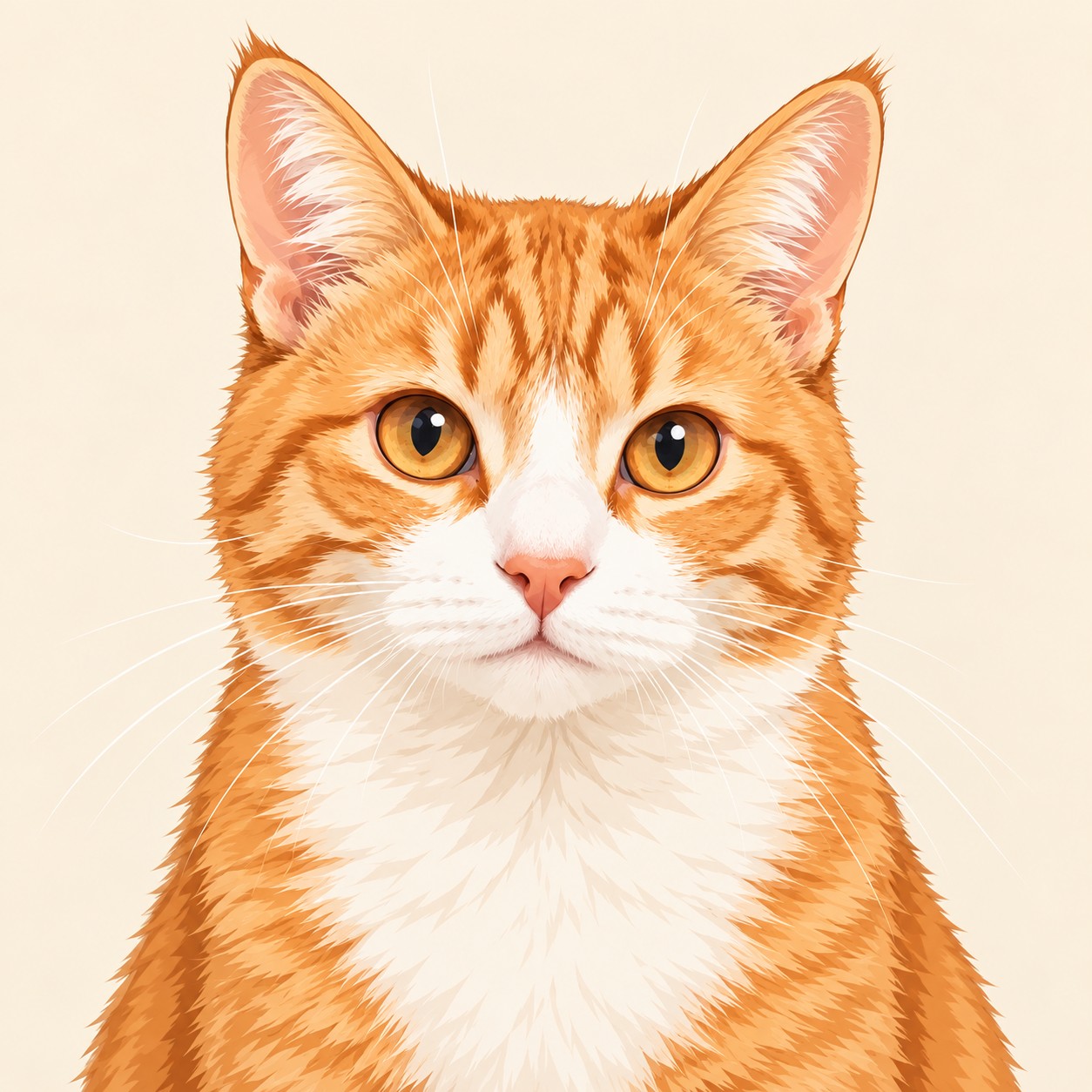
Give a favorite pet photo a new look with Japanese anime, 3D cartoon, or watercolor styles. Each preset asks the model to keep your pet’s coat markings, eye color, and ear shape.
Upload a photo you own or have permission to use, choose a style, and create a portrait for an avatar or to share with friends.
Choose a style and make it your own
The preset prompts ask for a square portrait showing your pet’s face and upper chest, with a simple background and no text. The final framing depends on the model and settings you choose.
Click the arrow next to the current style card to browse styles in a pop-up. Choosing a different style updates the prompt and example while keeping your uploaded photo. It also replaces any prompt edits you have made.
Tips for writing your prompt
Mention the details you want to keep, such as a white chest patch, amber eyes, or one folded ear. For a clear portrait, focus on your pet’s appearance rather than a busy scene.
You can also ask for a simple background and no text to keep the focus on your pet.
Ideas for your prompt
Add one of these phrases to the preset prompt to personalize your portrait without changing styles:
Try “soft, detailed fur,” “bright, expressive eyes,” “a simple headscarf,” or “a plain cream background.” Keep the details you like and remove anything you do not want.
Get a better result from your photo
Choose a well-lit photo with your pet’s face in focus and both ears visible where possible. A casual photo at home works well; you do not need a studio portrait.
For an avatar, try a square crop with some space around the ears. If the result misses a distinctive feature, mention it in the prompt or try another photo of the same pet.
Create your pet portrait
Upload your photo, open the style picker using the arrow, and choose a look. Review or edit the prompt, then select an image model and any available generation settings.
Check the estimated credits before generating. The cost varies with the model and options you choose.