Image Generator
Create stills with GPT Image and Nano Banana models.

Generated videos are stored for 7 days. Please download them before they expire.
Sign in to generate videos.
Cinematic product shot, slow push-in, warm rim light.
Describe a scene, animate an image, or blend references, then upscale to 1080P/4K or extend the clip when you need more.
Independent service. Not affiliated with the models' original providers.
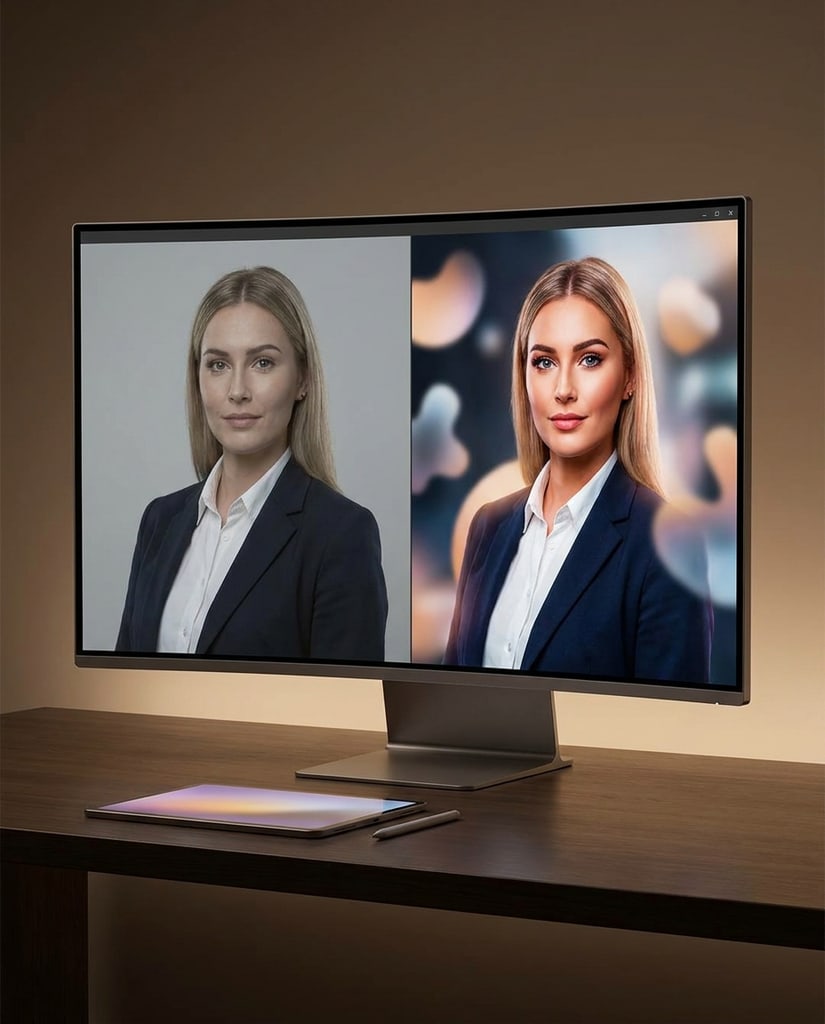
Pair video with the rest of the studio.
Create stills with GPT Image and Nano Banana models.
Cinematic clips with native audio-ready output.
Flexible text, image and reference video.
See how credits map to generation cost.
From a prompt to a downloadable clip in three steps.
Write a prompt and optionally add images, video or audio references.
We submit your task, poll the provider and store the result for you.
Play or download for 7 days, then upgrade or extend while it lasts.
A single, account-scoped workflow for several video models.
Models
Switch between MiniMax H3 and Veo 3.1 tiers without changing your flow.
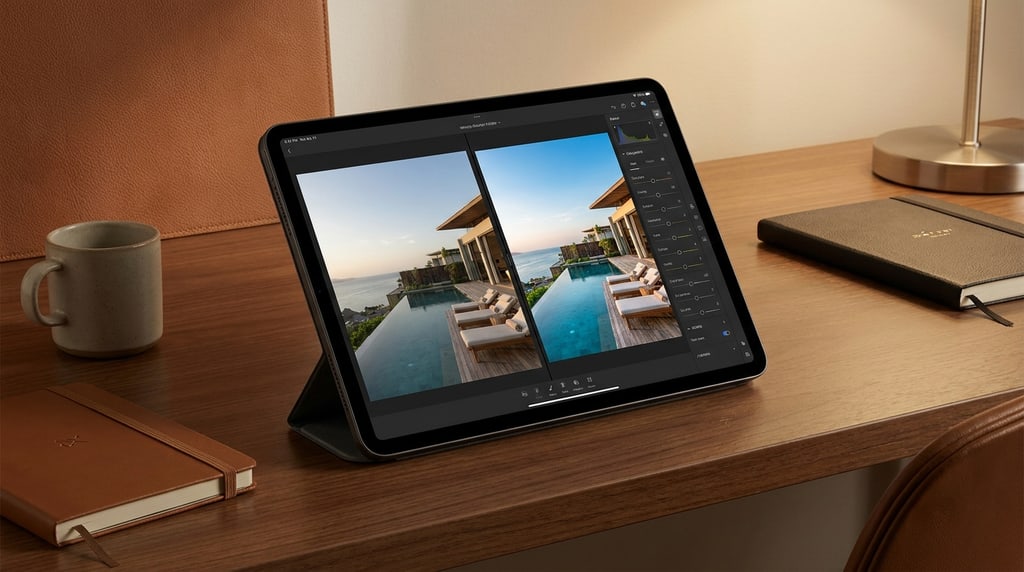
Results
Every successful clip is stored in our own storage and served only to you.
Move from a still image to a short, animated clip without leaving the page.
Turn a single image into a short, purposeful motion clip.
Short clips for ads, social and product pages.
A 4-second hero loop for a landing page.
A vertical clip sized for short-form feeds.
Common questions about generating video.
MiniMax H3 and Veo 3.1 in Lite, Fast and Quality tiers, for text, image and reference generation.
Every successful video is stored for 7 days. Download it before it expires.
Yes. Completed Veo videos show upgrade (1080P/4K) and extend actions when the source qualifies.
Get started
Pick a model, describe the shot, and generate. Upgrade or extend once it is ready.
Privacy Choices
We use cookies and similar technologies to keep Pikvee working, measure product usage, and control advertising-related preferences. Necessary cookies stay on. You can reject non-essential use or review detailed settings.